

Saher Naji
Inspiring
December 5, 2022
Answered

Hide border hover color for fields, for a specific PDF form

  • December 5, 2022
  • 1 reply
  • 2100 views

Hello,


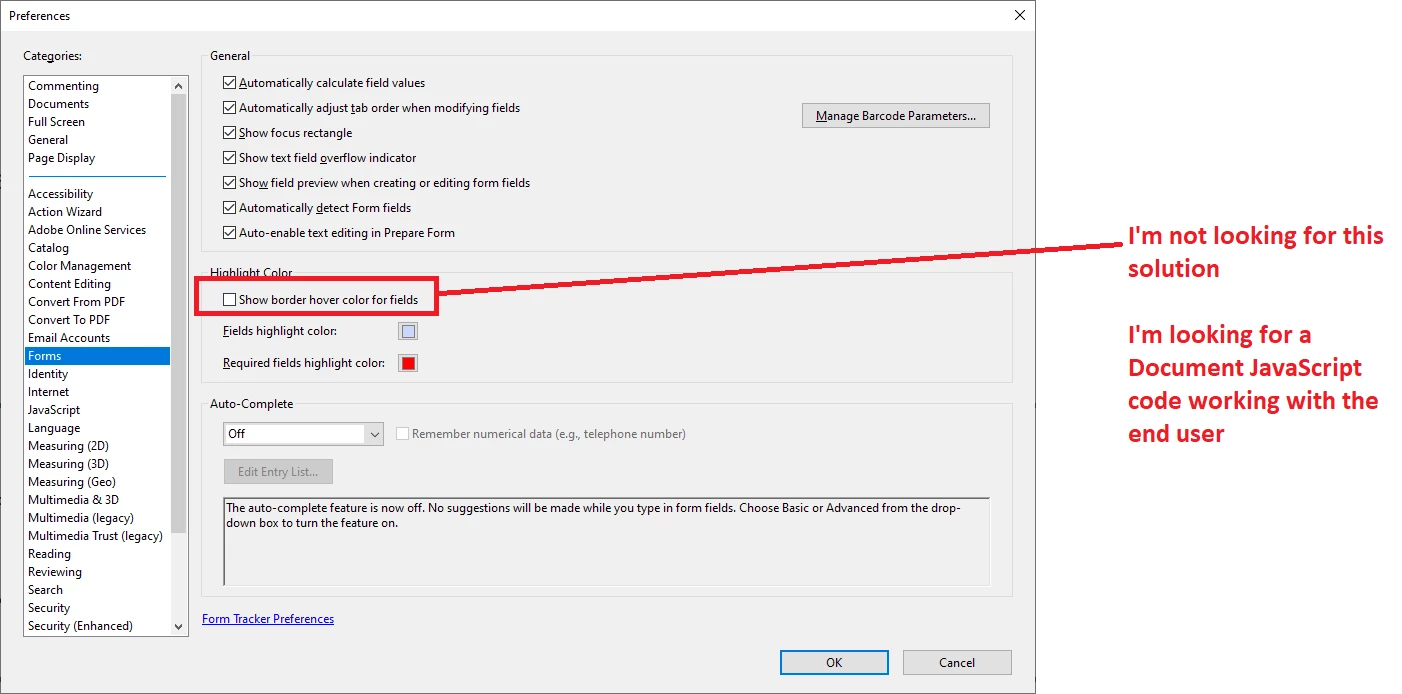
Is there a way to hide border hover color for fields, for a specific PDF form, I'm not looking for hide the fields highlight blue color for all PDF files, I have. Maybe there is a Document JavaScript code to control this.


The goal is that the end user does not have to manually hide the highlight, as there are hundreds of users of this my form.


Thank you


This topic has been closed for replies.
Correct answer Nesa Nurani

There is a script to turn on/off highlight, (app.runtimeHighlight)  use true or false to turn on/off.

Here is an example of a similar script to turn off highlight:

https://community.adobe.com/t5/acrobat-discussions/transparent-form-for-every-user/m-p/13364917#M388047 


1 reply

Nesa Nurani
Community Expert
Nesa NuraniCommunity ExpertCorrect answer
Community Expert
December 5, 2022

There is a script to turn on/off highlight, (app.runtimeHighlight)  use true or false to turn on/off.

Here is an example of a similar script to turn off highlight:

https://community.adobe.com/t5/acrobat-discussions/transparent-form-for-every-user/m-p/13364917#M388047 


Saher Naji
Inspiring
December 5, 2022

Thanks @Nesa Nurani You are right, it's not recommended to change settings of other users without their knowledge, so if there is a way to turn off highlight only in a specific form, is it possible?

Nesa Nurani
Community Expert
Community Expert
December 5, 2022

For only specific form, I don't think it's possible.

If the user doesn't have to fill fields, you can set them to read only or flatten the form.