
Answered
Hide extra format toolbar when editing textbox
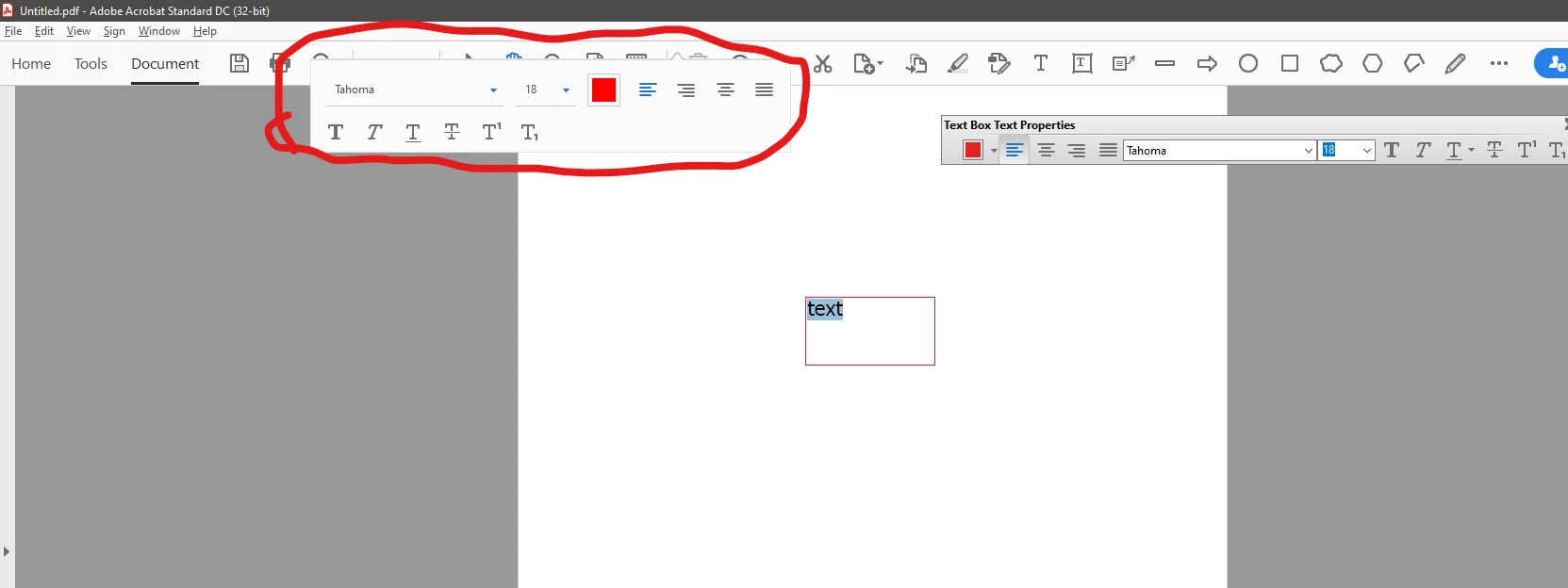
There is an extra toolbar that appears when I edit the text within a textbox. See attached image. I am at my wits’ end trying to get rid of it, because I can’t move it and it often pops up on top of things that I need to see. I have been through every single option in all the menus and all the preferences, but can’t find anything pertaining to it. I’m okay with the floating toolbar on the right because I can show or hide it whenever I want with ctrl+E, though while I’m here, I would really like to be able to dock that one if possible. But for the one on the left, I just want it gone.
 AdChoices