Known Participant
February 6, 2023
Question

Hotkey for Distribute... button

  • February 6, 2023
  • 1 reply
  • 1407 views

Is there a hotkey that will activate the Distribute... button?
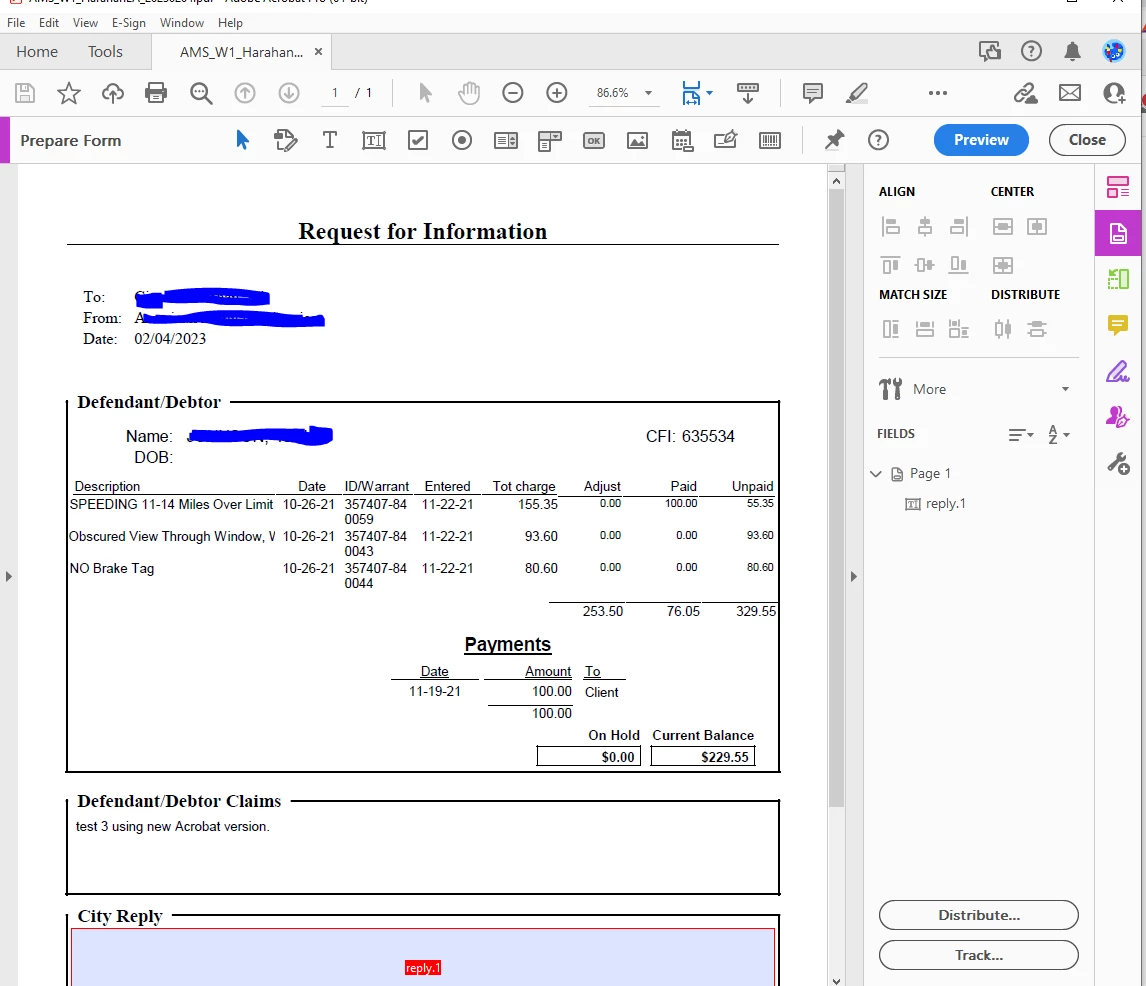
Bill.

This topic has been closed for replies.

1 reply

Known Participant
February 8, 2023

Bump.

ls_rbls
Community Expert
Community Expert
February 8, 2023

Hi,


I tried this myself and I couldn't find a hotkey per se. However, the quickest method is to enable "Quick Tools" to the toolbar and add the "Distribute" shortcut to the quick tools.


See screenshot below:


If you are an old-schooler and you are fast with your keyboard, you may also try these other methods:


First enable the single key accelerators in EDIT=>PREFERENCES=>GENERAL=> Use Single-Key Accelerators


After that is done, return to your document.


Just by hitting the "A" key by itself it opens up the Prepare Form Tool Preview pane from which you can click on the "Distribute" button.


  • Using SHIFT+CTRL+7 does the same result (opens up the preview pane of the Prepare Form tool; when the Tool Preview pane opens up, click on Distribute


And like I said earlier, if you're a keyboard-shortcut old-schooler, then the next hotkey combo shouldn't be too much of a hassle:


  • ALT+E  ==>>  S   ==>   Enter


This key combo is the longest but it navigates through the "Edit" menu swiftly, which is the equivalent of  clicking with the mouse pointer on each item through EDIT ==>> FORM OPTIONS ==>> DISTRIBUTE


Known Participant
February 8, 2023

I am actually controlling this through a VB program, so the mouse clicks are not an option.  The last two options look promissing, but my Edit menu does not have the items you mention?