dfvold
Participant
January 12, 2019
Pergunta

How can I adjust the character spacing when creating a PDF in Adobe Acrobat Pro?

  • January 12, 2019
  • 3 respostas
  • 8952 Visualizações

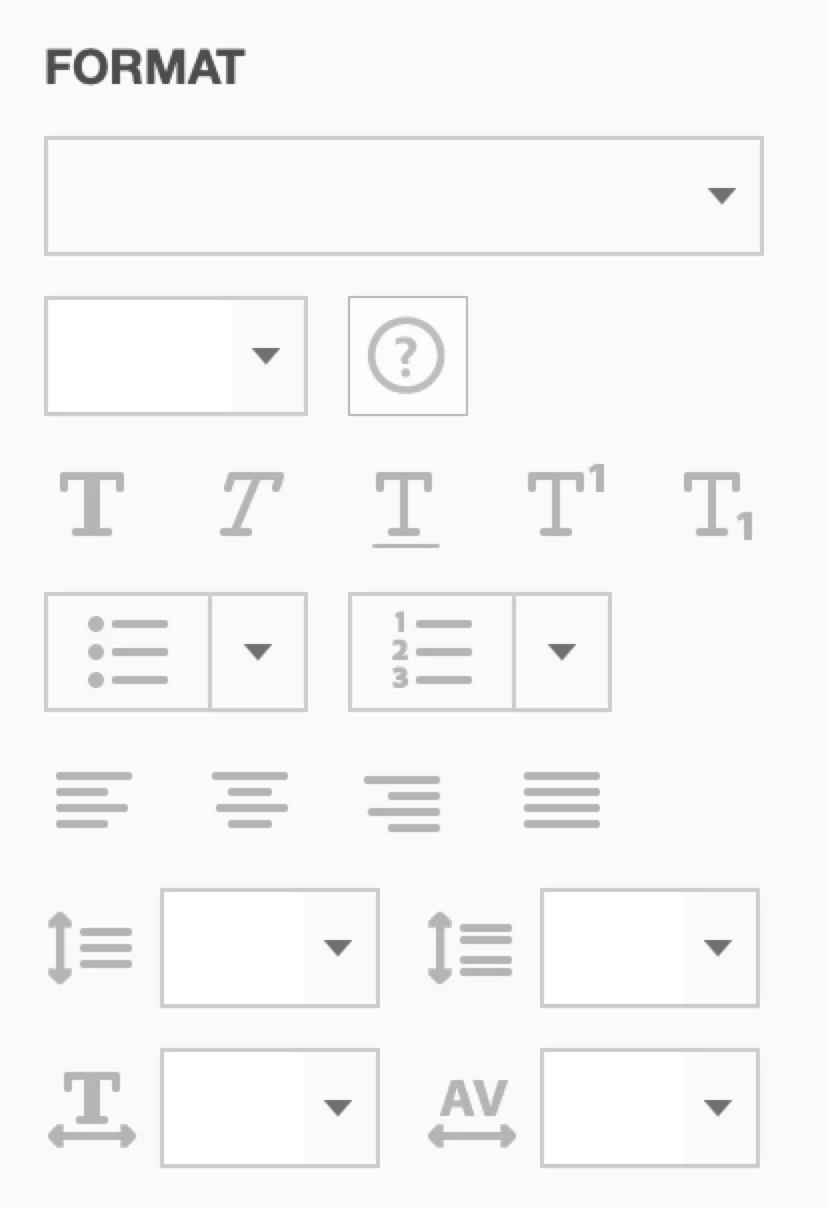
We're using Adobe Acrobat Pro for Mac to create editable PDF templates, but cannot figure out how to adjust the spacing between characters. The option is not available in the format toolbox where I would expect to find it.

Thanks in advance for any help!
Este tópico foi fechado para respostas.

3 Respostas

Participant
June 17, 2022

On a windows machine (assuming acrobat should be simillar to a mac version) , you can go to scanned documents section on the editting tab, click on settings and tick on "Use Available system fonts", click ok and the space between letters should work fine now.


Known Participant
January 4, 2023

Thank you!

Known Participant
July 10, 2020

Does anyone know what measurement units the 'Line Spacing', 'Paragraph Spacing After', 'Horizontal Spacing', and 'Character Spacing' measure in? Is there a theory or mathematical equation for the conversion process? I'm trying to convert this information into InDesign and I'm having difficulties doing so.

Thanks

Legend
July 10, 2020

Which Acrobat tool are you reading these figures from, in which version? Don't expect to be able to match Acrobat's haphazard typesetting in InDesign!

Known Participant
July 10, 2020

I have Version 2020.009.20067

I am realizing it. Is there any way of converting them or is there a better alternative?

Legend
January 12, 2019

That's not an option. You are not expected to do what you are doing. Editing is a desperate last tool, not a normal way to make stuff.

Make your form templates in your normal app and save a PDF. Start from there.