
Known Participant
August 15, 2023
Answered

how can i send a pdf I just created in Acrobat out as an email from Outlook?

  • August 15, 2023
  • 2 replies
  • 1182 views

I create a PDF from Word and want to immediately email it to someone via Outlook.  Sounds easy!  But I've looked on youtube for the answer to what seems a simple question, but all the videos (and numerous webpages) show an envelope icon to click on in Acrobat.  I see a boatlood of icons and options, but no envelope on the top or options like "Send" or "Email" via the menus in the current iteration of Acrobat.

And i don't want to send a link to the PDF (that I see); I want to send the actual file.  What am I missing here?


This topic has been closed for replies.
Correct answer try67

First step would be to disable the new Acrobat UI. To do so click the Options button at the top left corner (Windows) or open the View menu (Mac) and select Disable New Acrobat.

2 replies

try67
Community Expert
try67Community ExpertCorrect answer
Community Expert
August 15, 2023

First step would be to disable the new Acrobat UI. To do so click the Options button at the top left corner (Windows) or open the View menu (Mac) and select Disable New Acrobat.

Known Participant
August 16, 2023

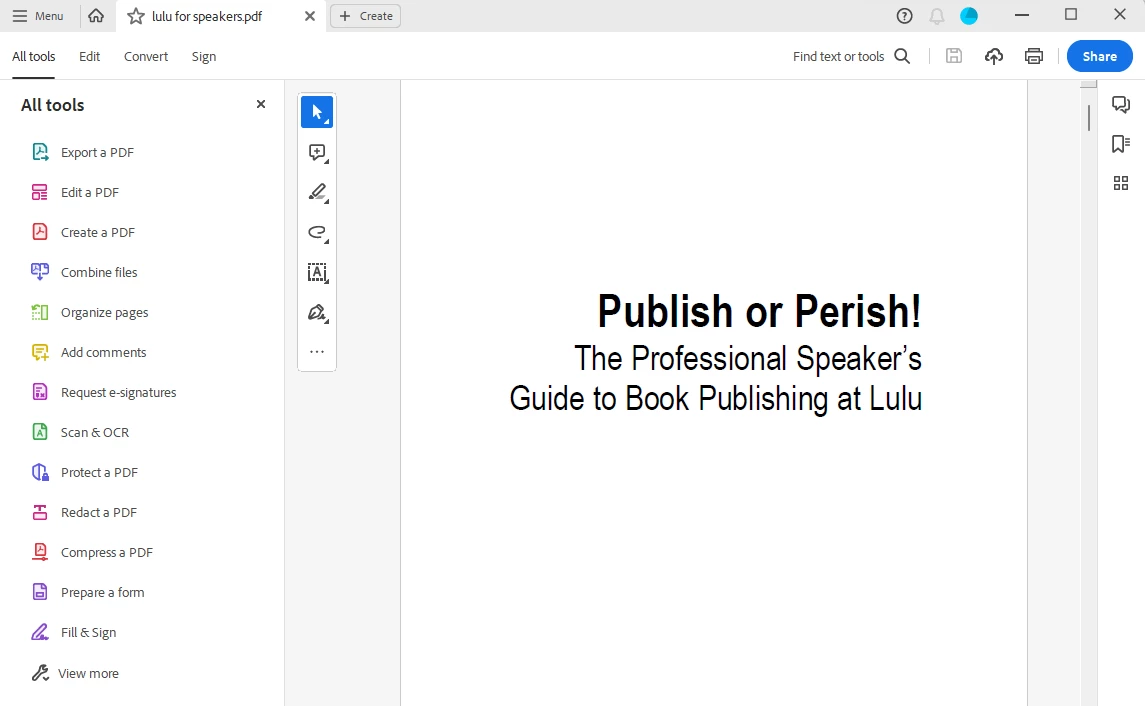
Hello!  Here's what my upper left corner in Acrobat looks like.  Nothing says options.  Tried the menu and nothing on that says Options either.  What am I not getting here?


Known Participant
August 16, 2023

found it.  it WAS under the hamburger menu, not under anything called options.  And when I disabled it, as you said, the envelope came back.  What a ridiculous feature to have gotten rid of.  Can't believe I have to give up the new interface and it's features to have something so basic again.  Sigh.  But thanks!

Chris 486
Community Expert
Community Expert
August 15, 2023

Hi @MiloInSanDiego ,


Try the instructions here: How to send a PDF by email from Acrobat (adobe.com)


Let us know if that helps.

Known Participant
August 16, 2023

Those instructions tell me to click the envelope that I said isn't there, so this didn't help, sorry.