On the screen? Screen resolution is limited. Somewhere there needs to be a compromise between speed and accuracy. Print, however, should always be accurate.
ABAMBO | Hard- and Software Engineer | Photographer
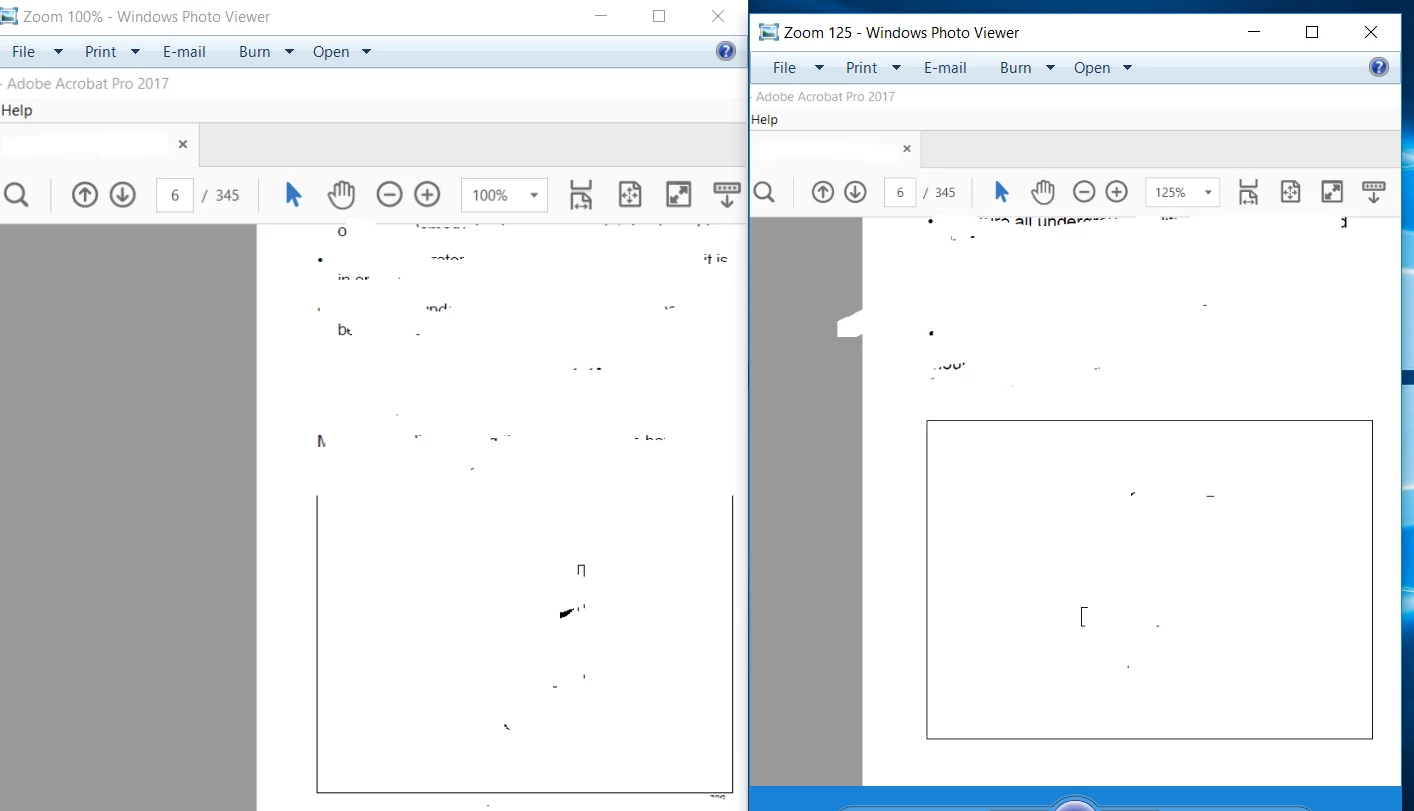
I was sort of thinking it may have something to do with Adobe Acrobat Distiller, or even maybe that last Microsoft update? I never thought about it being my monitors... something to look into, thanks Abambo. Luke, I've tried the enhance thin lines (ON/OFF) as well, nothing seems to help. Thank you for your response.
 AdChoices