try67
try67Correct answer
Community Expert
June 18, 2025

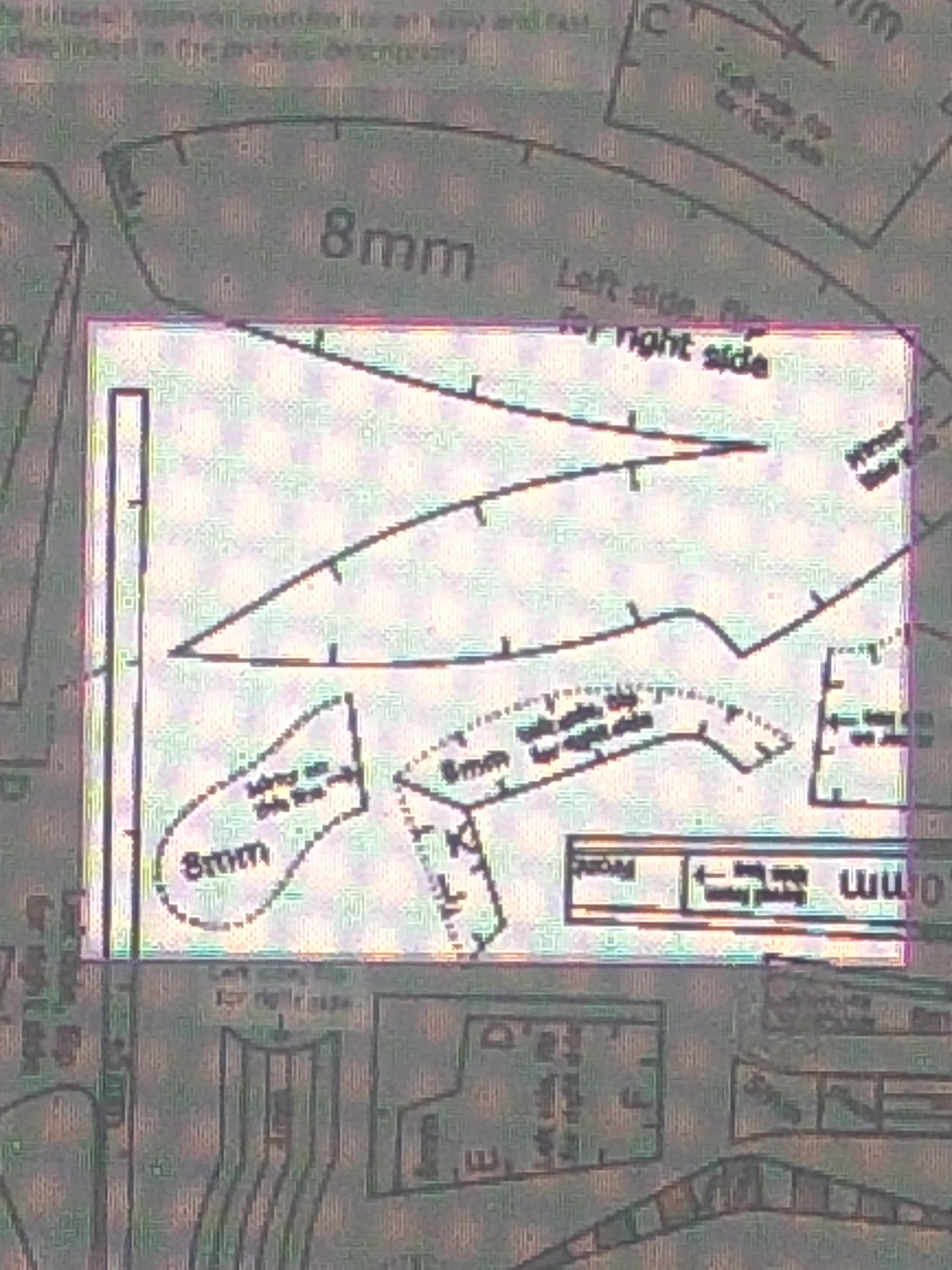
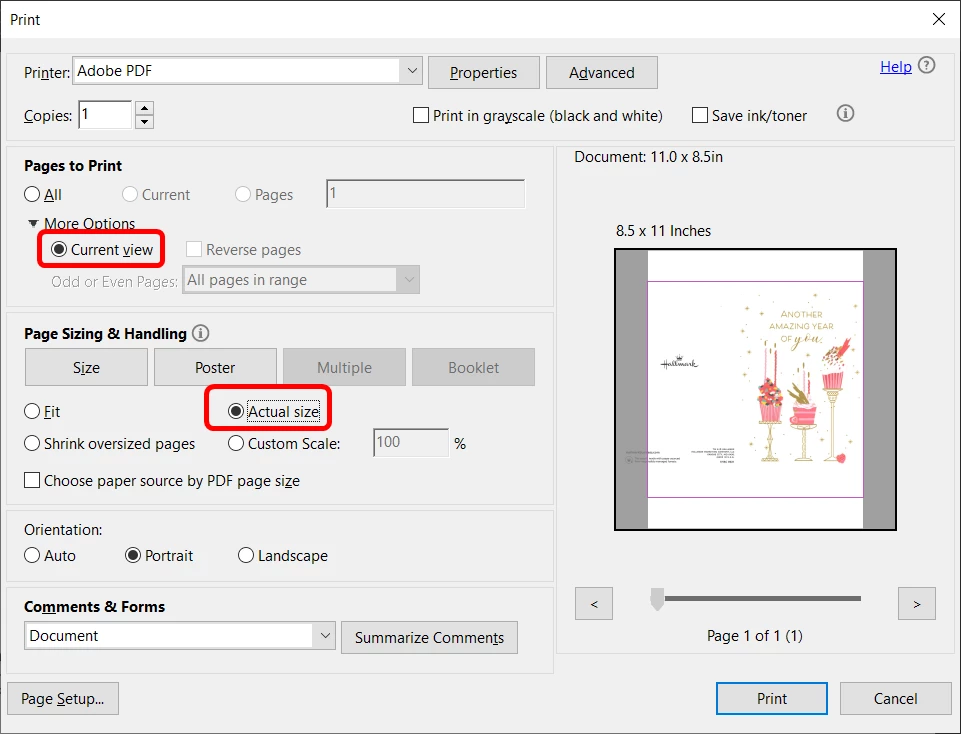
Zoom into that area and then in the Print dialog select Current View under Pages to Print (you'll need to expand the More Options section). Keep Page Size & Handling set to Actual Size to have it print in the original size:


3 replies

try67
Community Expert
try67Community ExpertCorrect answer
Community Expert
June 18, 2025

Zoom into that area and then in the Print dialog select Current View under Pages to Print (you'll need to expand the More Options section). Keep Page Size & Handling set to Actual Size to have it print in the original size:


Translate
try67
Community Expert
Community Expert
June 18, 2025

Addendum: Or use the Custom Scale option to specify a different zoom level (like 96%).

Translate
gary_sc
Community Expert
Community Expert
June 18, 2025

Quick Answer: no. 


An alternative: Cut out the unwanted parts after it is printed. (easiest)


Sorry that there's no way to do what you want.


Translate