
EricCartman
Participating Frequently
July 29, 2017
Question

How do I combine multiple PDF pages into one?

  • July 29, 2017
  • 2 replies
  • 3990 views

Hi all,

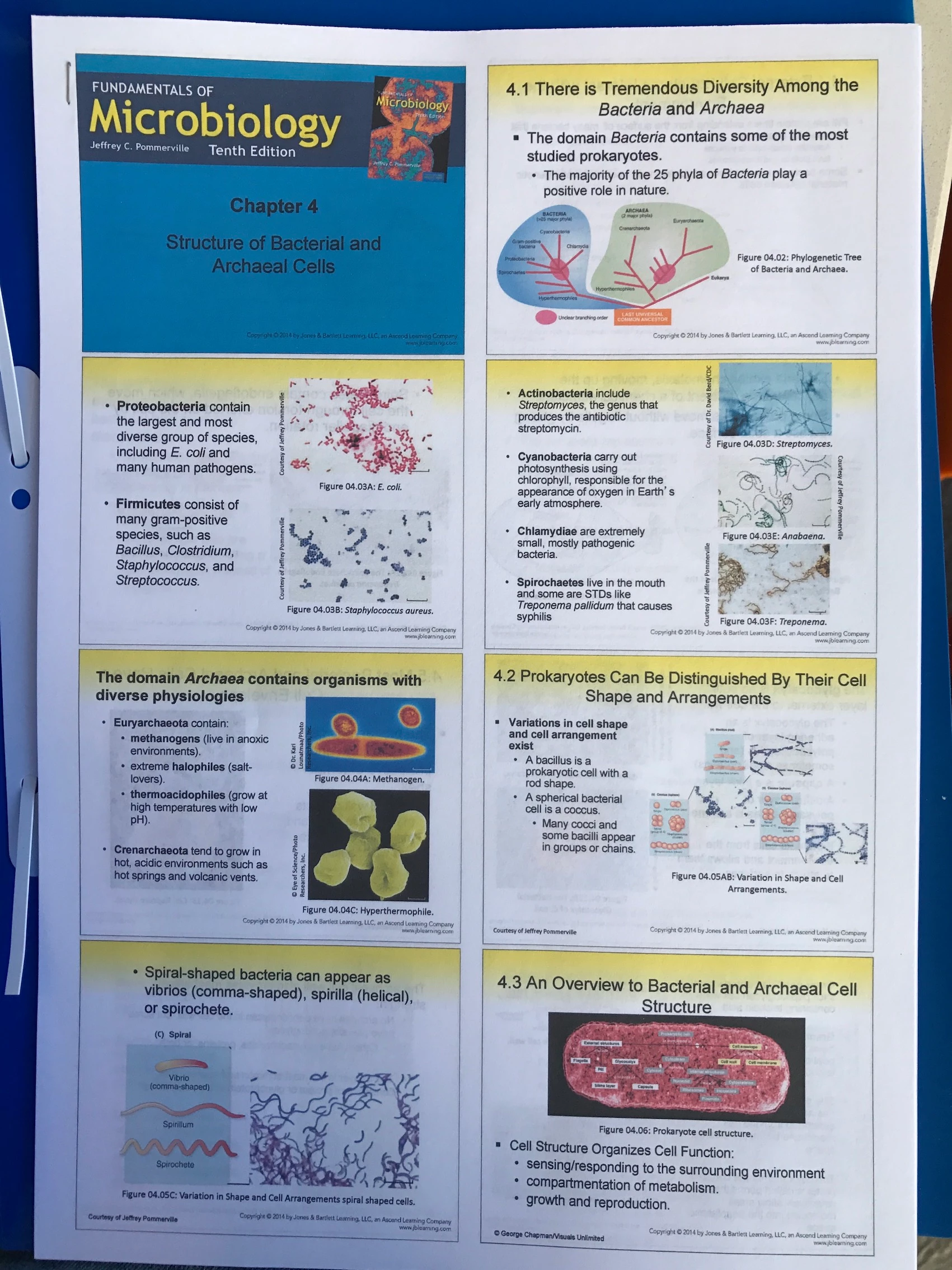
I’ve been trying to figure out how to combine multiple pages into a single PDF file into a single electronic sheet. It seems the only option is through the print function where I print multiple pages onto a single face of a paper. Is there a function on adobe acrobat pro I’m missing?

Regards,

Stifler
This topic has been closed for replies.

2 replies

Bernd Alheit
Community Expert
Community Expert
July 30, 2017

You can use a imposing plugin.

John Waller
Community Expert
Community Expert
July 29, 2017
EricCartman
Participating Frequently
July 30, 2017

@ John Waller

Version of acrobat: 2017.009.20058

@Bernd

Is there a way to do it without a plugin? If not, what is this plugin and where do I get it?

Bernd Alheit
Community Expert
Community Expert
July 30, 2017

You can place form buttons on an empty page and use the pages as icons of the buttons.

One imposing plugin:

Quite Imposing: home page