
Known Participant
July 26, 2019
Answered

How do I delete text that I added to a scanned-doc PDF?

  • July 26, 2019
  • 1 reply
  • 10494 views

Hi all.

I have a PDF that is a scanned paper document. It's a form, so I opened it in Acrobat (latest version) and started adding text in the appropriate places.

Now I want to delete some of the text objects I just added. I can find no way to do this. Nor can I find any way to MOVE text (adjust its position on the page).

Anybody have insight on this infuriating situation? Thanks!
This topic has been closed for replies.
Correct answer Luke Jennings

Thanks. Another brilliant Adobe UI. I want to delete the entire text object; not just the characters. Thus, the logical choice is the selection tool. But it turns into a text-editing tool when you hover over the text... so there's no reason you'd assume that you have to use the (apparently redundant) text tool.


Once all the characters are deleted, the text box should vanish.

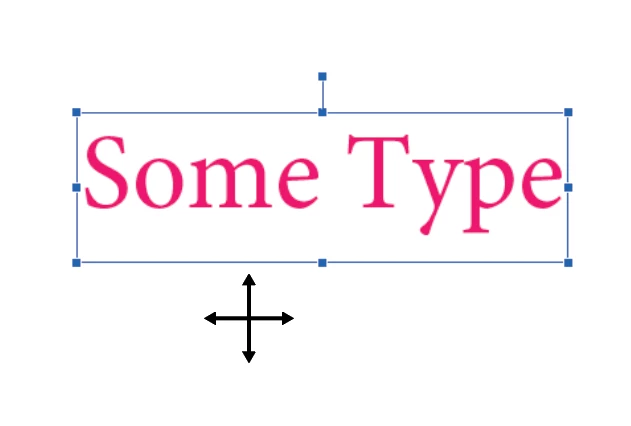
If you go to Tools> Edit PDF> Edit, and select the text box, you can either edit the content, rotate the box, or delete the box, depending on where you move the cursor. when the cursor looks like a 4 pointed arrow, you can delete the text and the box.

1 reply

Bernd Alheit
Community Expert
Community Expert
July 27, 2019

How does you add the text?

Known Participant
July 28, 2019

With the text tool.

Bernd Alheit
Community Expert
Community Expert
July 28, 2019

Comment text tool? Form text tool? Or other tool?