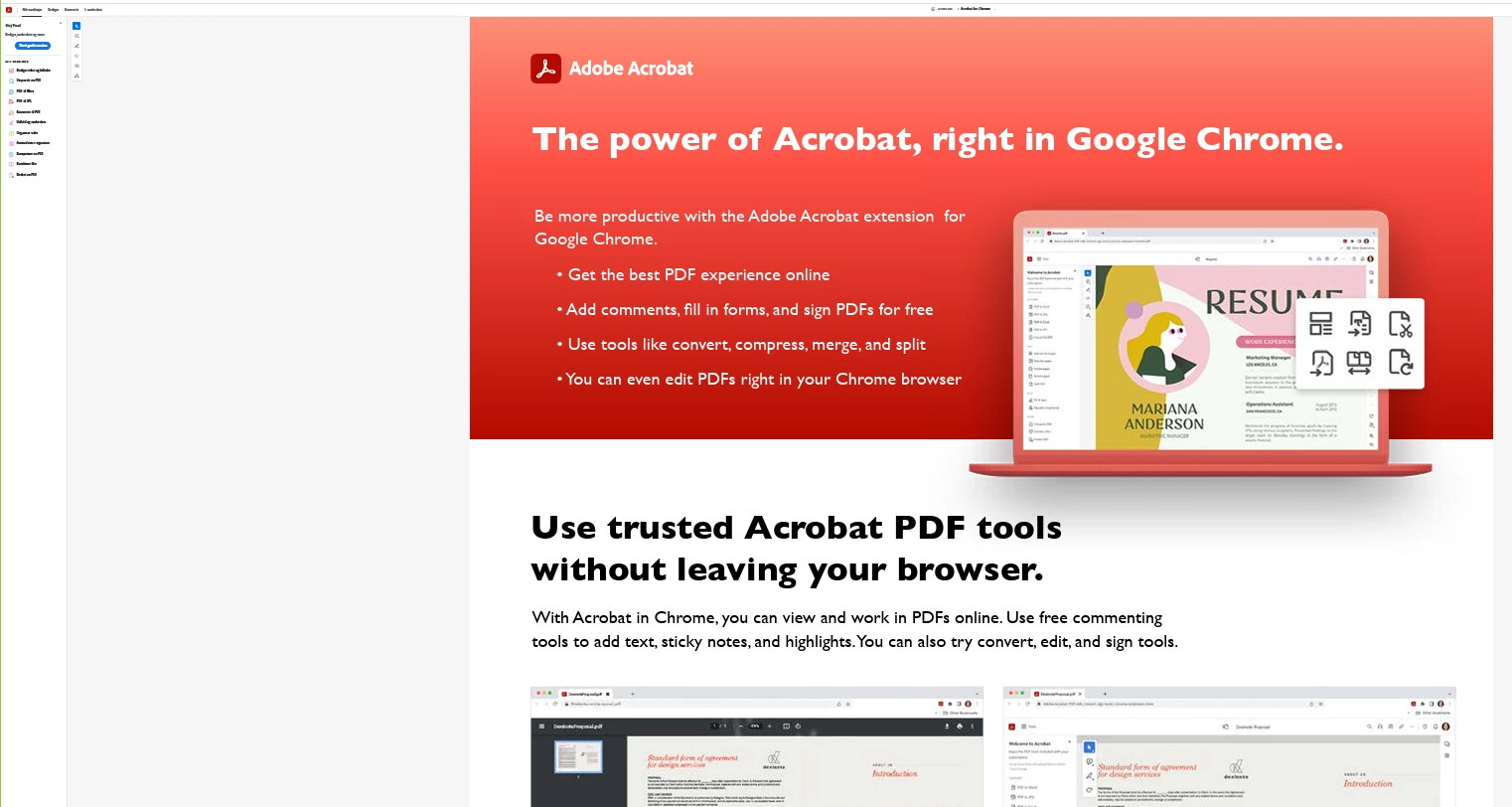
@Poul24889262vzlr I think that is your web browser, as my Desktop Acorbat is quite different. The menu you're referring to on the left is not part of Adobe Acrobat itself, but rather the browser's sidebar. Almost certainly a browser feature (like a sidebar for extensions, reading list, or bookmarks). To enlarge or adjust the width of that left-hand menu/sidebar in your browser, look for a vertical divider line between the menu and the main content area. Click and drag that divider line horizontally to resize the panel (try between the white and grey area). In the screenshot you provided, this divider line is very thin and close to the main content. You'll need to carefully position your mouse cursor over it until it changes to a double-sided arrow, then click and drag.



 AdChoices