Firstly, Adobe Acrobat Pro and Adobe Acrobat DC is the same application.
I have tried to replicate the behavior on our end. I have created a Word file and added comments to it.
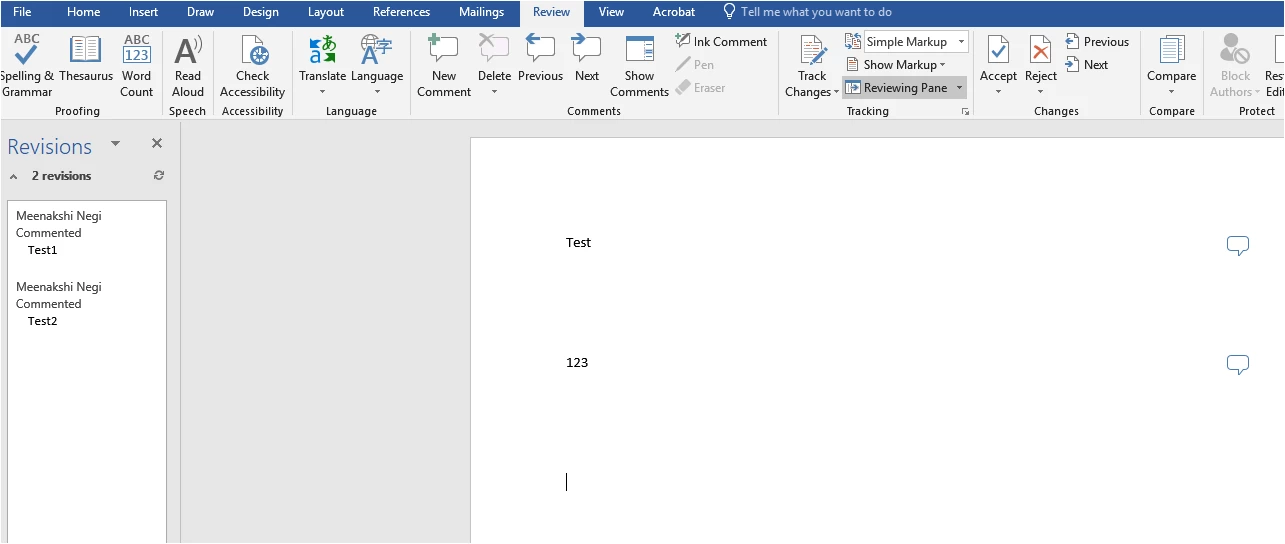
Now, when I convert the Word file to PDF, it converts the comment along with the document as shown in the screenshot below:
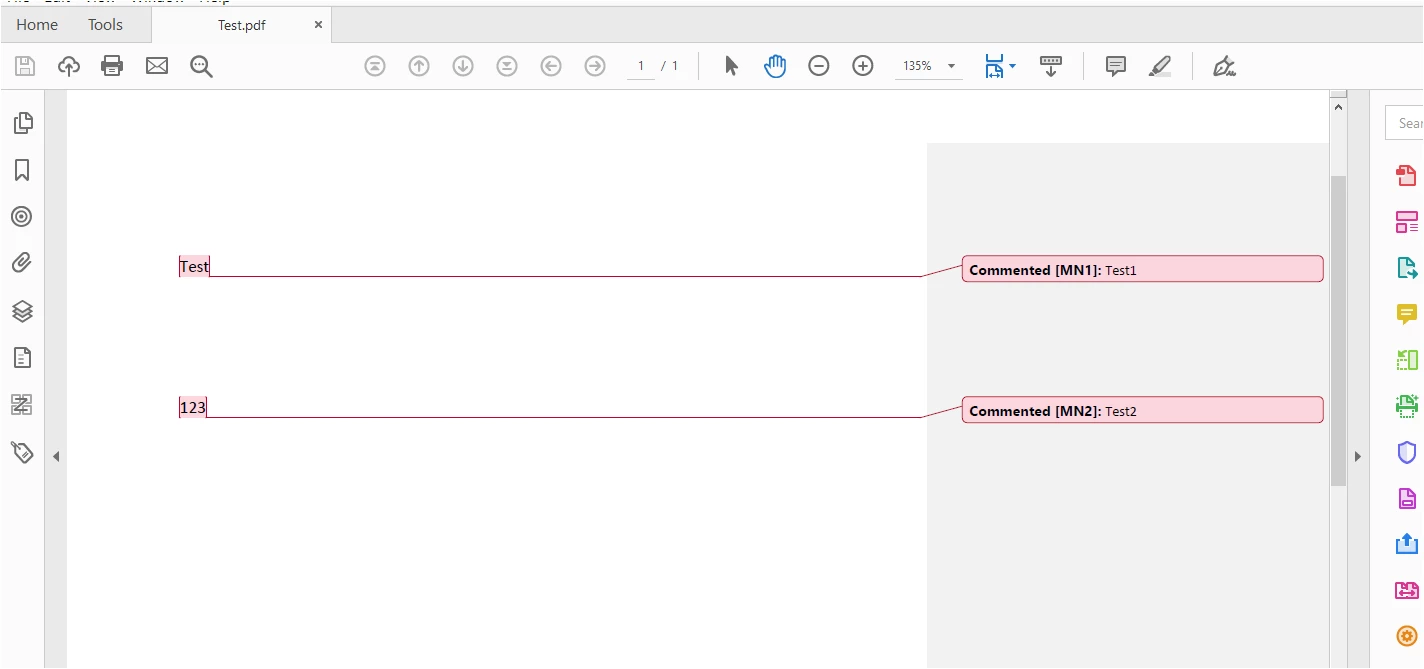
If you are referring to this grey comment bar, then please refer to the steps mentioned below:
- Open the file in MS Word.
- Go to the Acrobat Tab in the menu bar at the top.
- Select Preferences > Word.
- Make sure that the box for "Convert displayed comments to notes in Adobe PDF" is not checked.
- Now try to convert the file and check if you get the comment review pane or not.
Let us know if you are referring to something else.
Regards,
Meenakshi


 AdChoices