tuckerdogavl
Known Participant
July 7, 2025
Question

How do I remove people from the SHARE drop down menu and old files

  • July 7, 2025
  • 2 replies
  • 1153 views

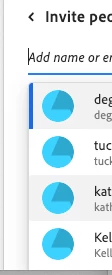
I don't want to invite people from five years ago. I would like to remove all the names in the drop down that I don't need. I'm going crazy. This should be simple. The names under "SHARE" in the drop down when you have a PDF. Here's a screenshot of what I'm talking about. (I'm not sharing the emails, just where I'm referring)


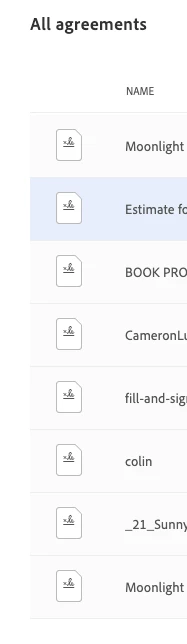
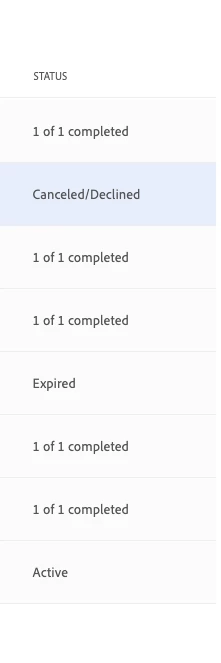
And how do I get rid of old contracts and agreements that are canceled or done or expired? 
2 replies

TXSFILMS
Participant
September 28, 2025

I completely understand and empathize with your frustration. I’m facing the same issue with my dropdown invite list, where old collaborators keep appearing. Unfortunately, there’s no easy way to remove them other than unsharing each and every file with the old collaborator. The catch is, if a file is permanently deleted before unsharing the share, the collaborator will remain forever on the dropdown invite list. Very frustrating and shortsighted of Adobe to allow this to continue. 

PDF Automation Station
Community Expert
Community Expert
July 7, 2025

I don't use this but if it works like similar interfaces, arrow down to highlight a selection, then press the delete key.

tuckerdogavl
Known Participant
July 7, 2025

That would be great if there was an arrow. Thanks for responding. 

PDF Automation Station
Community Expert
Community Expert
July 8, 2025

You don't have a down arrow on your keyboard?