
Answered
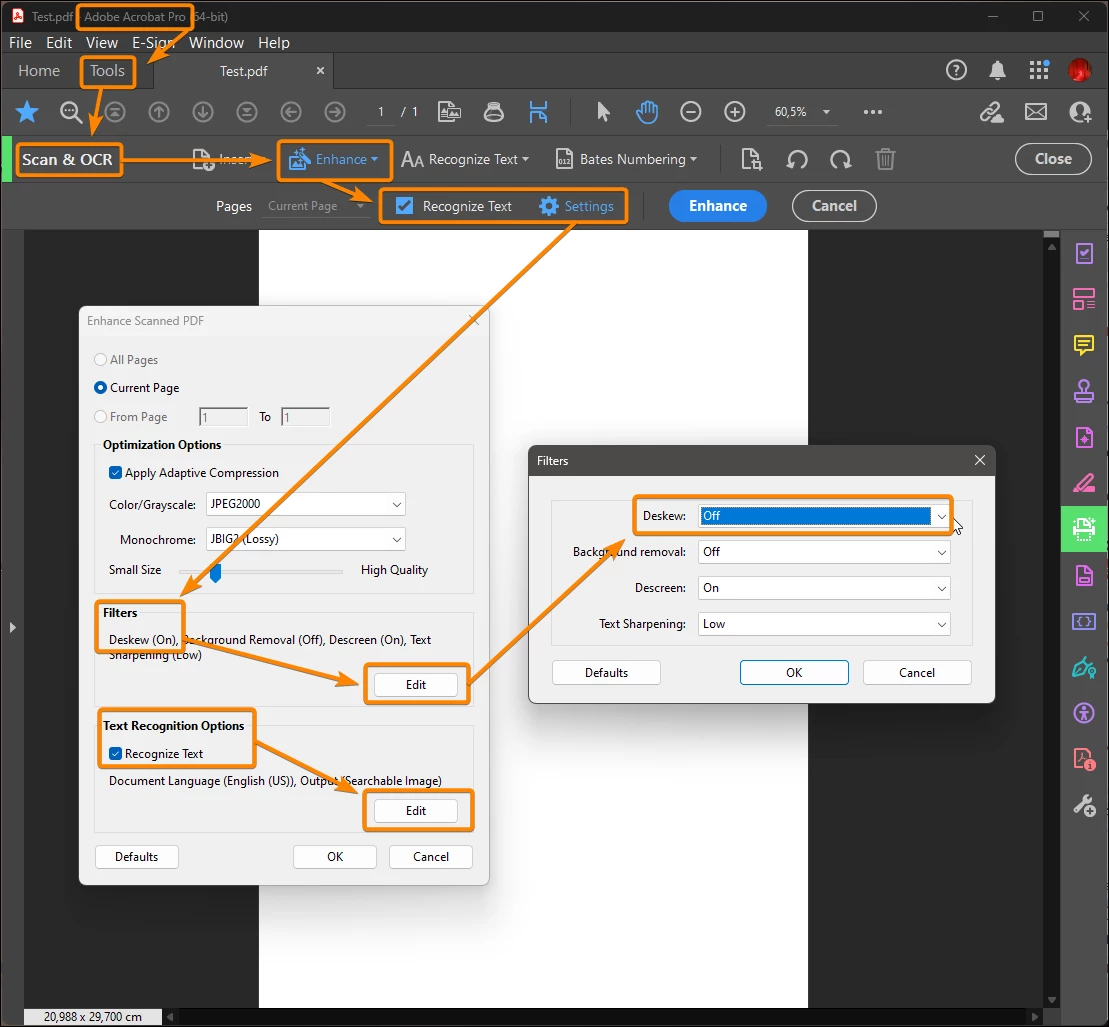
How do I stop acrobat auto-straigtening pages?
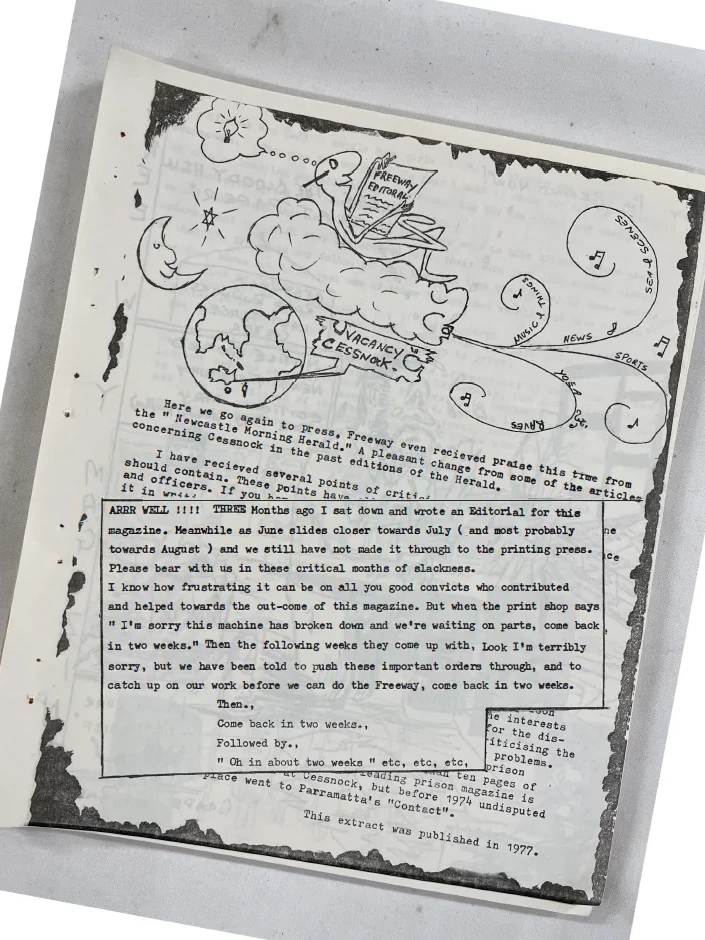
I'm digitising a series of old magazines where a portion of the text is sometimes printed on an angle. When I click 'Edit' in Adobe Acrobat, before it will let me do anything like crop the pages, it automatically rotates the pages to what it believes is straight, though this ends up putting the pages on bizarre angles. I want the page to disaply a normal portrait rotation no matter what angle the text on the page was printed on. How do I turn this automatic straghtening feature off?


 AdChoices