

Participant
January 23, 2025
Answered
How do I turn off auto-straightening of photos/pages in a non OCR non scanned pdf?
- January 23, 2025
- 1 reply
- 710 views
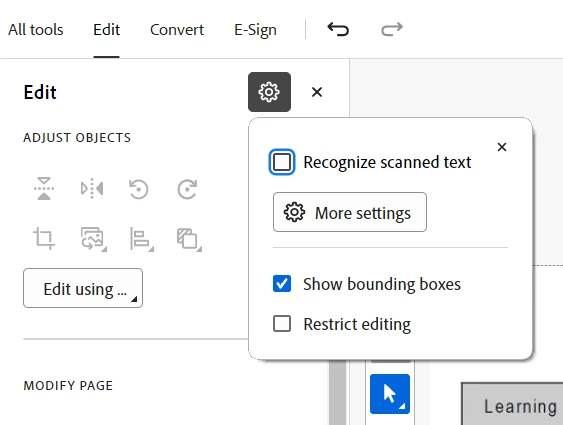
I've created a pdf by uploading (not scanning) a number of photos into a new pdf document. Each time I try to add text or click on a photo it auto-straightens the page/photo which is actually making it crooked and it wants to crop part of the image as the crooked photo. I cannot manually auto-rotate it back to fix it. How do I turn this "feature" off? I am not using OCR and these are not scanned images.
All of the fixes online say there is a a box to uncheck in preferences - general or preferences -page display for automatically adjusting pages but this does not exist in my acrobat 2025 version. Please help!


 AdChoices