Participant
February 29, 2024
Question

How do you count Checkboxes into a field with Web Form

  • February 29, 2024
  • 1 reply
  • 1325 views

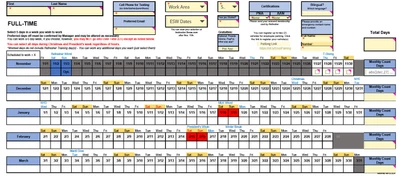
Hi - I'm trying to add the checkboxes for the selected days in each month and a total at the top using a Calendar in a WebForm. I have calendar days for my employees to check off if they are going to work. (first photo).
 

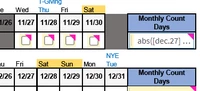
I added checkboxes and named them Dec.28, Dec.29... etc. Should I remove the dot?
 

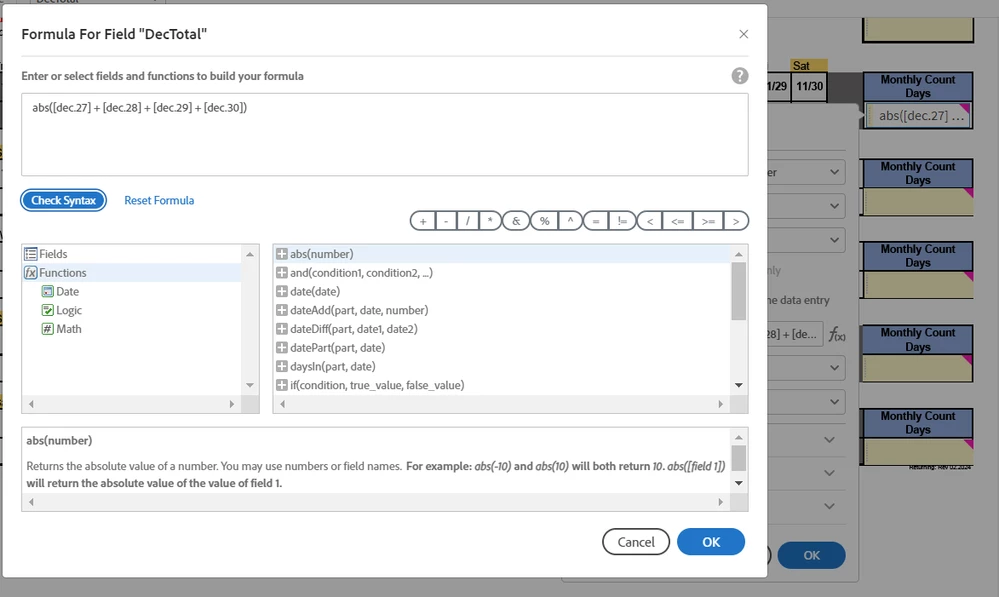
The options for formulas is where I am stuck...

I don't know if I have anything correct. 
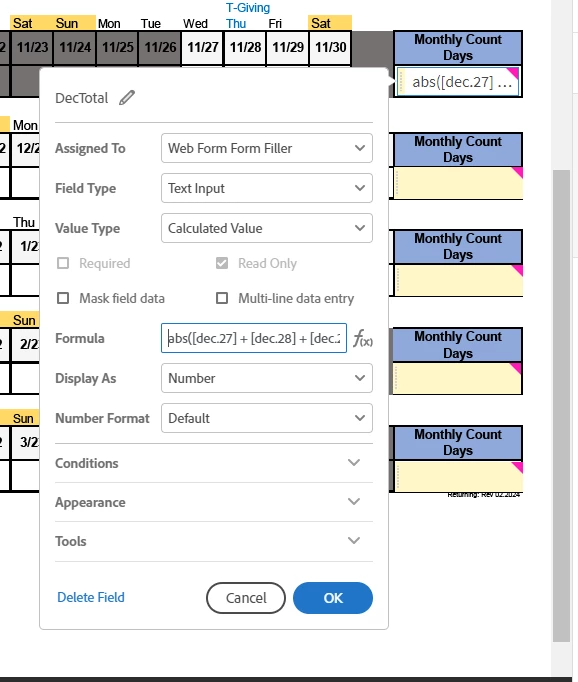
 

Can someone please guide me? 

This topic has been closed for replies.

1 reply

Thom Parker
Community Expert
Community Expert
March 1, 2024

Is this a PDF? What tool are you using to edit the form?


Thom Parker - Software Developer at PDFScriptingUse the Acrobat JavaScript Reference early and often
Shan_d_MCAuthor
Participant
March 2, 2024

It was in Excel. I converted it to PDF to use it in Pro. I'm trying to make it a WebForm. 

Thom Parker
Community Expert
Community Expert
March 4, 2024

You can read about the basics of PDF form scripting, and checkboxes specifically in these articles:

https://www.pdfscripting.com/public/PDF-Form-Scripting.cfm 

https://www.pdfscripting.com/public/Checkboxes-and-Radio-Buttons.cfm


Counting checkboxes has also been asked about several times. Here's a simple search on this forum:

https://community.adobe.com/t5/forums/searchpage/tab/message?advanced=false&allow_punctuation=false&q=count%20checkboxes


You don't necessarily need a script for this.  If all the checkboxes had an export value of one, then the built-in "Sum" calculation could be used to add up the checked boxes. 


And finally, what do you mean by "Web Form"?  interactive PDFs only work in viewers that support the interactive features. Unfortutately this doesn't usually include browser based viewers. 


Thom Parker - Software Developer at PDFScriptingUse the Acrobat JavaScript Reference early and often