
Question
How to change page orientation when printing with JavaScript?
I'm using the following code to batch print portrait-oriented pages with two pages per sheet:
pp = this.getPrintParams();
pp.pageHandling = pp.constants.handling.nUp;

pp.nUpPageOrders = pp.constants.nUpPageOrders.Horizontal;
pp.nUpNumPagesH = 2;
// pp.nUpNumPagesV = 1;
pp.nUpPageBorder=false;
pp.nUpAutoRotate=true;
pp.DuplexType = pp.constants.duplexTypes.DuplexFlipLongEdge;
pp.interactive = pp.constants.interactionLevel.silent; //non-interactive printing
pp.printerName = "My Printer"; //select printer
this.print(pp);
While this script does run successfully, the printed pages always show up in portrait format. It looks something like this:
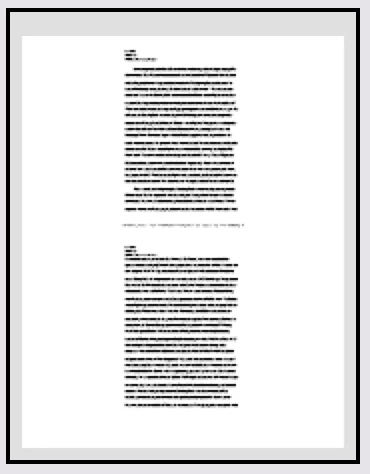
What I'd like is that they cover the whole sheet, i.e. rotate them and fit them side by side in portrait mode.
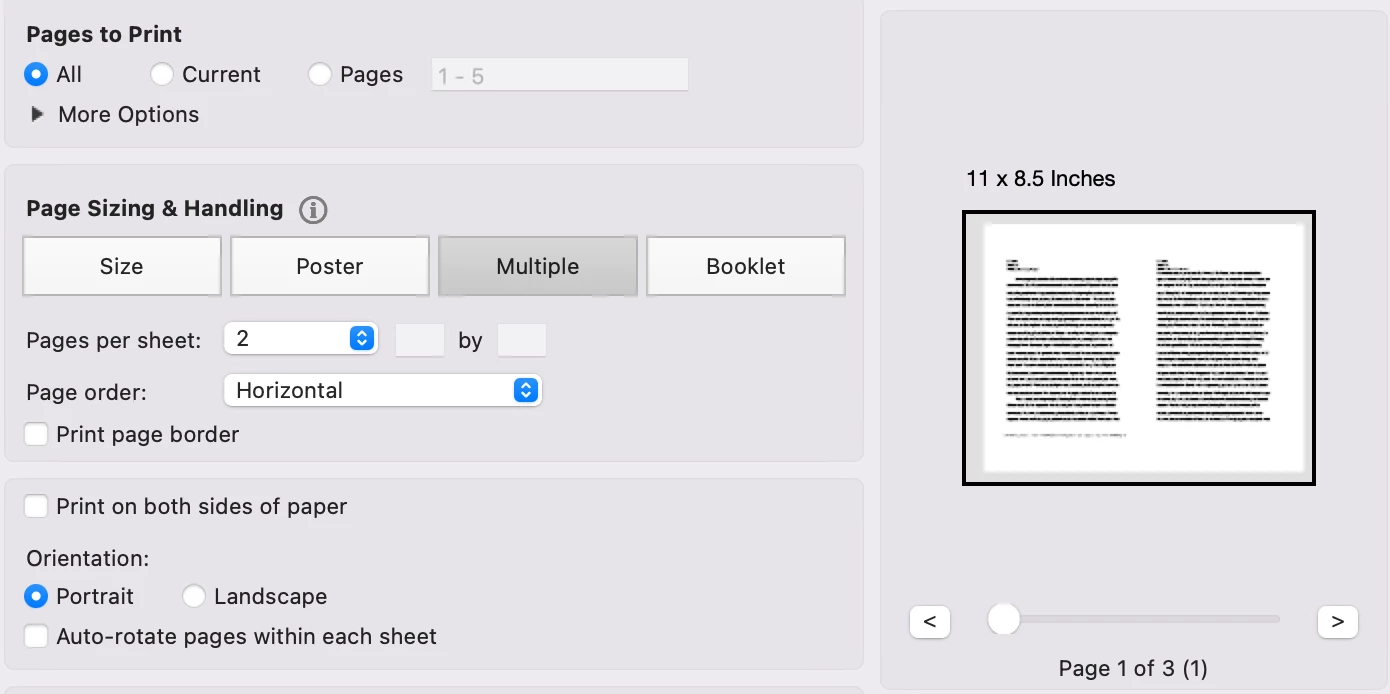
Essentially, I'm trying to print like I was choosing the following settings in the print dialog:
- Multiple pages per sheet
- Pages per sheet: 2
- Page order: Horizontal
- Orientation: Portrait
I'm attaching a picture with my desired result:


 AdChoices