Participant
March 15, 2018
Answered

How to change Signature text fields font size and layout?

  • March 15, 2018
  • 2 replies
  • 33552 views

Is it possible to manually adjust the font size and layout of the Signature text fields?   I have not been able to find any way to accomplish this.
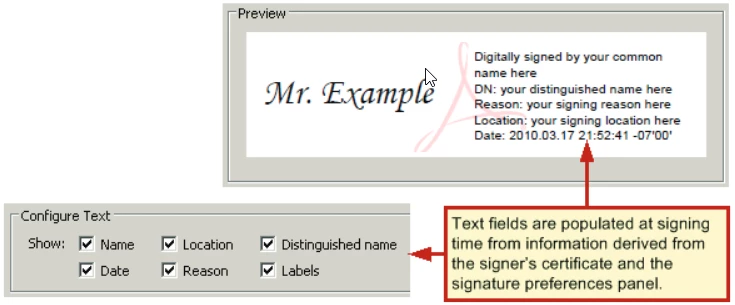
I realize by selecting or unselecting text fields, this will automatically change the font size and layout.  But there is no control over this.  I need to adjust the font size and layout myself.

Thank you

This topic has been closed for replies.
Correct answer try67

Sorry, spoke too soon. You can change the font and color, but not the size.

To do it right-click the Signature field in Form Edit mode, select Properties and go to the Appearance tab. You'll see it there.

2 replies

Participant
June 16, 2023

the font of the signature seems to be too big. how do i correct this ? thanks for your help 


try67
Community Expert
Community Expert
March 15, 2018

No, you can't change that.

try67
Community Expert
try67Community ExpertCorrect answer
Community Expert
March 15, 2018

Sorry, spoke too soon. You can change the font and color, but not the size.

To do it right-click the Signature field in Form Edit mode, select Properties and go to the Appearance tab. You'll see it there.

Participant
June 16, 2023

HI it seems the font of signature is too big