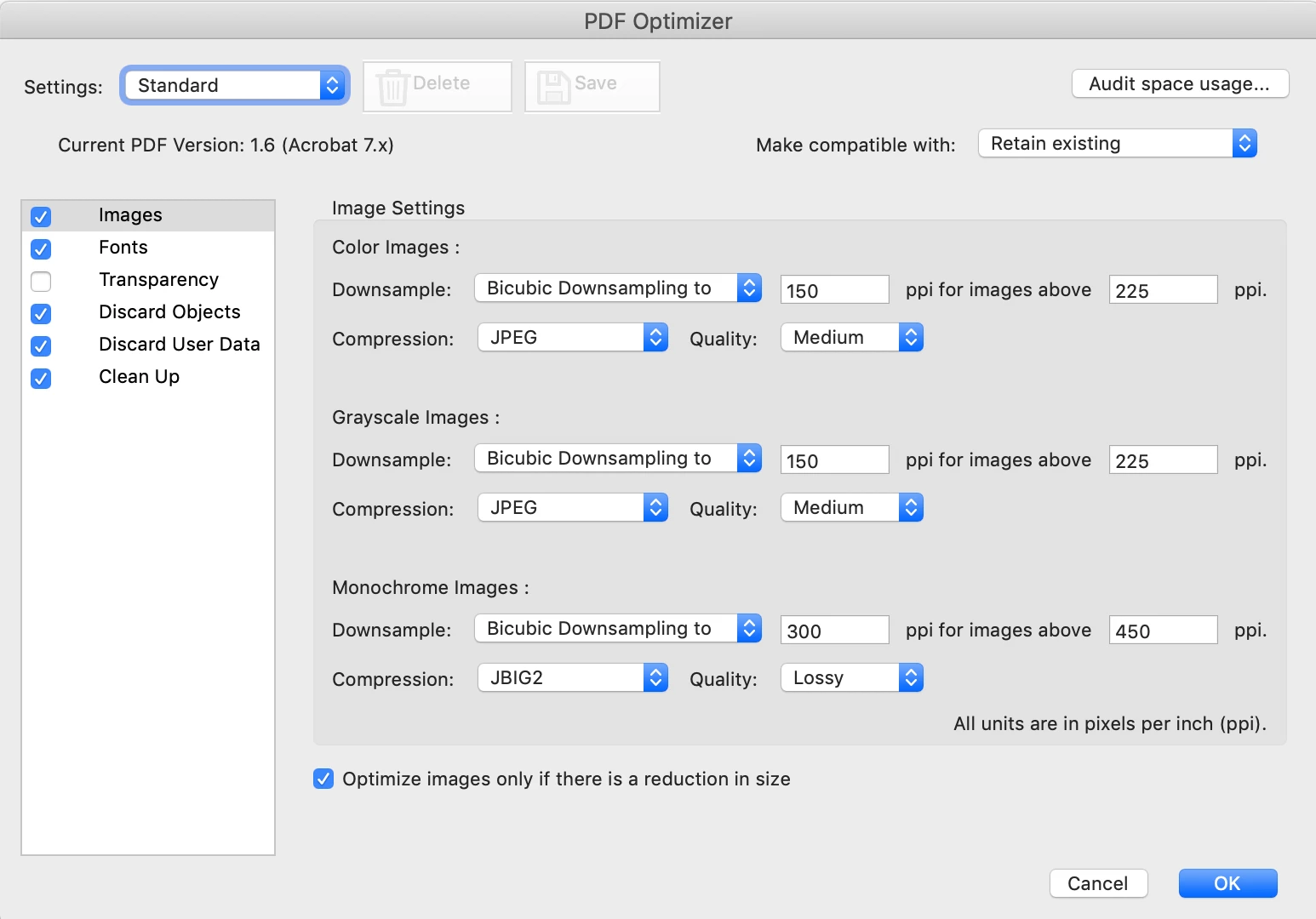
I think you are looking for File> Save as other> Optimized PDF. You can use this to downsample and/or re-compress images in a PDF, there are many optimize settings that help you reduce the size of a PDF, depending on the desired final use.
Note that the “cloud” option mentioned by @Amal. offers you no options as to what is lost.
Since you obviously already have Acrobat on your computer, that on-line service buys you absolutely nothing and could in fact cause severe quality loss.
I think you are looking for File> Save as other> Optimized PDF. You can use this to downsample and/or re-compress images in a PDF, there are many optimize settings that help you reduce the size of a PDF, depending on the desired final use.



 AdChoices