Known Participant
July 6, 2021
Question

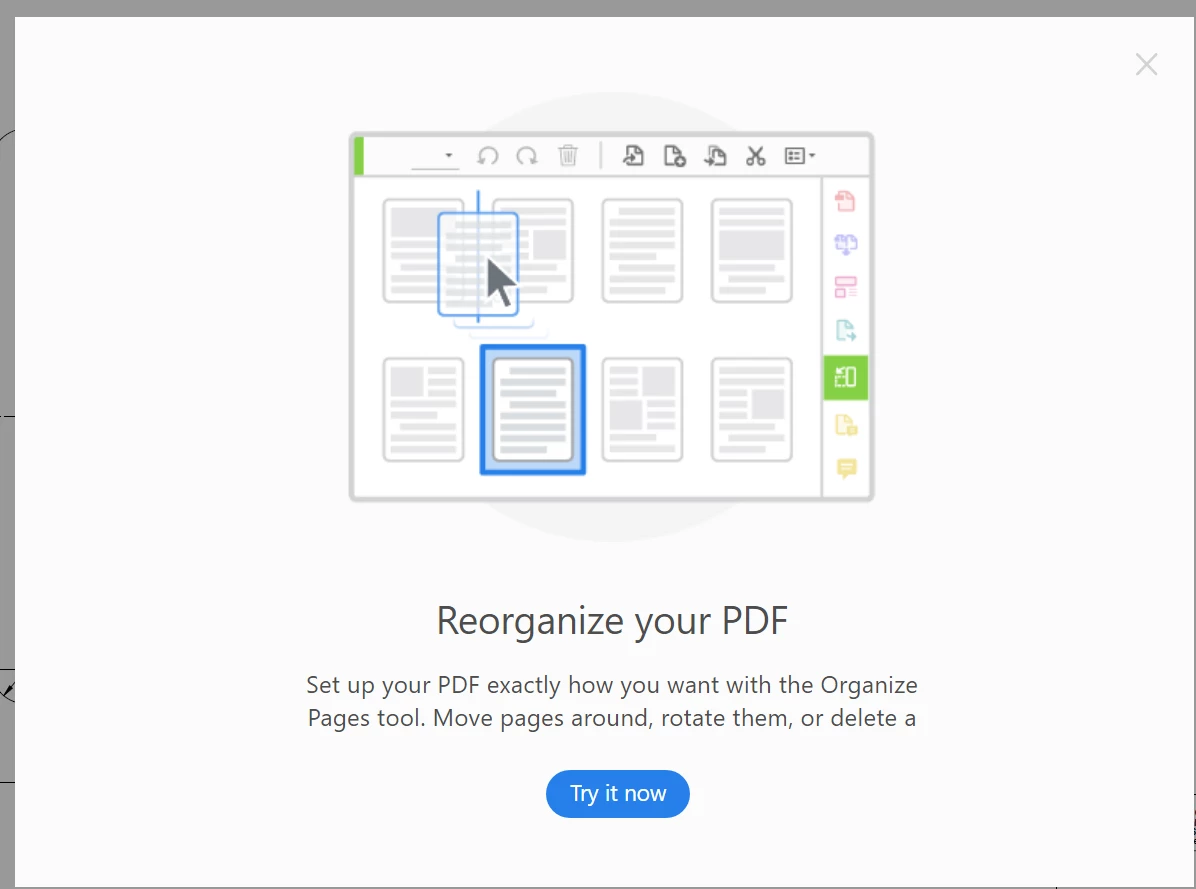
How to disable daily popup "Reorganize your PDF"

  • July 6, 2021
  • 2 replies
  • 3472 views

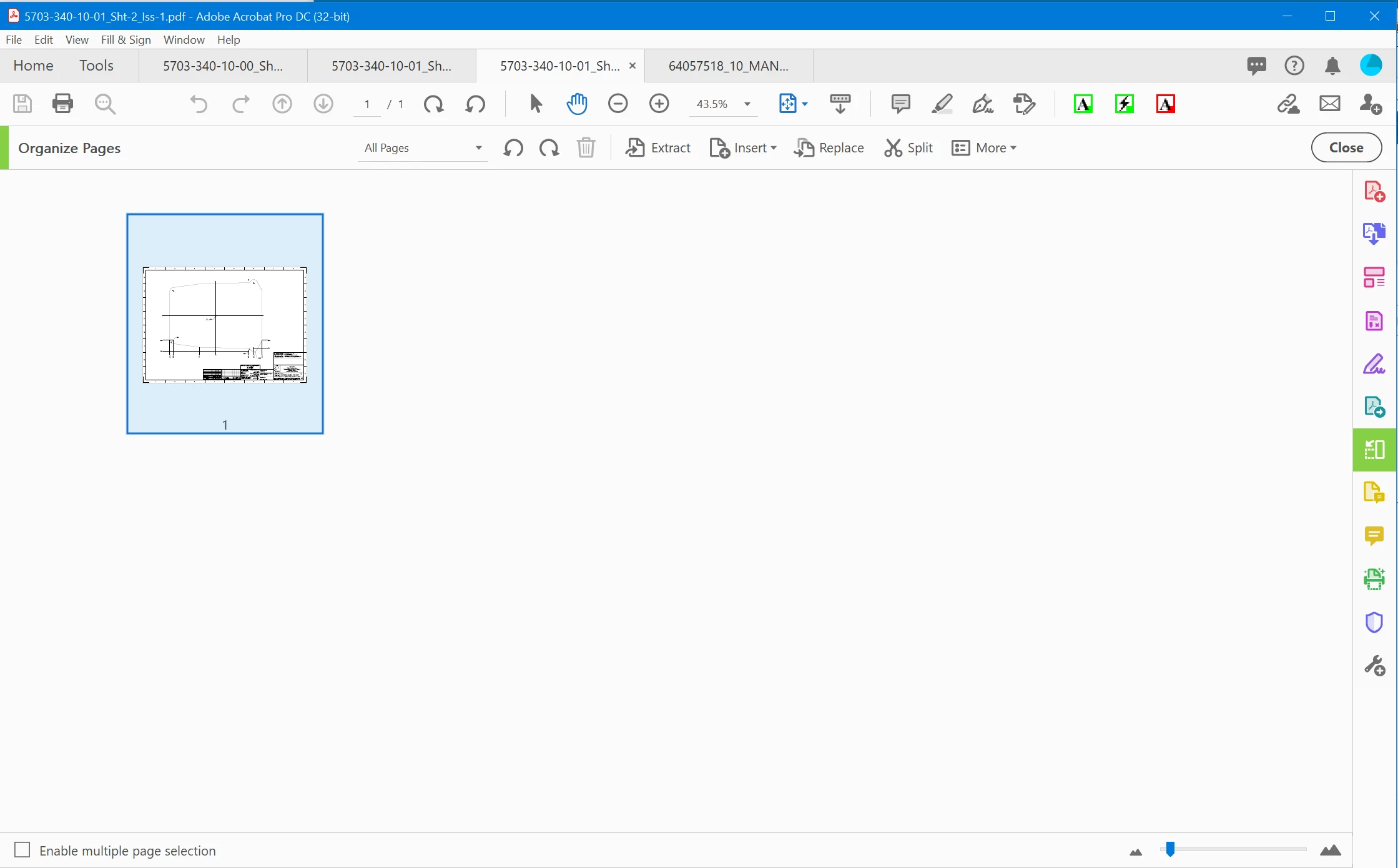
Well I have purchased subscription for Acrobat DC Pro and I get a daily popup to try organizing my pages. I will absolutely cancel this subscription if there is no way to turn this off. I sign multiple pdf's every day and this continuously interrupts my workflow. In addition to the annoyance it offers to reoganize one page. One @#$#@ page! Most of my pdf's are drawings that I need to sign.

I know how to reorganize pages so how do I turn it off. And yes I have turned off Adobe messages etc in the preferences. I have even tried some registry settings but nothing gets rid of this Herpes of a message.


Attached is the popup that opened for a single page pdf this morning. (Happens every day).
 

2 replies

SoldierSeraph
Participant
August 24, 2021

I got mine to stop by following the steps it was asking to take (kind of like a tutorial). If you click the "x" to close the pop-up, then click on the green "organize pages" tool icon on the right, you should see a mini-popup guiding you through organizing your pdf. Once you get through that and close out of adobe, then reopen, the initial popup no longer comes up. I agree it's dumb you can't just, not do what it's asking, but this way sounds a lot easier than editing registry files. Hope it helps someone. 

Deborah Gearhart
Known Participant
January 30, 2024

So--I have to waste my time "learning" how to do something I already know how to do in order to STOP annoying pop-ups wanting me to "try it now"!!!!  INFURIATING!


Also, when you follow the advertisment (This is NOT a tutorial because it is not voluntary) all the way through, Adobe CLOSES, so I have to reopen the file that I ACTUALLY WANTED in the first place....you know...only the actual reason that I was using Adobe.  

Bernd Alheit
Community Expert
Community Expert
July 6, 2021

Mouse click on X at upper right corner.

JC_LAAuthor
Known Participant
July 6, 2021

I do that once per day.


How do I stop the next one?

Bernd Alheit
Community Expert
Community Expert
July 6, 2021

May be that your Acrobat installation doesn't remember this.