Question
How to have links convert to File instead of Web Links?
By default, when I convert a Word doc to PDF, it turns all the file links into web links. This is absolutely not what I want. Yes, I can manually change every single link to a file link but that is incredibly cumbersome to do each time.
I need to be able to set a default somewhere that keeps the file links when converting from Word. Where is this option??
To reiterate, I'm not asking how to turn off links or anything of the sort. I just need Adobe to keep the original file links instead of converting them web links.
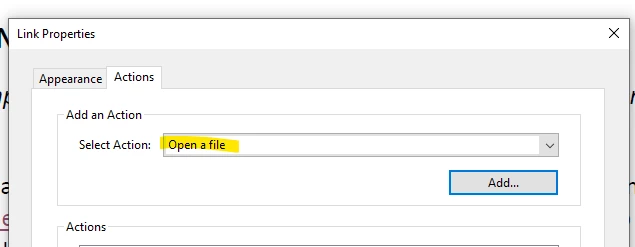
Otherwise, I have to go into each one and create a file link like below.
 AdChoices