
Question
How to make two javascript callback functions to work in the same running context inside Acrobat?
I am a researcher. I am trying to develop a labeling tool in acrobat with javascript. The tool should be able to create a bound box, the four sides of which can be moved by a mouse.
The code works fine during the developing process, until I move the calling code into the callback function of a menu item. The questionable code is this line:
app.addMenuItem({cName:"Add a box", cParent: "Edit", cExec: "mybox = new BoxWithLabel({xL: 300, xR: 450, yD: 300, yU: 400, this: this}); mybox.showBox(); mybox.buttonLeft.setAction(\"MouseUp\", \"mybox.onButtonMouseUp('left');\");"});
The callback will be executed by acrobat, when I click the menu item. It will create an object mybox. Everything works fine until I click the left button of the bounding box, which will activate the call back function: mybox.onButtonMouseUp('left');
For reasons that I don't know, Acrobat throw the following errors:
GeneralError:
Doc.canAccessFieldTree:685:Console undefined:Exec
Missing Mesh Restriction
In the javascript console, I can debug my code. I saw the code reach a line that it shouldn't reach.
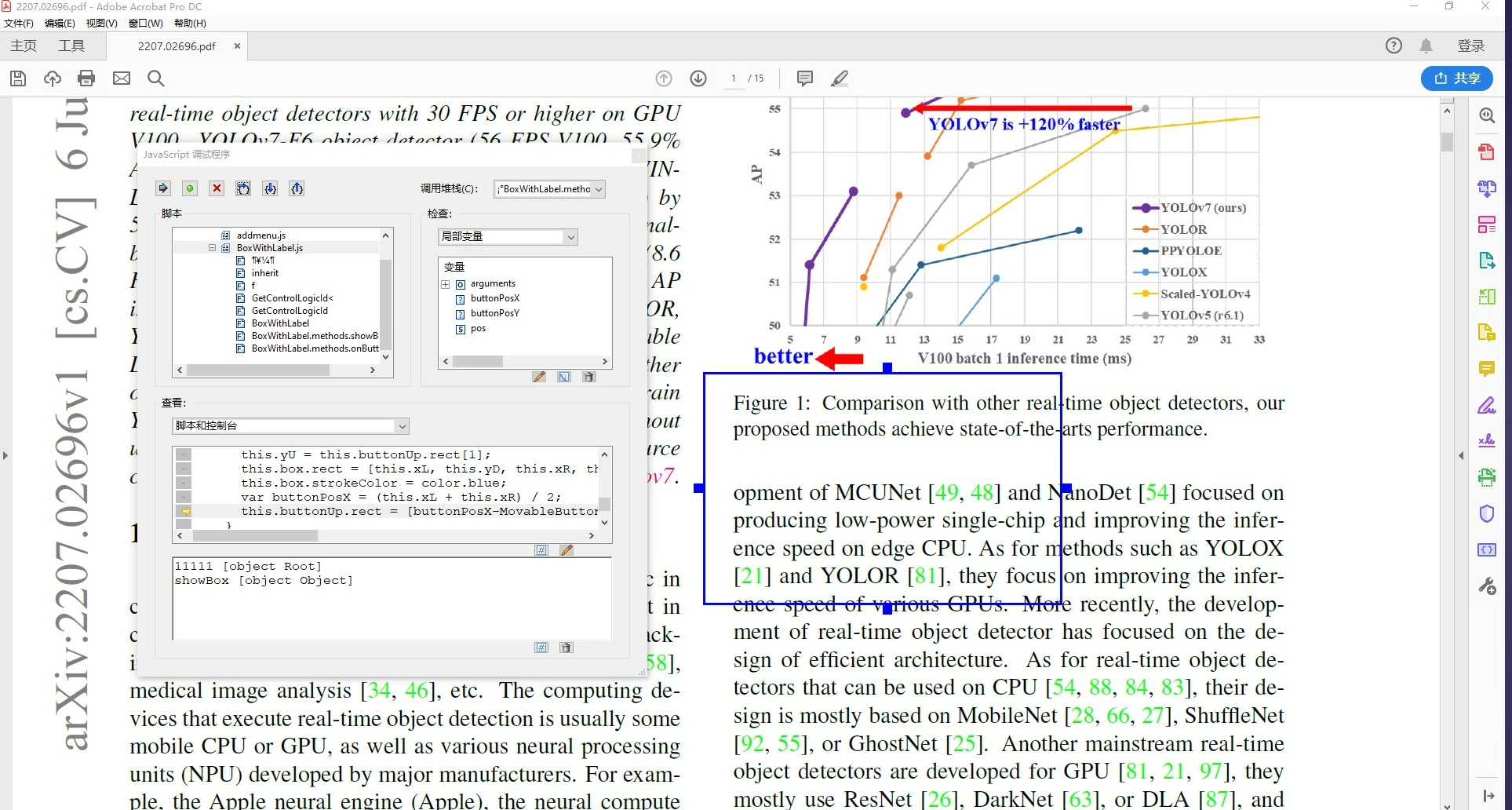
I respond by adding a return at this position of the code. But it doesn't fix the problem. Here is the debugging window.
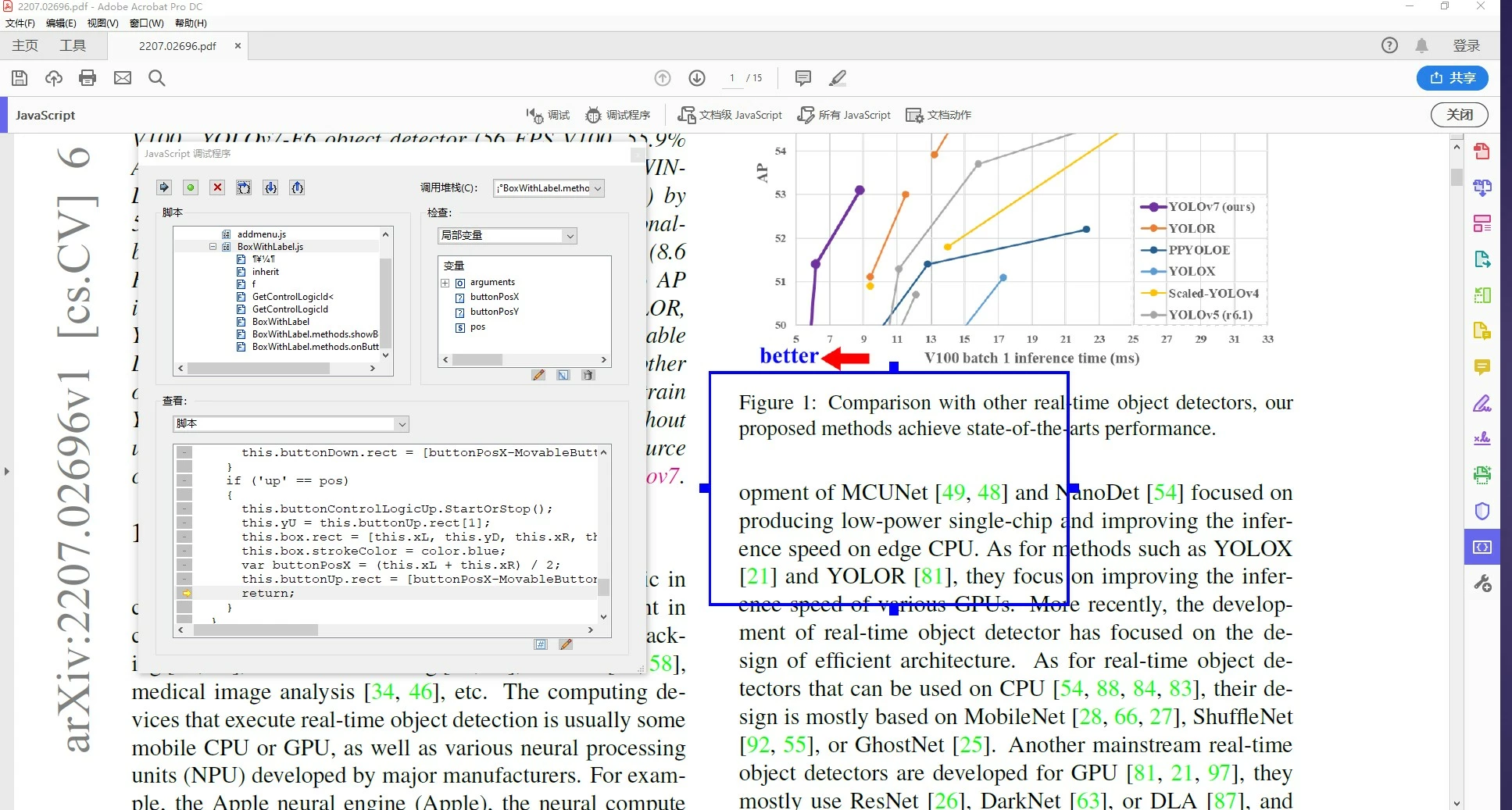
With or without the return, the results of the code are the same. My button disappeared and acrobat reported an error.
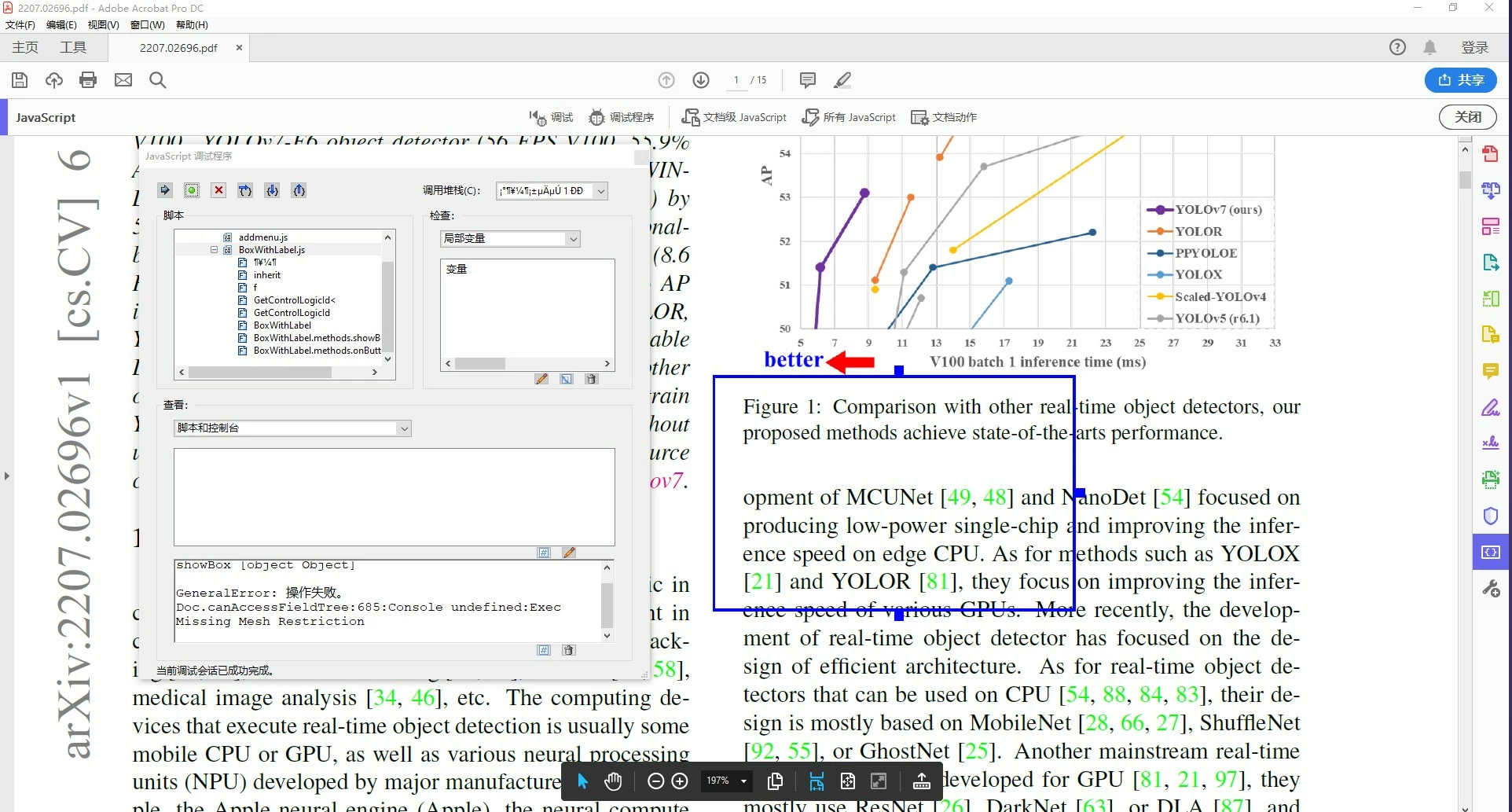
What should I do? Any feedback helps. Thanks a lot for reading my post. Thanks.
Because this code is used for a research project, I don't want to open-source it before we publish a paper. So I didn't attach the source code here. But I can reply an email with the source code, if you need to reproduce the error. Thanks.
My email address is: wulin@kust.edu.cn


 AdChoices