
Participant
January 29, 2018
Question

How to print with check-boxes un-checked?

  • January 29, 2018
  • 2 replies
  • 5868 views

I have a document that contains clickable checkboxes.

When I print, it prints with all of the checkboxes "checked".
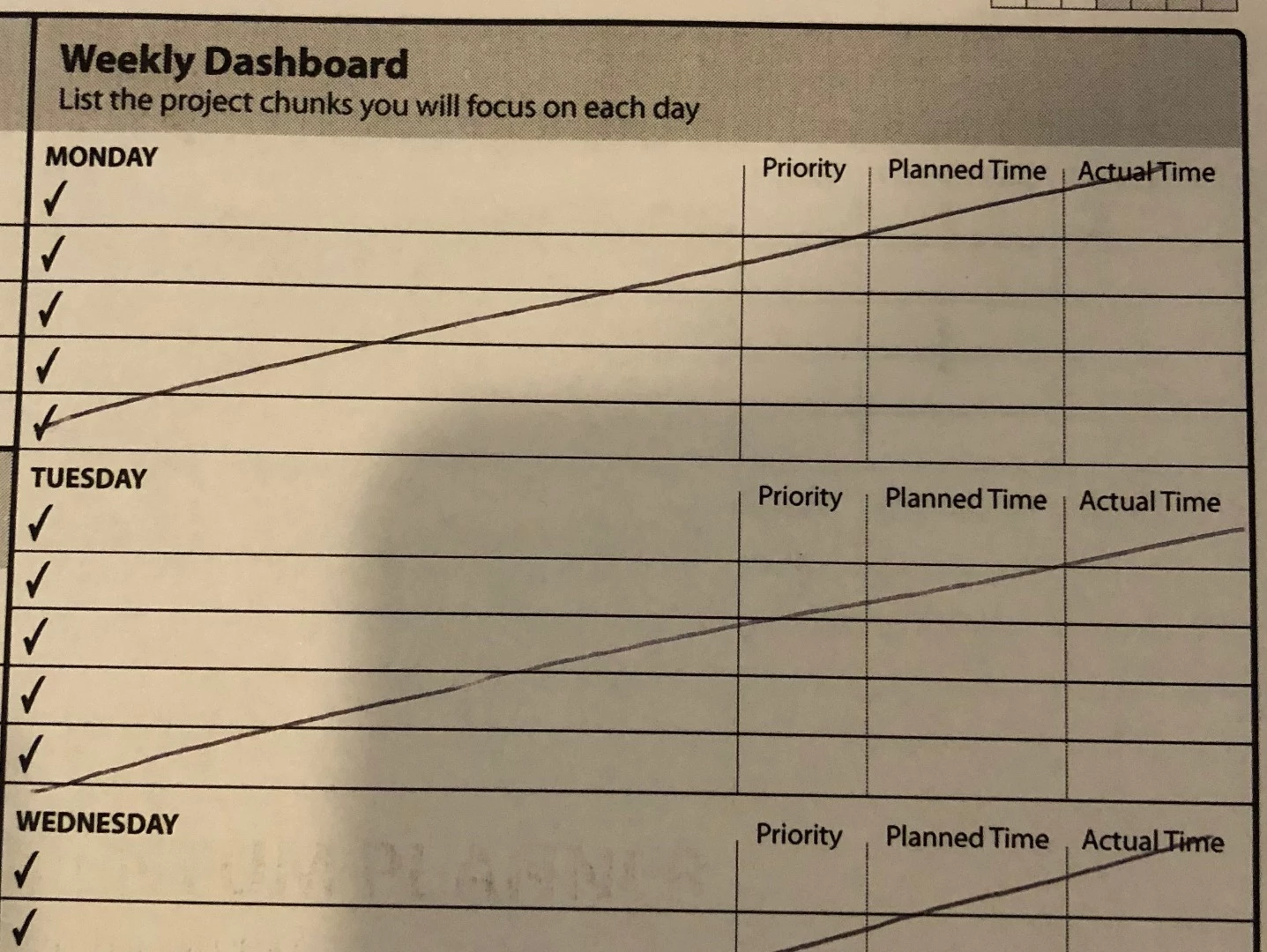
I've looked through as many print options as I can find in Adobe Acrobat Reader DC and can't seem to get the document to print without the check boxes. How can I print the document so that they are unchecked?

This topic has been closed for replies.

2 replies

Luke Jennings
Inspiring
February 13, 2018

I'm guessing the PDF form was set up incorrectly. If you make one check box, then copy and paste it, it will have the same name as the original, and checking one box will check them all. The other boxes may be covered by a white box? If the view overprint preference in Adobe Reader is turned off (Preferences> Page display> View overprint preview> Never) the boxes would appear un-checked until printed. I like to set this preference to "Always".

Another possibility is there is a layer set to print but not view. If that is the case, I believe you will need Acrobat to change the layer properties or edit the PDF form. You can only view the layer properties with Reader.

Abambo
Community Expert
Community Expert
January 30, 2018

They need to be unchecked in the document to print unchecked.There is no special option for this.

ABAMBO | Hard- and Software Engineer | Photographer
icedubAuthor
Participant
January 30, 2018

I have them unchecked in the document, and they are still printing checked.

Adorobat
Community Manager
Community Manager
February 12, 2018

Hi Icedub,

Would it be possible if you can share the pdf form with us? You may share the link for the pdf form using the steps given here: How to share a file using Adobe Document Cloud

Also, let us know the operating system installed on the machine?

Thanks,

Shivam