
Participant
February 7, 2025
Answered

How to remove long link in PDF properties after compressing a file

  • February 7, 2025
  • 2 replies
  • 596 views

Hello,

I have recently compressed a large PDF file and notice that in the 'properties' section under 'more info/where from' it has a really long link showing that the file has been compressed in Adobe. Is there any way to remove this as it is a massive eye sore. Screenshot attached.
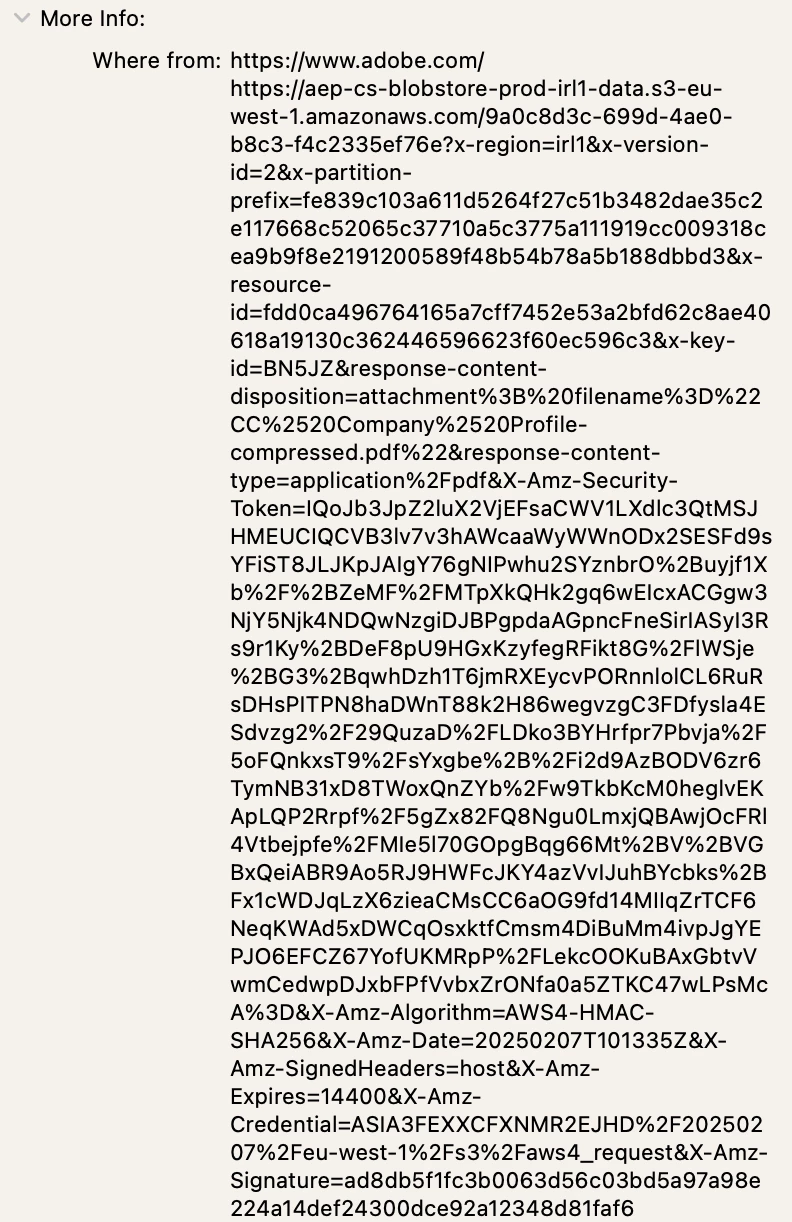
 

Thank you.

Correct answer creative explorer

@DAVID239587624q3q that's 'Metadata' — A great way to remove it from a PDF is resave it again 

2 replies

creative explorer
Community Expert
creative explorerCommunity ExpertCorrect answer
Community Expert
February 7, 2025

@DAVID239587624q3q that's 'Metadata' — A great way to remove it from a PDF is resave it again 

m
Participant
February 7, 2025

That worked! Thank you so much.

kglad
Community Expert
Community Expert
February 7, 2025

in the future, to find the best place to post your message, use the list here, https://community.adobe.com/

p.s. i don't think the adobe website, and forums in particular, are easy to navigate, so don't spend a lot of time searching that forum list. do your best and we'll move the post (like this one has already been moved) if it helps you get responses.


<"moved from using the community">