
michelleh73704181
Participating Frequently
October 26, 2018
Answered

How to submit form via email and make subject line a form field?

  • October 26, 2018
  • 1 reply
  • 7379 views

Hello, I have looked through similar questions/answers and tutorials about this but I can't get it to work for me. I am not a coder by any means and this is all new to me.

I am trying to make it so that when someone clicks the "Submit Form" button, the PDF is sent as an attachment in an email, and the subject line is one of the fields on the form. The email itself is easy enough (Submit Form, mailto:emailaddess@server.com); but I can't get the subject line to pull from the field.

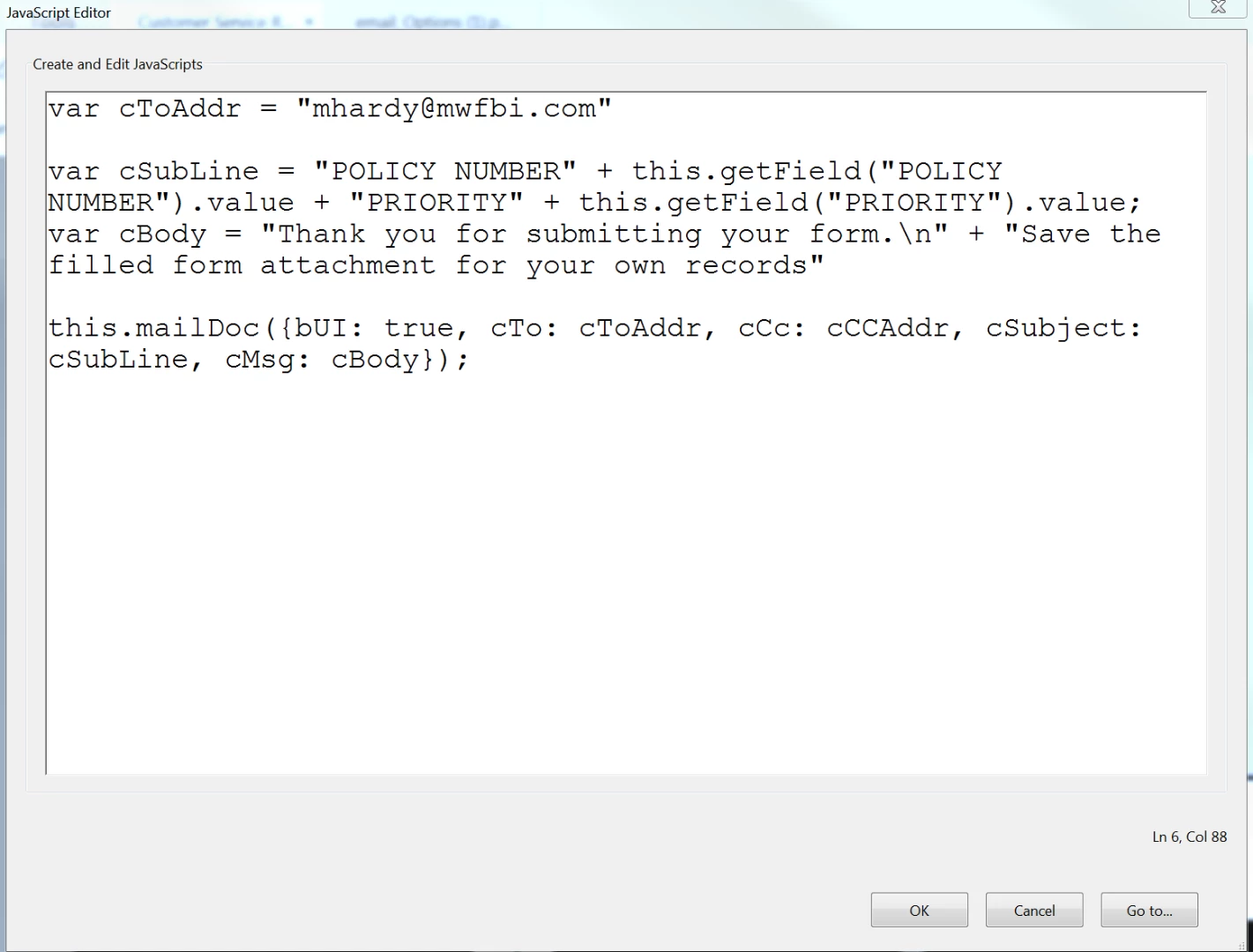
I entered the code below into the Mouse Up event of the button, as some tutorials suggested, but nothing happens now when I click the Submit Form button.

Thank you for any help!
This topic has been closed for replies.
Correct answer try67

Adobe Document Cloud


You didn't use the code correctly... Remove the "Submit a form" command and add a "Run a JavaScript" one instead, and then paste the code into the window that opens.

1 reply

try67
Community Expert
Community Expert
October 26, 2018

What happens when you use it? Check the JS Console (Ctrl+J) for error messages if nothing happens.

For future reference, never post code as a screenshot. Copy and paste it as text.

michelleh73704181
Participating Frequently
October 26, 2018

Nothing happens, no error messages or anything. Button just clicks without any event

try67
Community Expert
Community Expert
October 26, 2018

Can you share the file with us (via Dropbox, Google Drive, Adobe Cloud, etc.)?