
Question
How to sync PDF files created on MAC so that I can see them Win 11. Device to device w. OneDrive ?
Hi,
I am using OneDrive to sync PDFs created on MAC OS so that I can see them on Windows 11 PC .
This Adobe help file is so not helpful.
It does not show you where or how you access 'Preferences'. I cannot execute these steps:
-
Choose Preferences.
-
From the Categories on the left, select Security (Enhanced).
-
Select the Enable Enhanced Security option.
-
(Optional—Windows only) Select Cross Domain Log File for troubleshooting problems if your workflow involves cross-domain access using a server-based policy file.
Other search results indicate the same steps, some from MS and tell us that you should first open a PDF on the device and then carry out the above steps. These options are not there. Perhaps something changed with the version. I do not know. This is extremely frustrating as the documentation is the same for Windows and MAC OS; neither work in this way.
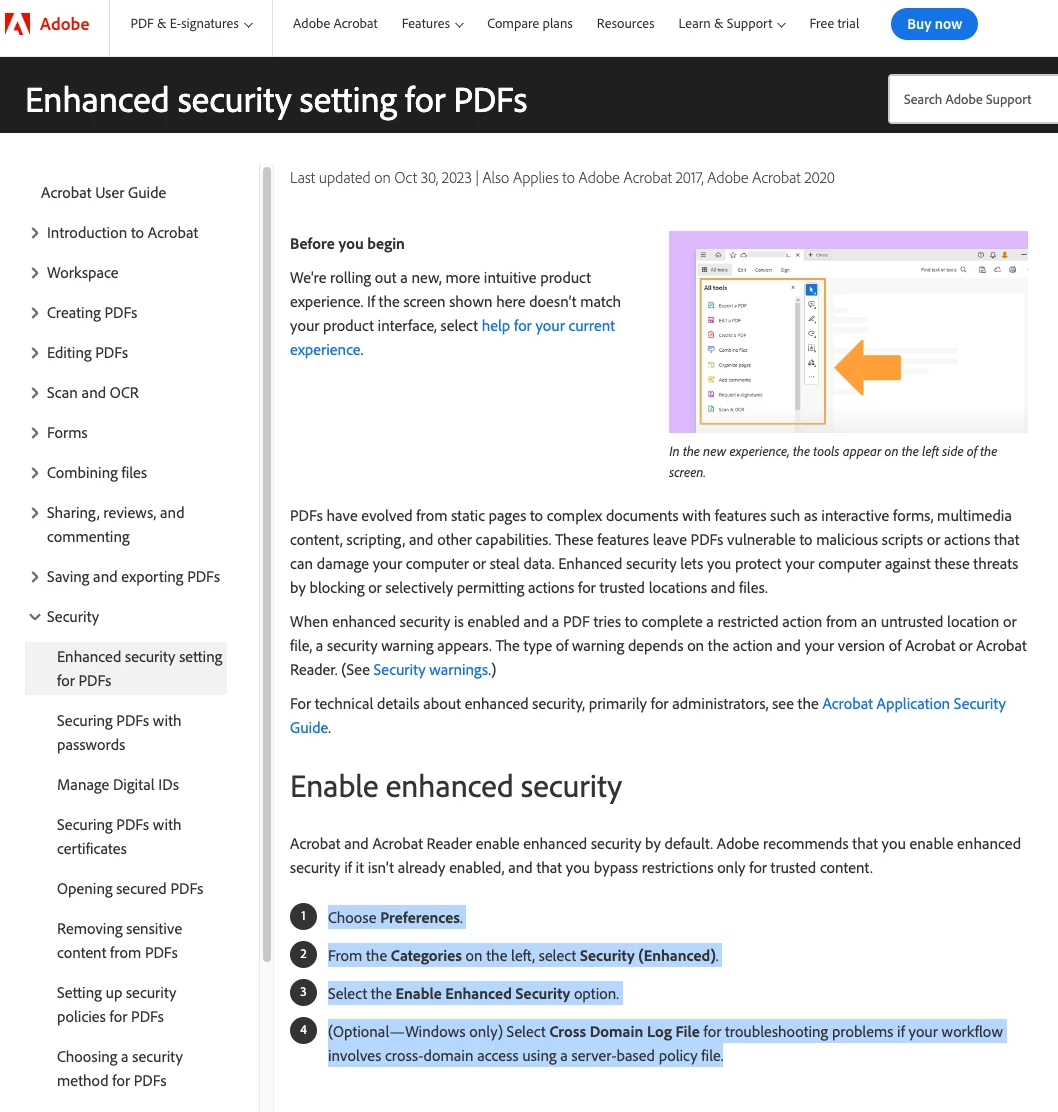
The diagram on the Adobe link - please update this diagram with something more useful as it has ZERO to do with the text and issue being discussed on the rest of that web page.
I look forward to hearing from someone that knows how to fix and I apologise if I am at fault or doing something wrong.
Thanks. S.
Additional Info:
MAC OS: 14.1.1
Windows 11
Acrobat Version 2023.006.20380
 AdChoices