Answered
I can no longer open PDFs with "show cover page in two-page view" as default (following 2022 update)
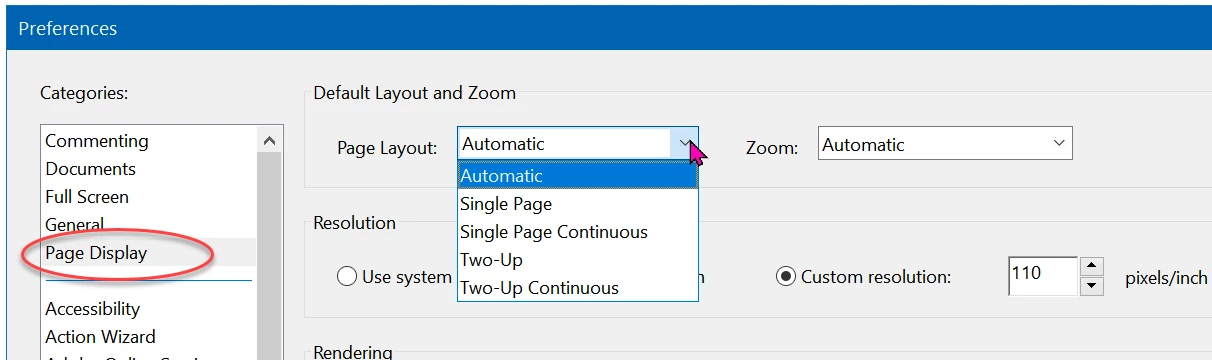
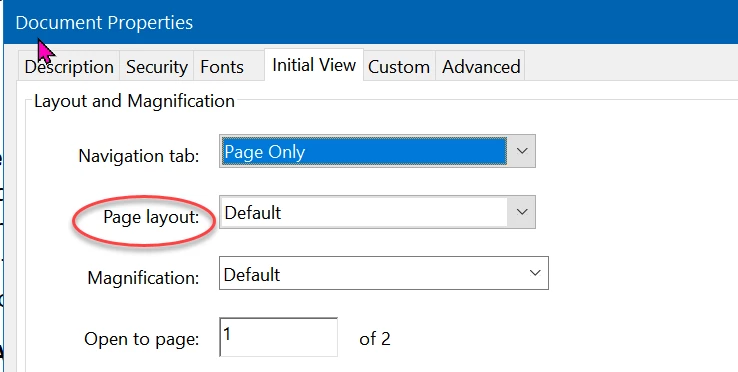
Following the January 2022 update, I cannot find any combination of Preference settings that will automatically open every document as "show cover page in two-page view" so that spreads display correctly.
I found the new "Override Page Display" setting under Accessibility that lets me force everything to open in two-page view, but then I still have to drill into the menus for every document to align the page spreads. There doesn't even seem to be a menu button or keyboard shortcut available to speed this up.
Am I missing something? Or is this something Adobe is already getting complaints about? I tried complaining directly but was told I have to contact Adobe via an unidentified "team admin" for my corporation.
 AdChoices