

figureitoutaaa
Participant
February 19, 2026
Question

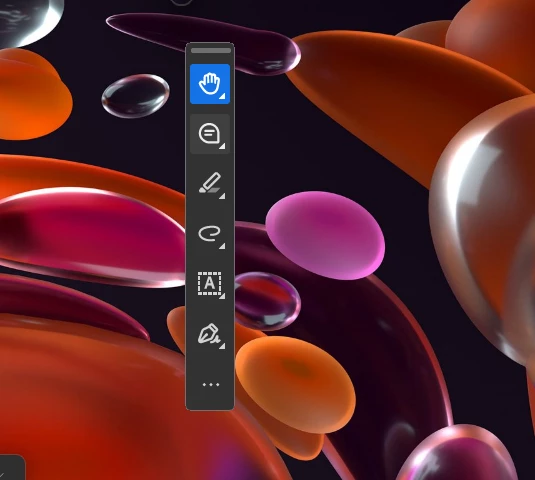
I can only see the toolbar. Nothing else unless I do ctrl + l.

  • February 19, 2026
  • 31 replies
  • 31927 views

I hit something and now only the floating toolbar is there. I can’t see any of the documents when I open them.  
 

    31 replies

    creative explorer
    Community Expert
    Community Expert
    February 19, 2026

    @figureitoutaaa do you have two screens or more? Sometimes it can be on a different screen. 

    Can you at least see the menu bar at least? If you see Window - You can select the document.

    If not, just restart your computer. Hopefully, that restart will snap it back into play

    m
    figureitoutaaa
    Participant
    February 19, 2026

    Thank you for the thoughts. I only have one screen. I can’t see the menu bar. All I can see is the toolbar. I restarted. I uninstalled and reinstalled the program. I feel like it’s a “simple” setting but I cannot figure it out.

    creative explorer
    Community Expert
    Community Expert
    February 19, 2026

    @figureitoutaaa also, go into your Preferences, Control K, and set the Page Layout and Zoom to Automatic 

    Hit CTRL 0 or CTRL 1 to fit the document to your screen (keyboard shortcuts)


    m

