This topic has been closed for replies.

2 replies

mariahweyne
Inspiring
July 21, 2023

Try these settings


Amal.
Community Manager
Community Manager
July 21, 2023

Hi @hasan salah 


Hope you are doing well and thanks for reaching out.


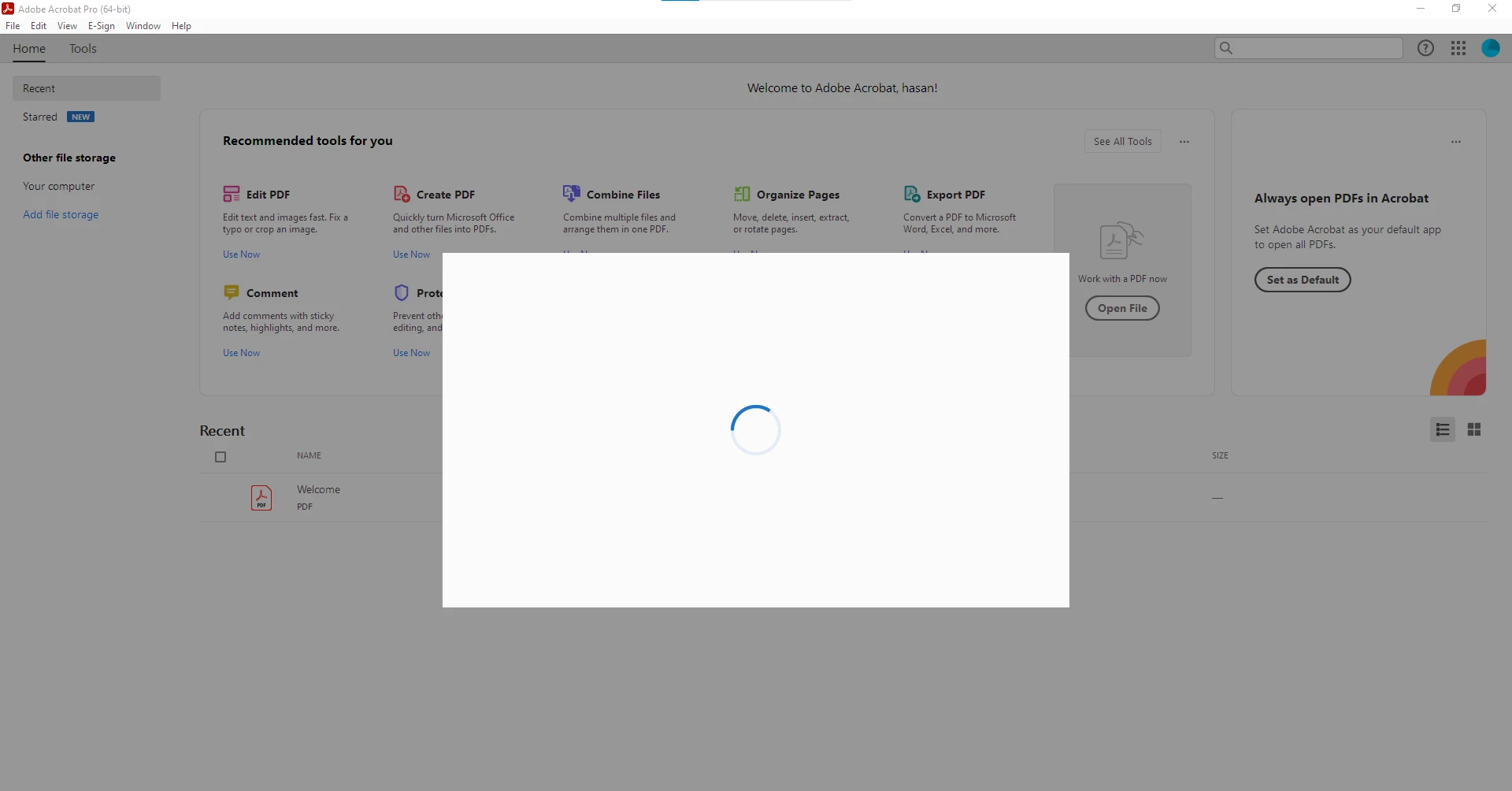
Would you mind sharing the version of the Acrobat DC you are using? To check the version please go through the help page https://helpx.adobe.com/acrobat/kb/identify-product-version.html 


please try to remove the application using the Acrobat cleaner tool https://www.adobe.com/devnet-docs/acrobatetk/tools/Labs/cleaner.html , reboot the computer once and reinstall the application using the direct link
https://helpx.adobe.com/acrobat/kb/acrobat-dc-downloads.html and see if that works.


If it still doesn't work, Would you mind collecting the Adobe CC logs https://helpx.adobe.com/creative-cloud/kb/cc-log-collector.html , Procmon logs (Win Only) https://www.adobe.com/devnet-docs/acrobatetk/tools/Labs/acromonitor.html  and Crash/freeze logs https://helpx.adobe.com/acrobat/kb/collect-logs-crash-freeze.html  share them via any cloud storage? Just upload the log file to the cloud, generate the link, and share that link with us for further investigation.

Regards
Amal

hasan salah
Participant
July 21, 2023

Thank you for your help, I will try the solutions immediately.

And the version of the program is Acrobat DC 2023