
Participant
May 9, 2019
Answered

I created forms to fill out, how to add a button to copy an empty fillable to the next page?

  • May 9, 2019
  • 1 reply
  • 1997 views

So I have fillable boxes on pdf and I would need the same format on the next page but it would be empty.

[Moved from the Forum comments forum (which is for issues with these forums themselves) and into a product-specific, support forum - moderator]
This topic has been closed for replies.
Correct answer George_Johnson

Hi, I actually figured out the template name "P1" but when I add the javascript you gave me and save. The copy of the page goes to the last page? How do I add it to page 3 or the next page?


The location of the newly added page is set by the nPage parameter, and page numbers are zero-based, so that the first page of the document is page 0. So, to add a new page after the one that is being viewed and has the button on it, you'd use:

// Mouse Up script of a button

getTemplate("P1").spawn({nPage: pageNum, bRename: true, bOverlay: false});

1 reply

Inspiring
May 9, 2019

You can set up a page as a Template, and use JavaScript to generate a new page based on the template. Here's a previous thread that has more info: How can you duplicate pages without having the fields read each other?

Your case is simpler since you're only dealing with a single page, but the idea is the same. Also, note that this will work with recent versions of Adobe Reader on Mac and Windows, and Acrobat on Mac and Windows, but not any mobile PDF viewers or browser-based PDF viewers. There are a few non-Adobe viewers that have support for templates, but not most.

Participant
May 9, 2019

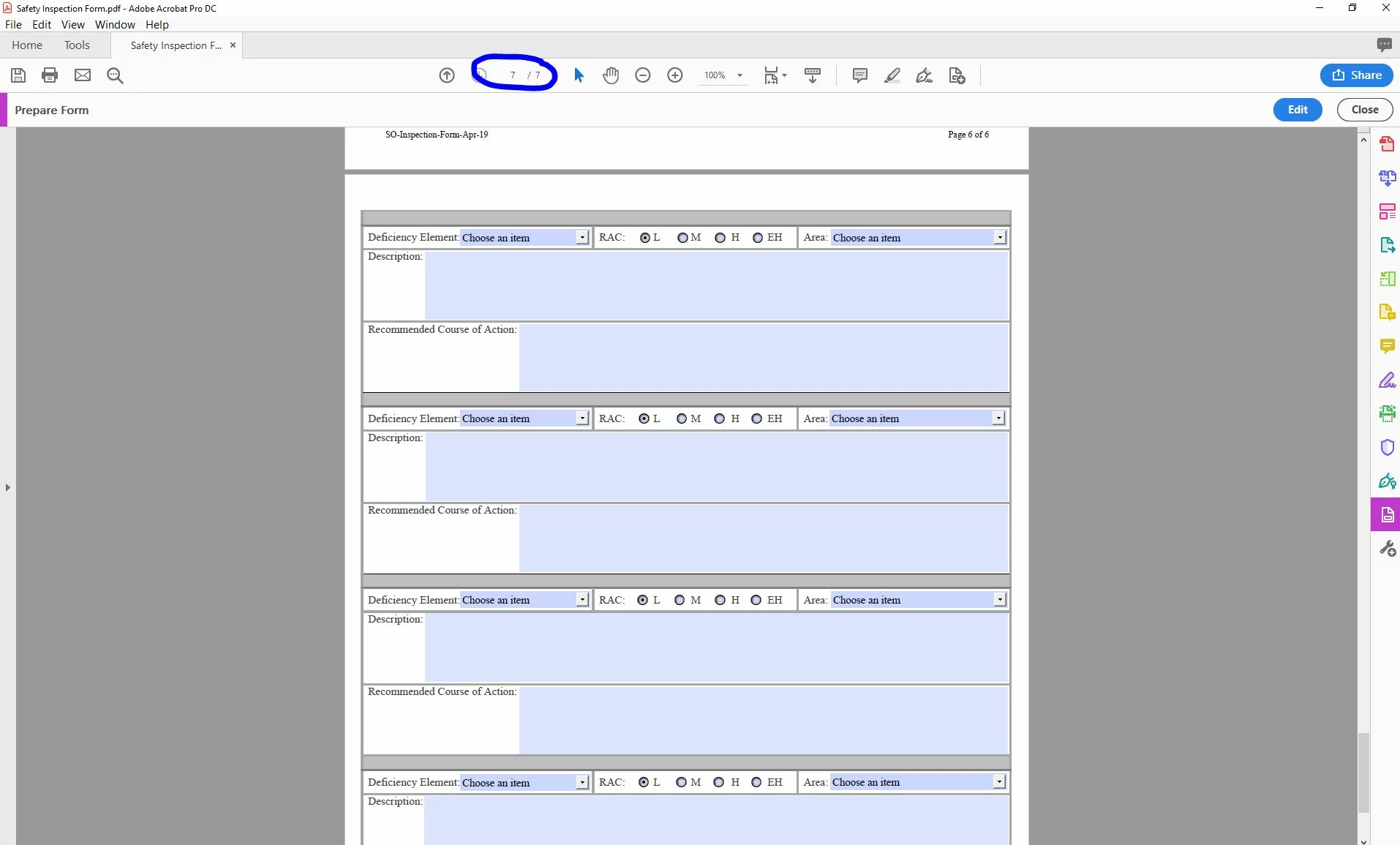
The previous thread was a bit tricky for me. So here is my fillable form, when people fill this out and they need more boxes, how can I add a button/plus sign on the bottom page that will add another same fillable page to the next page and so on?

Inspiring
May 9, 2019

Here's a script that you can use in the Mouse Up event of a button to add a new page as the last page of the document:

// Mouse Up script of a button

getTemplate("P1").spawn({nPage: numPages, bRename: true, bOverlay: false});

where P1 is the name of the template page. Post again if you having trouble making that page a template.