
bjones1
Participating Frequently
April 4, 2017
Question

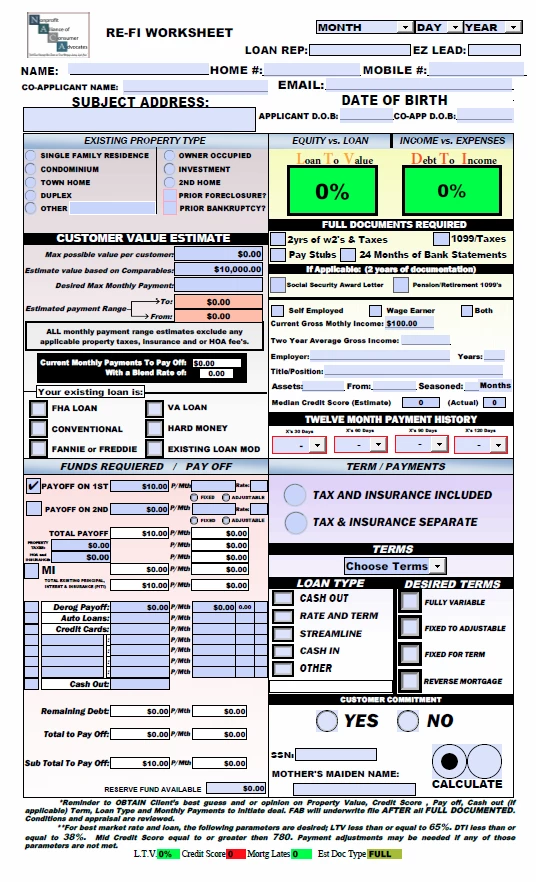
I have this one page document that is 25 megs and it takes too long to load? How can I streamline it. I will try to upload the document. It took me 2 months to make this and my boss is furious with me,
  • April 4, 2017
  • 8 replies
  • 1104 views

I have this one page document that is 25 megs and it takes too long to load? How can I streamline it. I will try to upload the document. It took me 2 months to make this and my boss is furious with me,

This topic has been closed for replies.

8 replies

JR Boulay
Community Expert
Community Expert
April 21, 2017

1- Create a new "flat" document (without form field) with the same layout.

2- Copy-paste all fields from the existing document to the new one, this must be done page by page.

(Hold the Shift key when using Edit menu : Paste to paste in place).

3- That's all!

Acrobate du PDF, InDesigner et Photoshopographe
bjones1
bjones1Author
Participating Frequently
April 20, 2017

How can I get rid of the unused fonts.  I will take the time if it is difficult.

JR Boulay
Community Expert
Community Expert
April 9, 2017

"Reduce size" is the same thing than "Optimized PDF" using "Standard" settings.

Acrobate du PDF, InDesigner et Photoshopographe
bjones1
bjones1Author
Participating Frequently
April 8, 2017

Yes I Tried save as: Reduced size pdf and optimized pdf. I used Several different fonts in the fields.

JR Boulay
Community Expert
Community Expert
April 5, 2017

Hi.

Did you try to "Save As" your form (instead of "Save") ?

Acrobate du PDF, InDesigner et Photoshopographe
bjones1
bjones1Author
Participating Frequently
April 5, 2017

I am only using one or two fonts. While i was making this i had used man other ones deciding to just to used arial black. Are there some other fonts that use up less space?

try67
Community Expert
Community Expert
April 5, 2017

The problem is that once you use a font, it gets embedded in the file and removing it is very difficult...

try67
Community Expert
Community Expert
April 5, 2017

Did you try optimizing the file, as I've recommended?

bjones1
bjones1Author
Participating Frequently
April 5, 2017

try67
Community Expert
Community Expert
April 4, 2017

Start by finding out what's taking the most space in your file.

To do that open the Content panel on the left, then right-click the top-most item and select Audit Space Usage.

You should see something like this:

This will help you locate the parts of the file that take the most space. Then you can try to remove/replace them with smaller things.

For example, if images take a lot of space, try replacing them with lower resolution ones. If fonts, try replacing any special ones with standard fonts, etc.

You should also try saving the file under a new name (using the Save As command, not just renaming it). That forces an optimization process and can seriously decrease the file-size.

Other options saving it via File - Save As Other - Reduced Size PDF or Optimized PDF.