Known Participant
May 3, 2025
Answered

I'm having issues when after cropping a pdf, it doesn't follow through with the task.

  • May 3, 2025
  • 1 reply
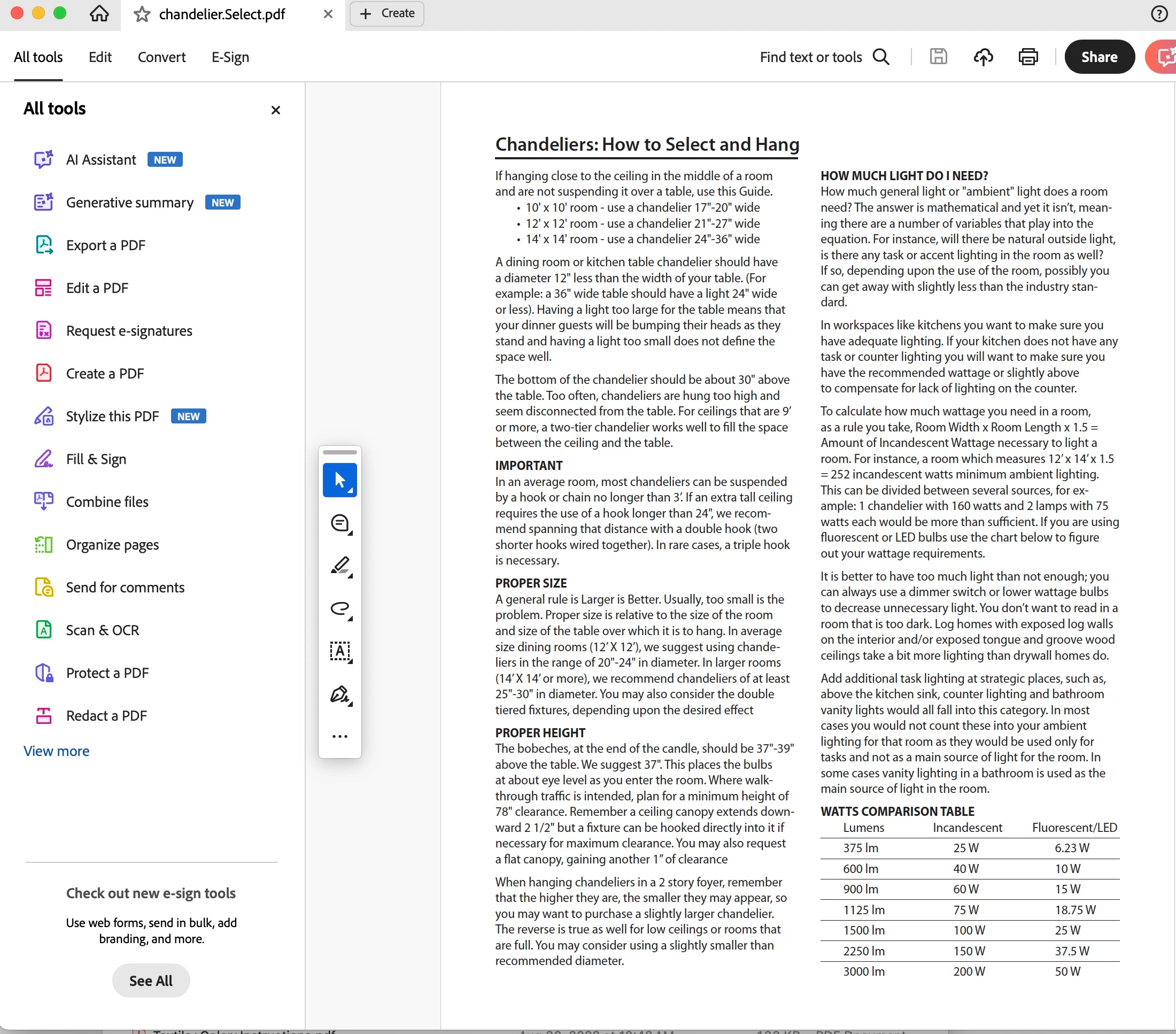
  • 930 views

1.) I open the pdf I want to crop.
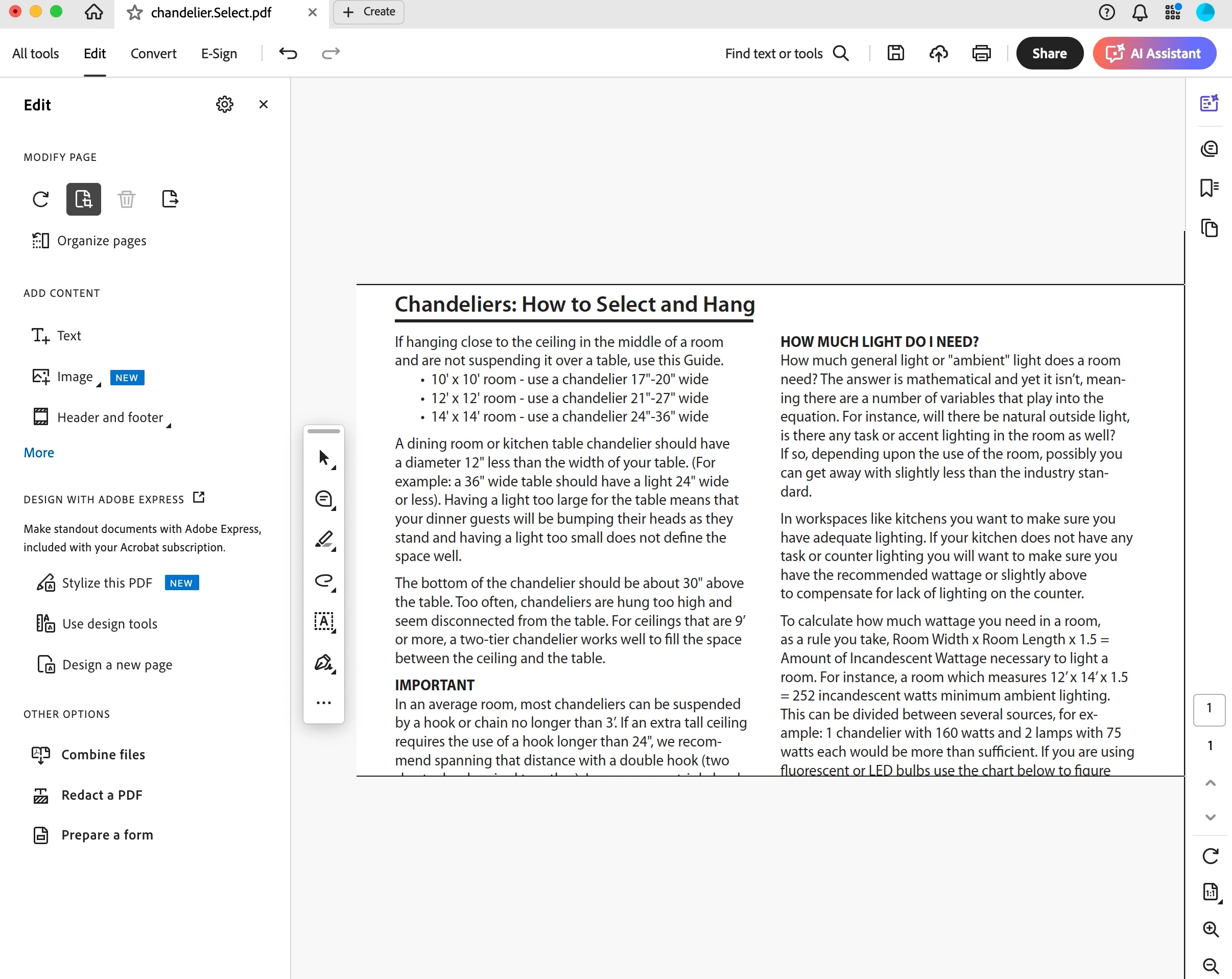
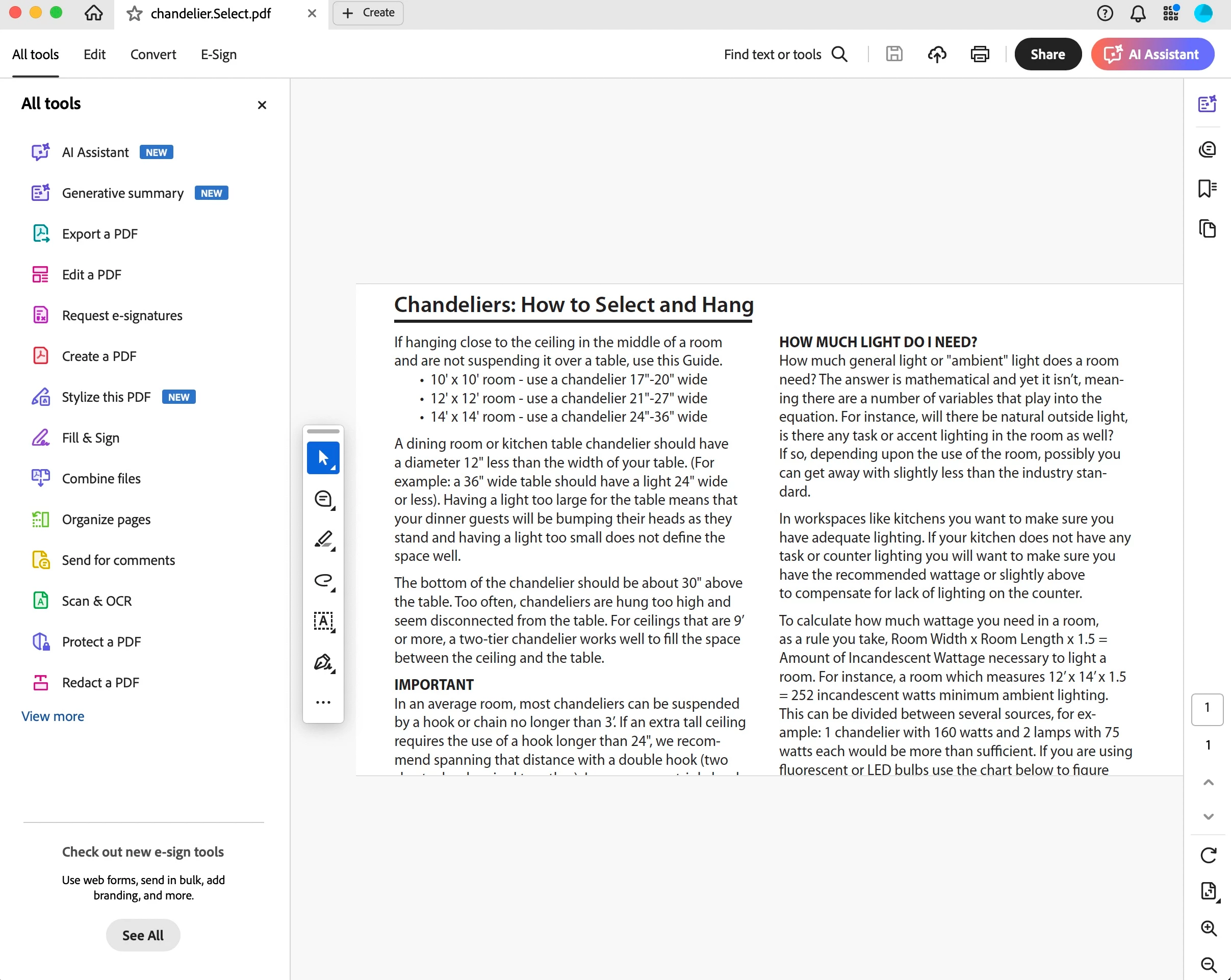
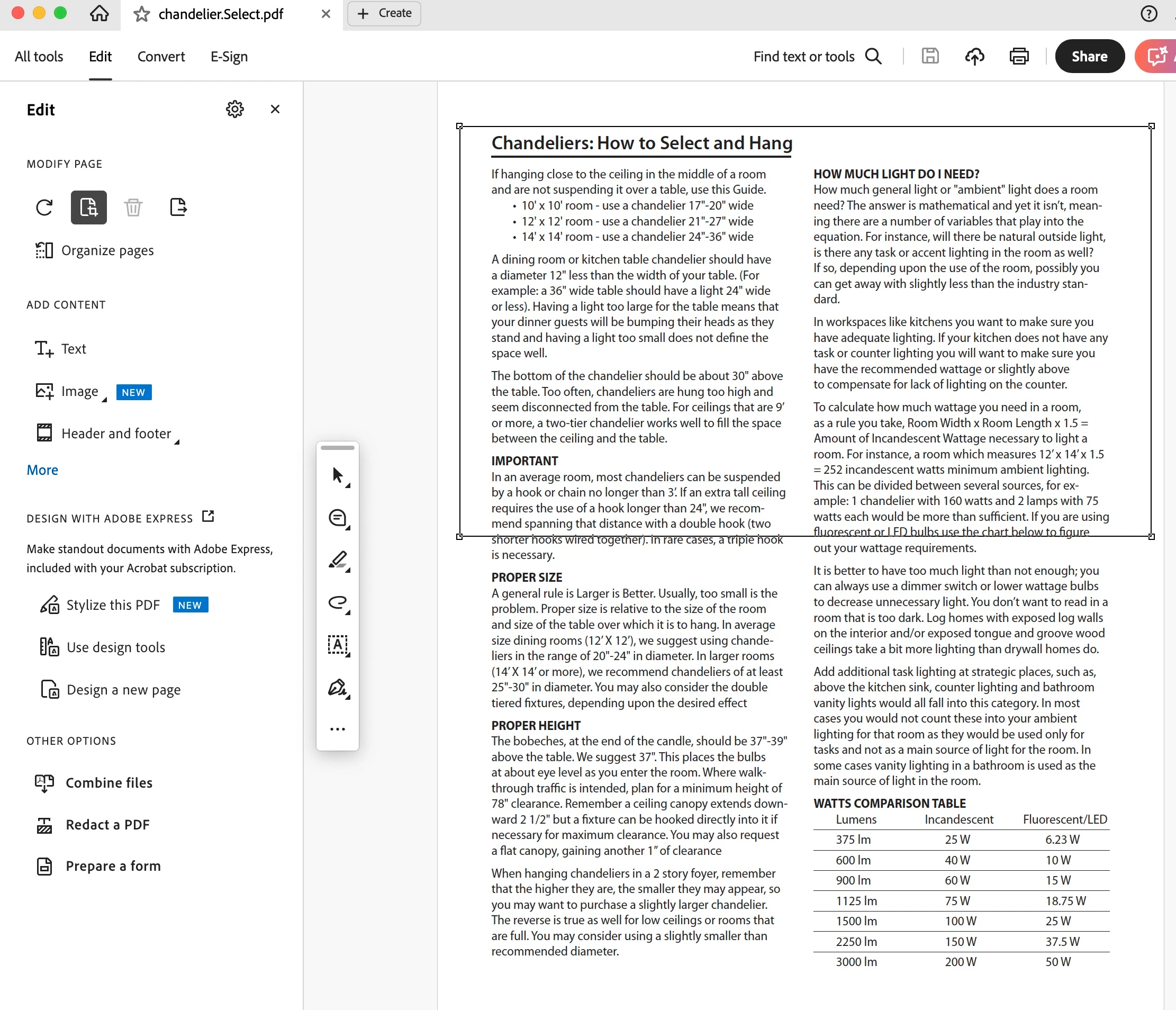
2.) I click "edit". Then I click on the crop icon and select my area. I double click inside the crop area.
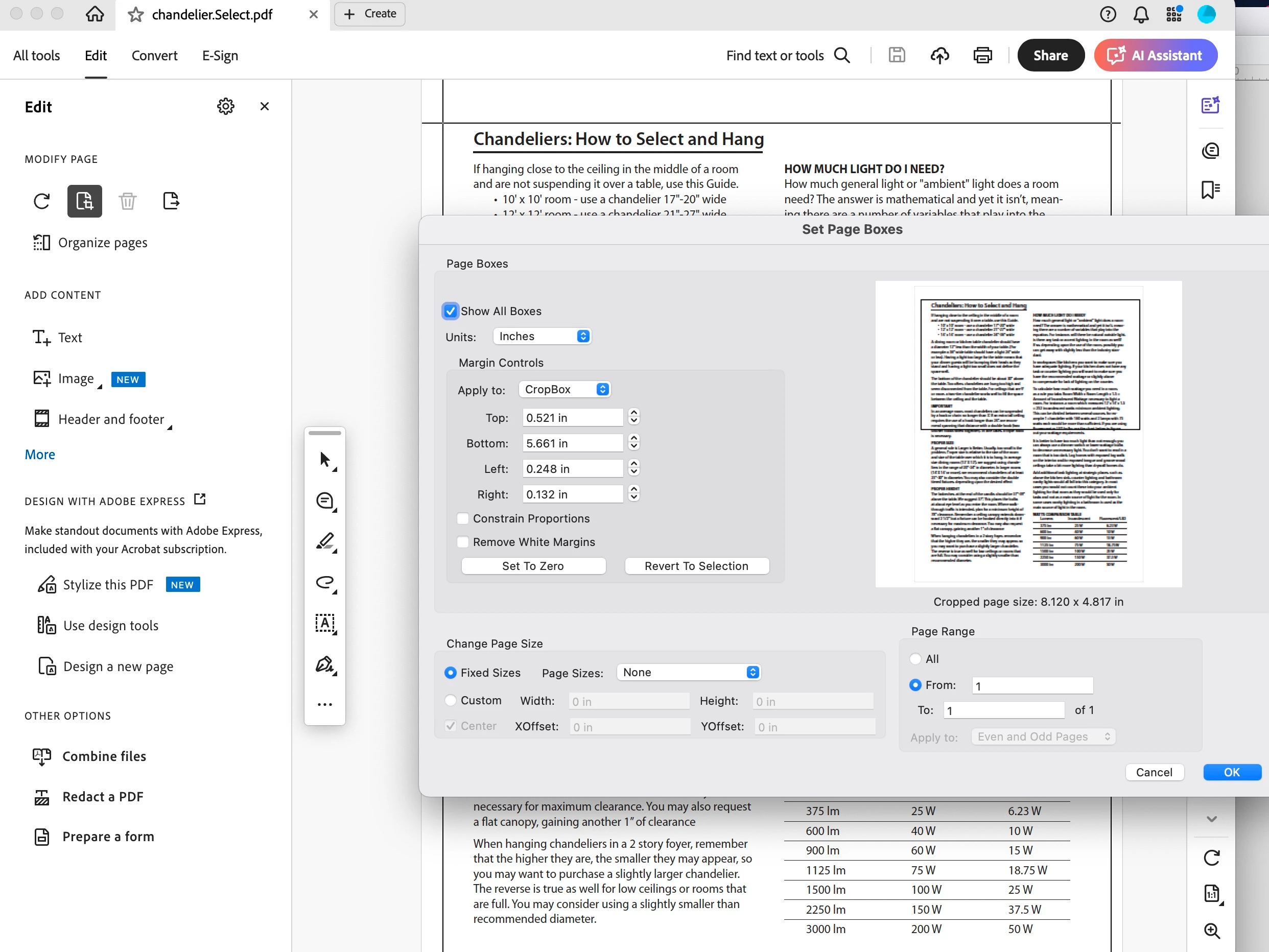
3.) This takes me to a crop dialog box. I click "OK"
4.) This takes me to image of "cropped" area. I close out of "edit" dialogue box.
5.) I save and close the PDF.
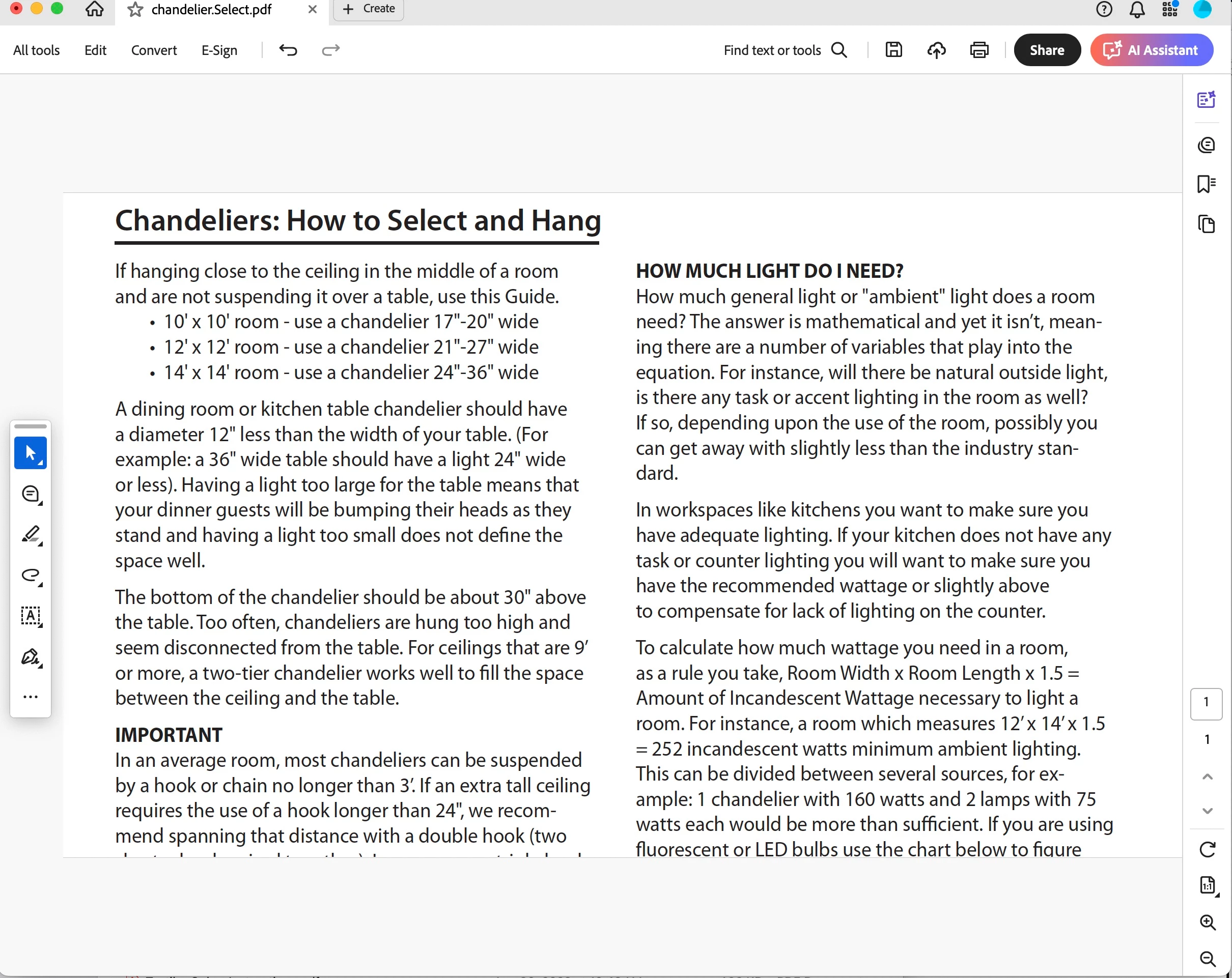
6.) I reopen the PDF and see a cropped document. I close the PDF.
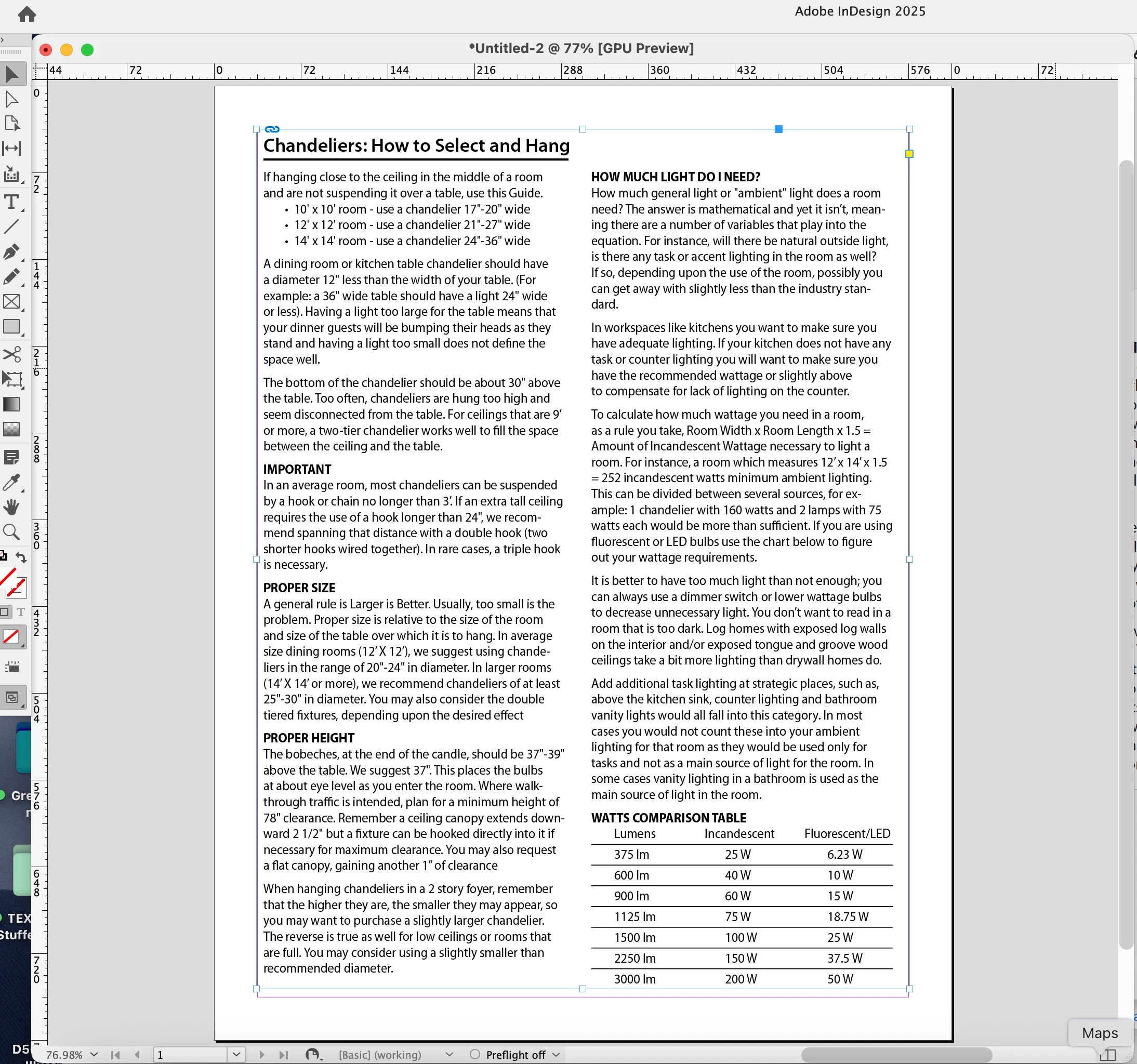
7.) When I place it in InDesign, it has not been cropped.

Please advise. Thank you.
Correct answer Dave Creamer of IDEAS

PLACE your PDF in InDesign.

Select our PDF. (Do NOT double-click or click OK.)

Click the "Show Import Options" at the bottom of the dialog box.

Now click OK.


1 reply

Dave Creamer of IDEAS
Community Expert
Community Expert
May 3, 2025

When you are placing the PDF in InDesign, click Show Import Options. See what PDF box is selected--it should be Crop. 

David Creamer: Community Expert (ACI and ACE 1995-2023)
June5FEBAuthor
Known Participant
May 3, 2025

Thank you. My screen looks nothing like your screen capture. Where can I find a screen that looks like yours? How do I get there? These are my available import/place options:

Dave Creamer of IDEAS
Community Expert
Dave Creamer of IDEASCommunity ExpertCorrect answer
Community Expert
May 3, 2025

PLACE your PDF in InDesign.

Select our PDF. (Do NOT double-click or click OK.)

Click the "Show Import Options" at the bottom of the dialog box.

Now click OK.


David Creamer: Community Expert (ACI and ACE 1995-2023)