


I need to print one large image across multiple pages true to scale but it will NOT work
I have large files that need to be printed across multiple pages, and they need to be true to scale. The files/images are custom-made printable scenes for mini dioramas. Dimensions are 28.25” long by 13.75” tall and 14.25” long by 13.75” tall. No matter what I do, in any Adobe program, they will NOT print true to scale. I’ve used Paint for years, set the scale to 100%, and they came out exactly as I needed them to. Then Microsoft did some stupid update, rendering this option useless, as six pages turns into 40. I won’t get into that here… I’ve looked into all my options with Adobe and nothing is working. My printer settings are set to print at 100% size, in both the printer itself and Photoshop. I just got a trial of Acrobat for the splicing feature I’ve been reading about. Can someone explain why it goes from this:
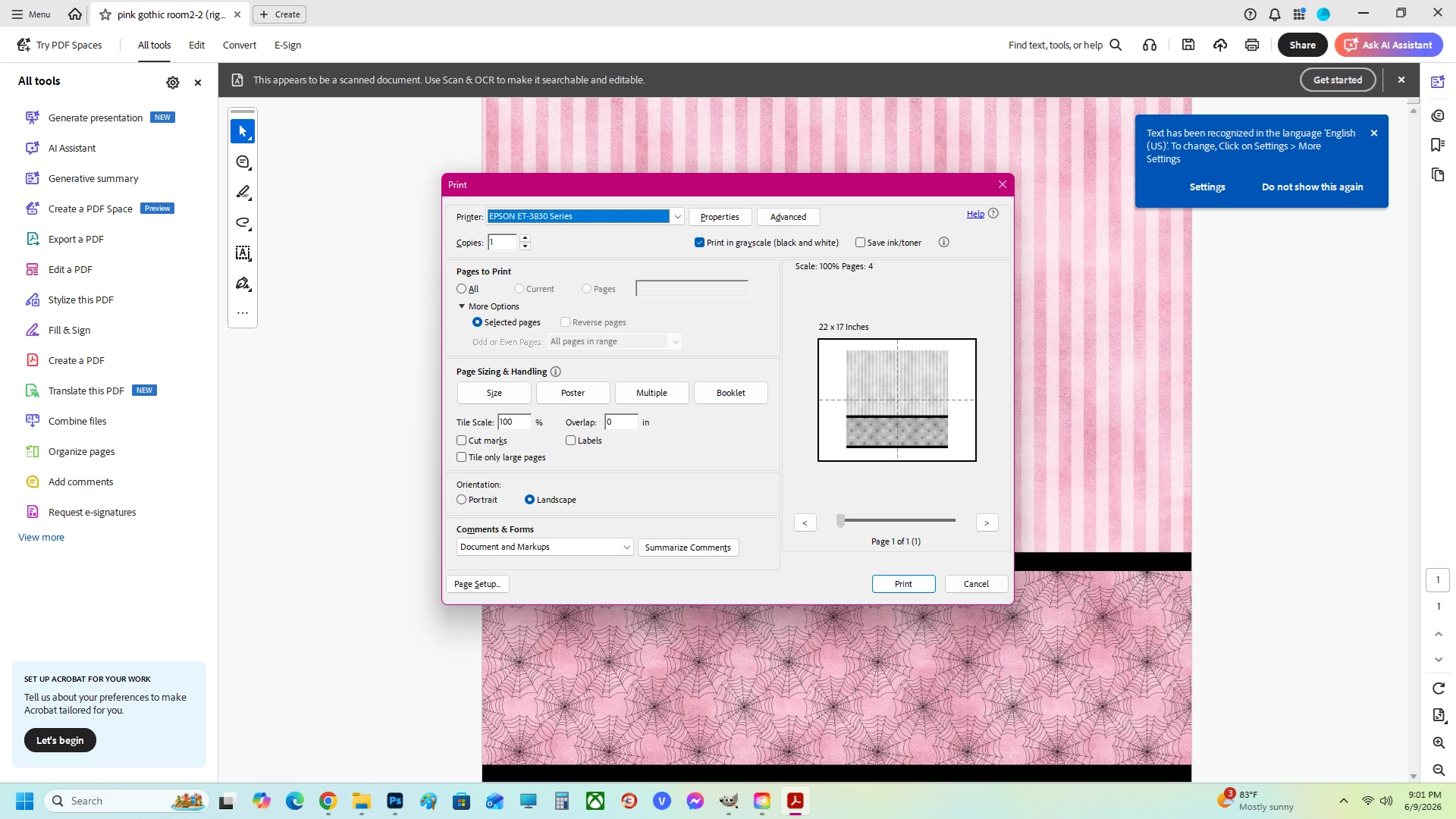
To THIS:
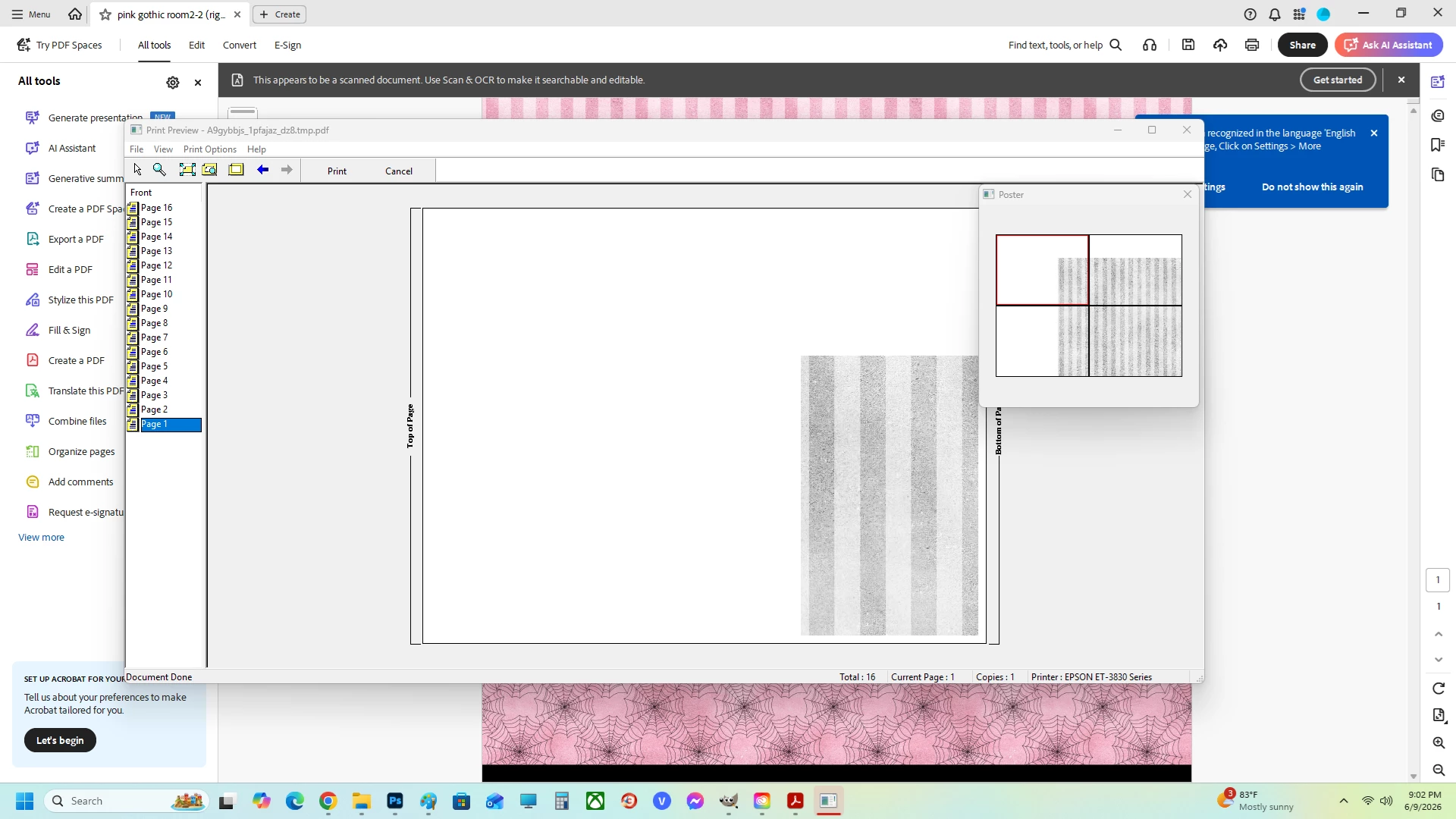
100%, always took four pages before to print… and it goes from 4 to 16??? Everything is printing way too large. Then in Photoshop, it puts the entire image on one piece of paper instead of spreading it out across 4. Changing percentages does nothing because, due to the different lengths, the seamless patterns no longer line up.
WHY is it so difficult to print something true to scale? I have never seen anything so baffling when it comes to printing. If I say to print something at 100%, that should print it at 100% without all these extra problems. I am absolutely beside myself. PLEASE HELP!!!
 AdChoices