EddieDingle
Participant
June 1, 2018
Answered

I want every PDF I make to automatically have password protection.

  • June 1, 2018
  • 2 replies
  • 716 views

I make several dozen PDFs daily, I'd like to have a single password applied to every PDF I make. I tried to do this by making a preset, but the next time I use the preset the password protection is gone.
This topic has been closed for replies.
Correct answer jane-e

Hi marcc91365620,

If you want to do it in Acrobat:

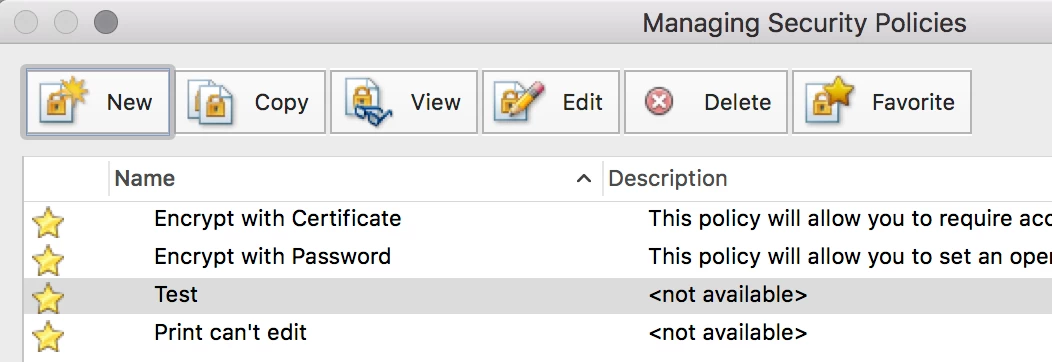
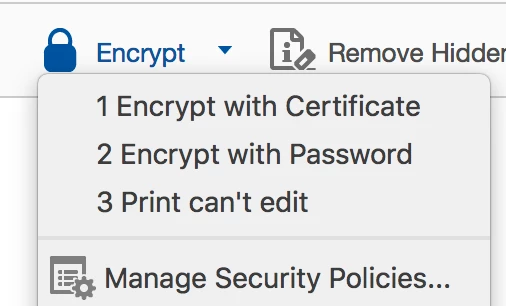
  • Protect tab > Encrypt > Manage Security Policies...


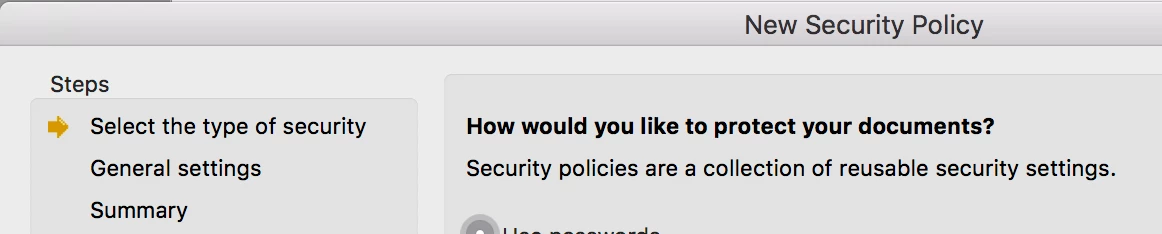
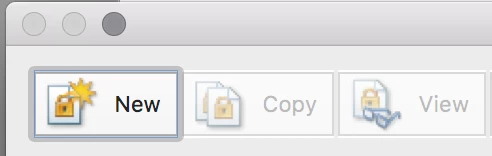
  • New
  • Work through steps of Wizard. Be sure to select Save Password in Step 2 (General Settings)
  • Tagging it as a Favorite (default) means it will appear in your Encrypt list. Close the dialog and close the Protect tab.
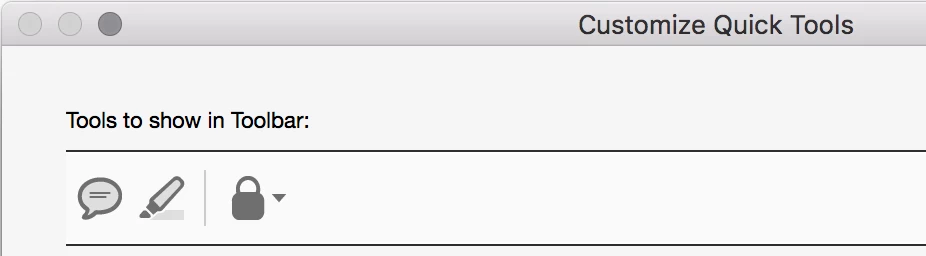
  • Customize Quick Tools to add Encrypt, located in Protect
  • Now that you've done these steps, the rest is easy:
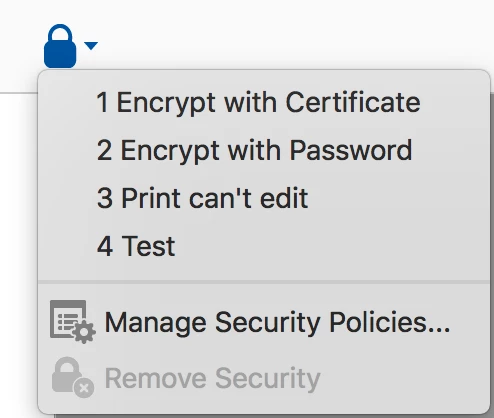
    In any PDF, click the Encrypt button in your Quick Tools and choose your saved Security Policy. You can have as many as you want. They show in this list if they are "favorites" in Manage Security Policies.
    Remember that Security is enabled after Save.

Is this what you are looking for?

2 replies

jane-e
Community Expert
jane-eCommunity ExpertCorrect answer
Community Expert
June 2, 2018

Hi marcc91365620,

If you want to do it in Acrobat:

  • Protect tab > Encrypt > Manage Security Policies...


  • New
  • Work through steps of Wizard. Be sure to select Save Password in Step 2 (General Settings)
  • Tagging it as a Favorite (default) means it will appear in your Encrypt list. Close the dialog and close the Protect tab.
  • Customize Quick Tools to add Encrypt, located in Protect
  • Now that you've done these steps, the rest is easy:
    In any PDF, click the Encrypt button in your Quick Tools and choose your saved Security Policy. You can have as many as you want. They show in this list if they are "favorites" in Manage Security Policies.
    Remember that Security is enabled after Save.

Is this what you are looking for?

EddieDingle
Participant
June 4, 2018

Thanks! This will do. I'd like this to be a part of acrobat's presets, but this will speed up the process considerably.

jane-e
Community Expert
Community Expert
June 5, 2018

Glad to help, Marc!

Legend
June 2, 2018

How exactly do you make the PDF?  Many many ways, possible with a few.