nice_friendship9653
Participating Frequently
April 29, 2026
Answered

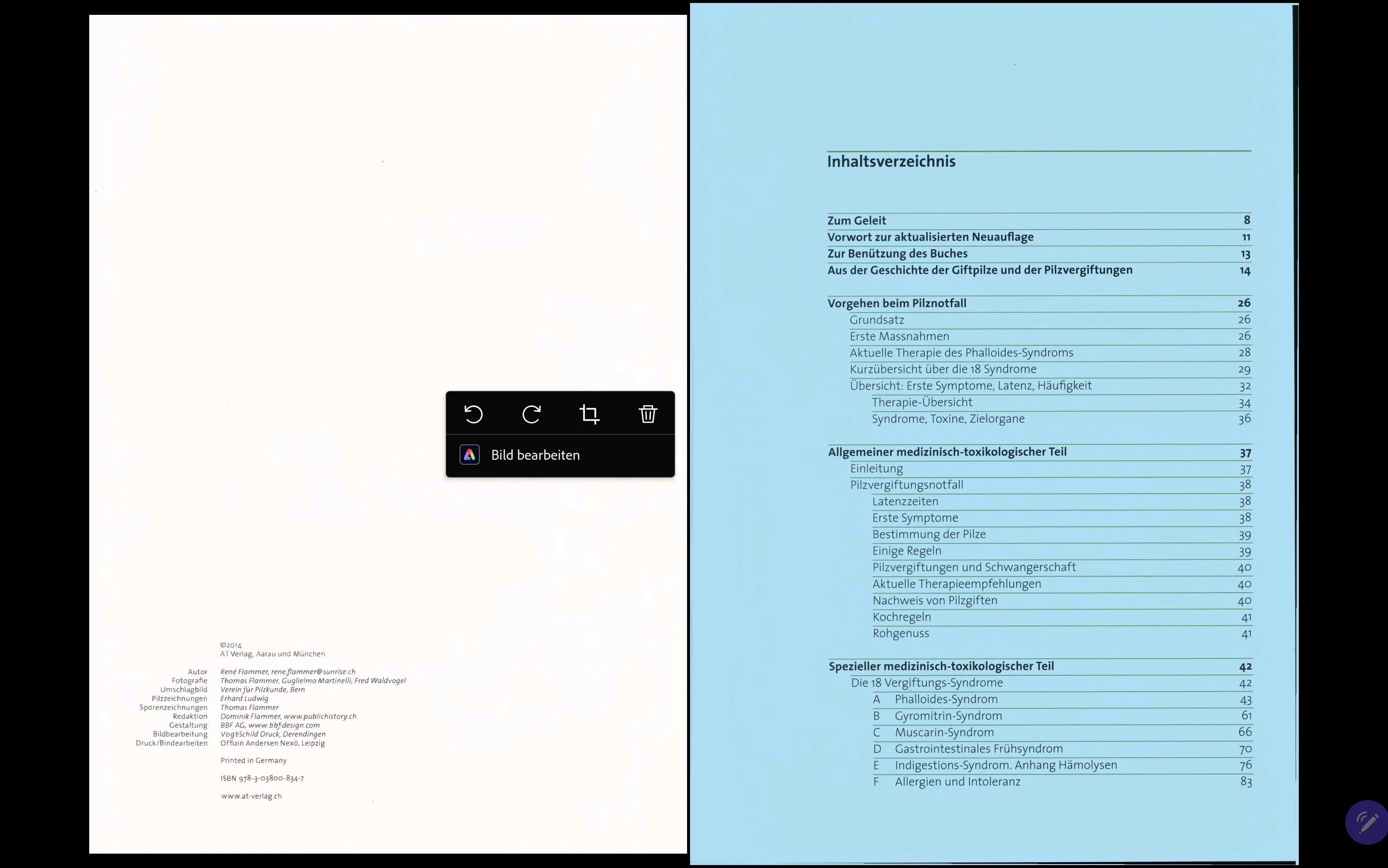
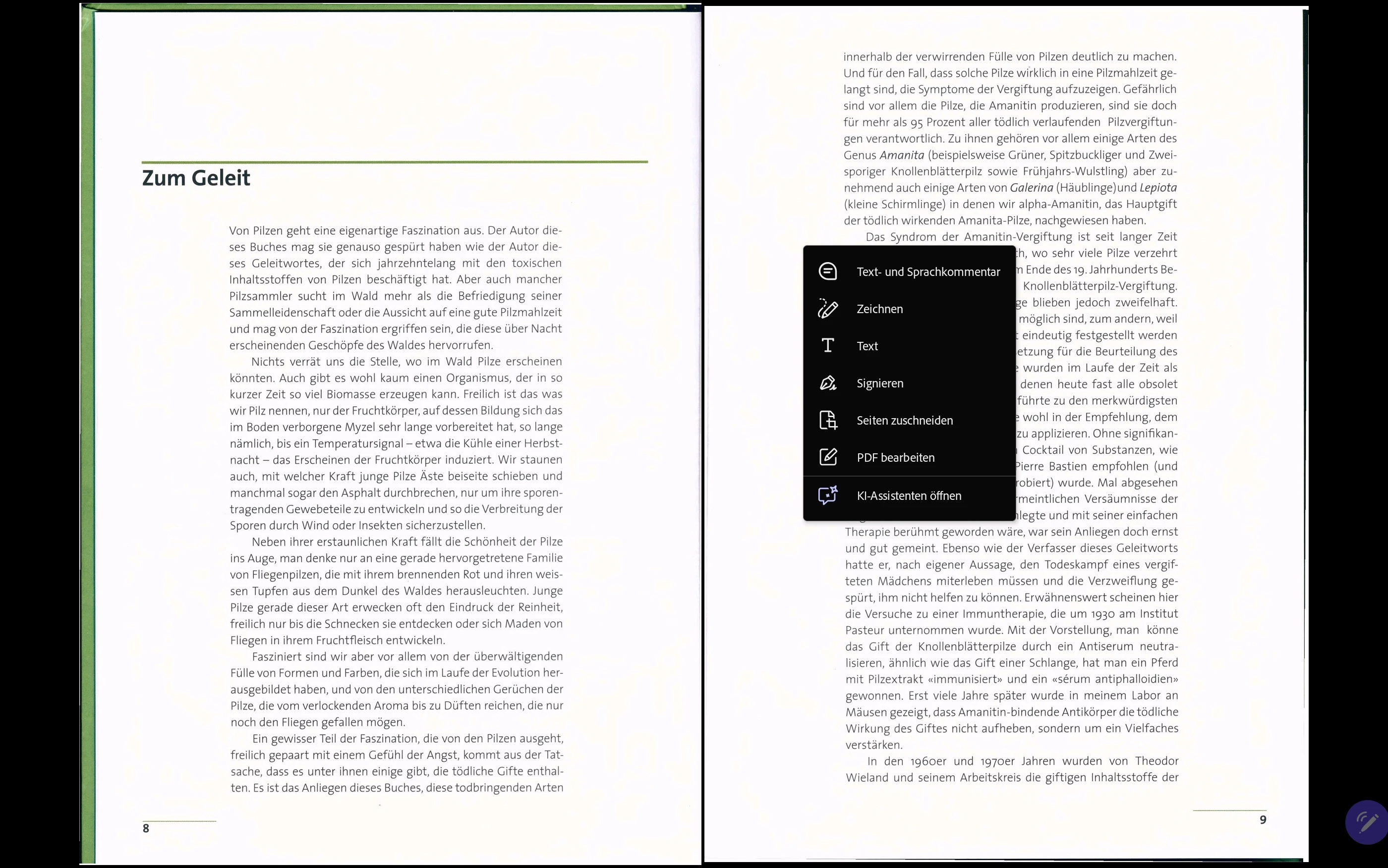
Ich erhalte neu ein Dialogfeld zum Bearbeiten der pdf. Vorher war besser

  • April 29, 2026
  • 5 replies
  • 162 views

Vor paar Tagen hatte ich noch das vollständige Dialogfeld zum Bearbeiten der pdf. Neu bekomme ich nun ein neues mit weniger Funktionen, dass zuschneiden funktioniert auch nicht super. Wie kann ich das Rückgängig machen? 
 

    Correct answer Amal Jaiswal

    Hi ​@nice_friendship9653 

    Hope you are doing well.  Please try to update the application to the latest version available on the Play Store and reboot the device once, and confirm if that fixes the issue. 

    Let us know how it goes.

    ~Amal

    5 replies

    nice_friendship9653
    Participating Frequently
    June 24, 2026

    Dear ​@Amal Jaiswal everthing is running well. Thanks a lot for your support. This makes my day very helpful to adapt all my pages. best regards Andreas

    Community Manager
    June 24, 2026

    Glad to hear that, Andreas!
    Thanks for keeping us updated. 

    Amal Jaiswal
    Community Manager
    Amal JaiswalCommunity ManagerCorrect answer
    Community Manager
    June 15, 2026

    Hi ​@nice_friendship9653 

    Hope you are doing well.  Please try to update the application to the latest version available on the Play Store and reboot the device once, and confirm if that fixes the issue. 

    Let us know how it goes.

    ~Amal

    nice_friendship9653
    Participating Frequently
    June 16, 2026

    ​Hi ​@Amal Jaiswal 

    ​Thank you very much for your help.

    ​I have updated the application to the latest version from the Play Store and restarted my device as you suggested. I can confirm that everything is now working perfectly!

    ​Thank you again for your support.

    ​Best regards,

    Andreas


    I am very happy 

    Anand Sri Bhattacharya
    Community Manager
    Community Manager
    June 16, 2026

    Hello ​@nice_friendship9653 


    I hope you are doing well, and thank you for the confirmation that the issue got fixed. We’re glad that we were able to help you.

    Please feel free to reach out if you need any assistance. For future reference, you can refer to this Adobe article to learn more about the product: https://helpx.adobe.com/in/acrobat/desktop/edit-documents/edit-text-in-pdfs/modify-text.html


    Regards,

    Anand Sri.

    Amal Jaiswal
    Community Manager
    Community Manager
    May 22, 2026

    Hi there,
     

    Thank you for sharing your observation and trying the suggestions. I have passed the feedback to our development team and they are actively looking into this. 
     

    I will keep you posted as soon as we get more information.


    ~Amal

    Amal Jaiswal
    Community Manager
    Community Manager
    May 19, 2026

    Hi there 


    Thanks for sharing the video, please give us some time to get this checked with our engineering team. I Will keep ouposted of the updates. 


    Thanks for your understanding.


    ~Amal

    Community Manager
    May 1, 2026

    Hi ​@nice_friendship9653


    Thanks for reaching out. 
    With the limited information provided, I am assuming you've been switched to the new Acrobat experience, which has a simplified interface with a more limited crop tool. Here's how to get back to the classic interface with the full crop dialog:

    Windows: Click the hamburger menu (≡) in the upper left corner → select Disable new Acrobat → restart when prompted.

    Mac: Go to View in the top menu → select Disable new Acrobat → restart when prompted.

    Once back on the classic interface, you'll have access to the full Set Page Boxes dialog with precise numeric control over crop margins, page range, and all page box types.


    Let us know how it went. 


    ~Tariq

    nice_friendship9653
    Participating Frequently
    May 11, 2026

    Many thanks, Tariq. Unfortunately, the problem is still there. I have tried many things, but this new dialog field keeps appearing again and again. I am really sick and tired of it.

    I do not have these options in the upper-left menu. I am using a Samsung Galaxy Tab S9.

    Do you think I should reinstall everything? Is there any chance to get the old version back?

    Community Manager
    May 13, 2026

    Hi ​@nice_friendship9653


    Oh, you can never find those options. Since your question was posted in the Acrobat Community, we considered that you are using the Acrobat Desktop app. 

    I will have my colleague have a look at this 


     ~Tariq