
Identifying all hidden hyperlinks in a PDF, using Acrobat Pro for Mac
I'm using the following version of Acrobat Pro on Mac OS Monterey v. 12.6.8:

I have Word documents containing hidden active hyperlinks, by which I mean active hyperlinks formatted as normal text. When those are converted to PDF, the hyperlinks remain both active and hidden.
Adobe does offer an easy way to inactivate all of them:
Tools → Edit PDF → Link → Remove Web Links
However, before I do that, I'd like a way to identify all the hidden hyperlinks in the document. Adobe offers a way to do that as well, but it's limited to processing one page at a time:
Tools → Edit PDF → Link → View Web Links
This is what it shows (I blacked out the links).
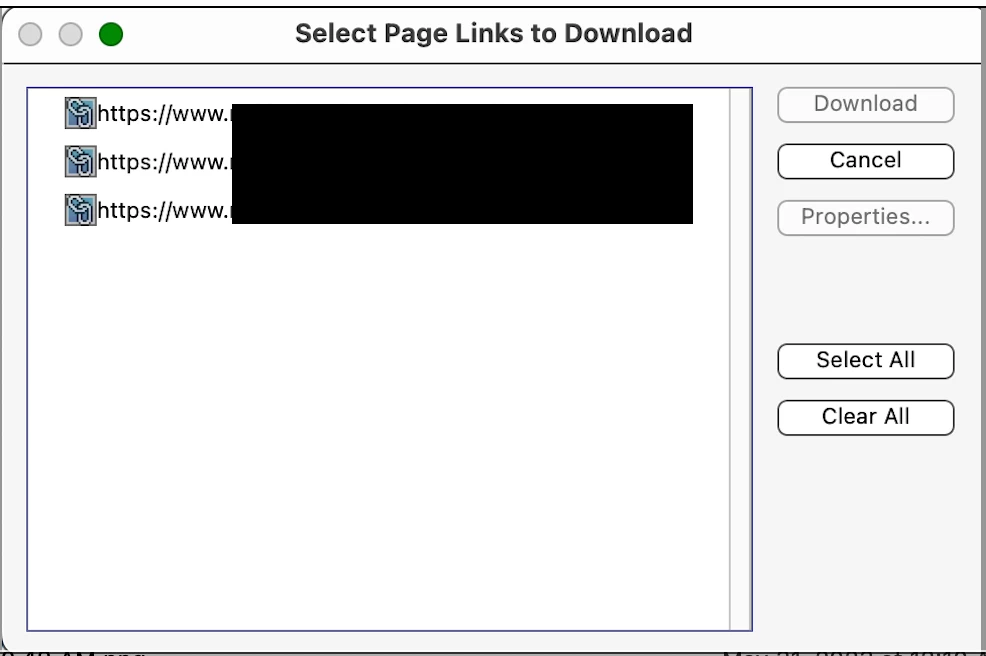
Unfortunately, as this process needs to be repeated for each page, it's too laborious for large documents.
Thus is there a way to do either of the following?:
1) With a single action, generate a list of all the hyperlinks in your document as a whole.
or:
2) With a single action, format all the hyperlinks in your document in a distinctive way, making them easy to spot as you scroll through it.
Yes, another solution would be to remove them from the Word documents before they are converted to PDF. Yet because of our workflow (where we are assembling many Word source docs into a single PDF), having an ability to do a final check in Acrobat would be a great convenience.


 AdChoices