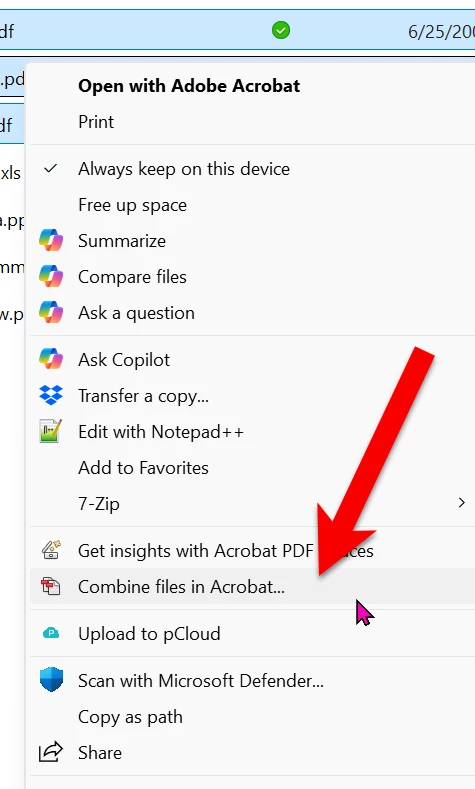
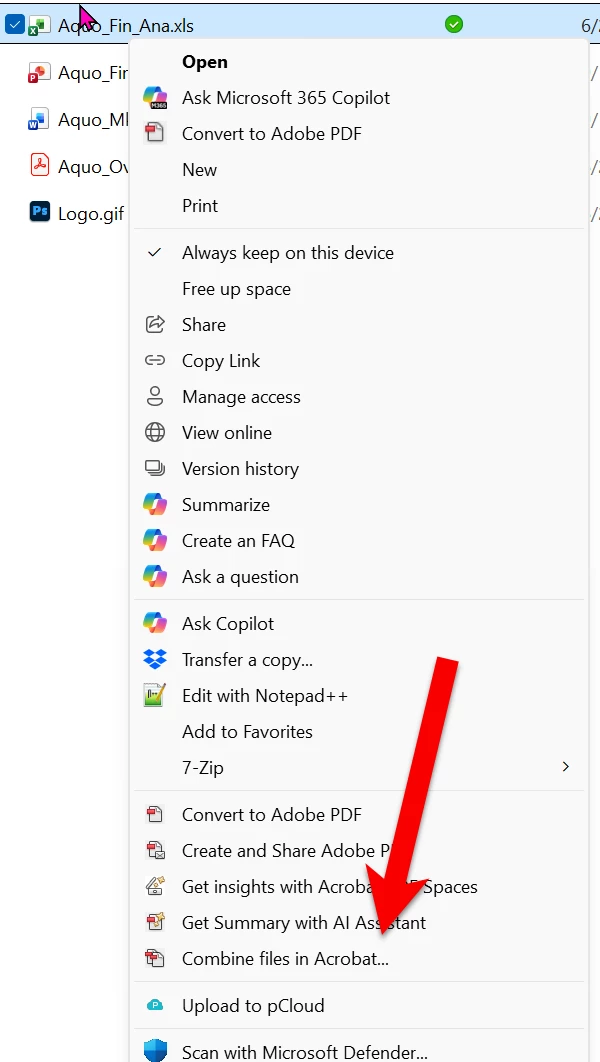
If a windows explorer window, I just last week.. I could right click on a file ( image or another pdf ) and an option for combine files or open as a pdf would be listed.... but those options are gone?
If a windows explorer window, I just last week.. I could right click on a file ( image or another pdf ) and an option for combine files or open as a pdf would be listed.... but those options are gone?
Which version of Windows are you using? Also, which version/type of Acrobat are you using? Acrobat Pro? Standard? Studio? Reader?
Have you tried reinstalling your Acrobat software?
Or, given the version of the software, it it too old for you to be able to reinstall the software?
It also seems, in the screen capture you shared, that you only have one file selected when you right-clicked for the context-sensitive menu. When you select multiple files, does the context-sensitive menu look any different when you right-click on selections of multiple files?
I apologize in advance for responding to your question with a lot more questions, but the answers to these questions will determine the best ways we can help you. If you could please let us know the answers to these questions, it will help a lot as we try to help you through your issues.





 AdChoices