
Participant
May 31, 2024
Question

Image Upload Not Working

  • May 31, 2024
  • 1 reply
  • 384 views

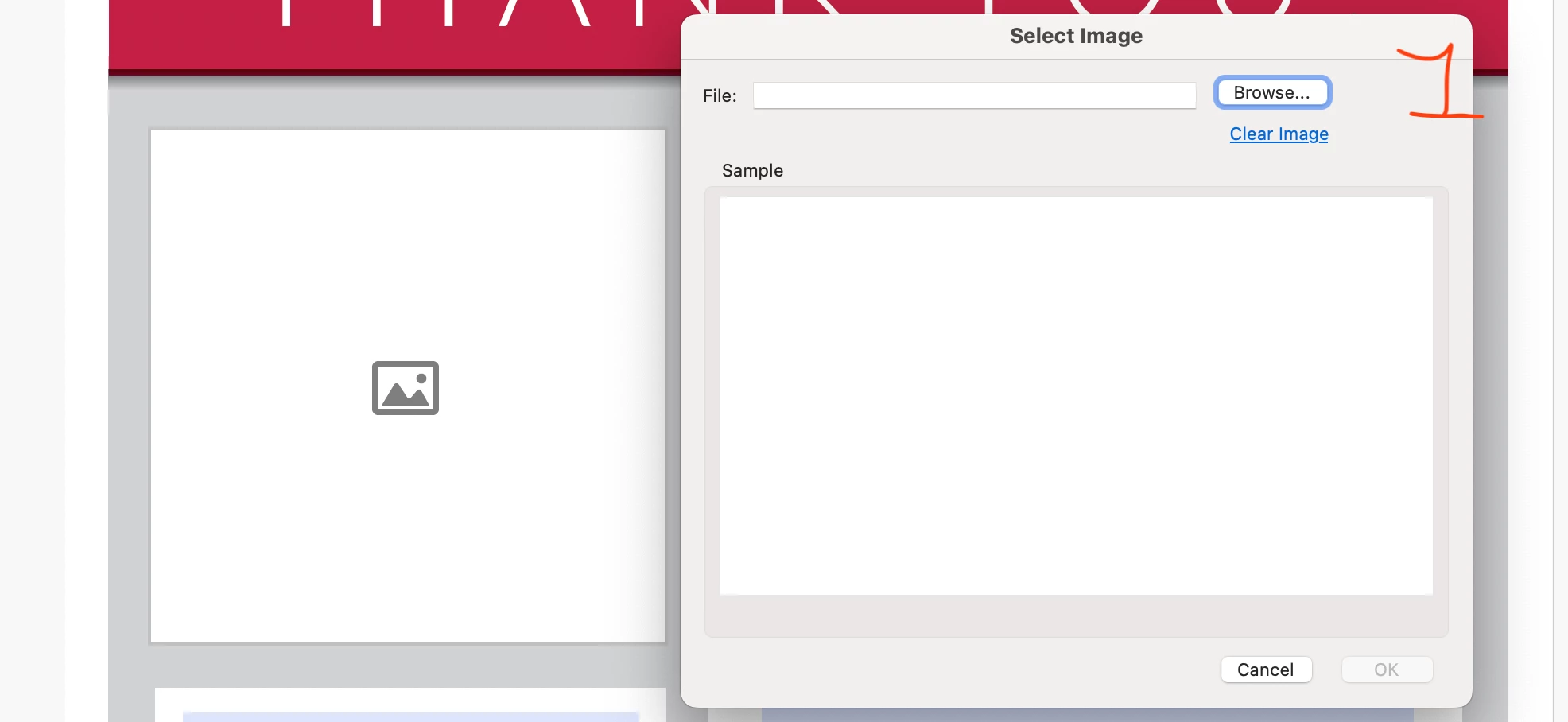
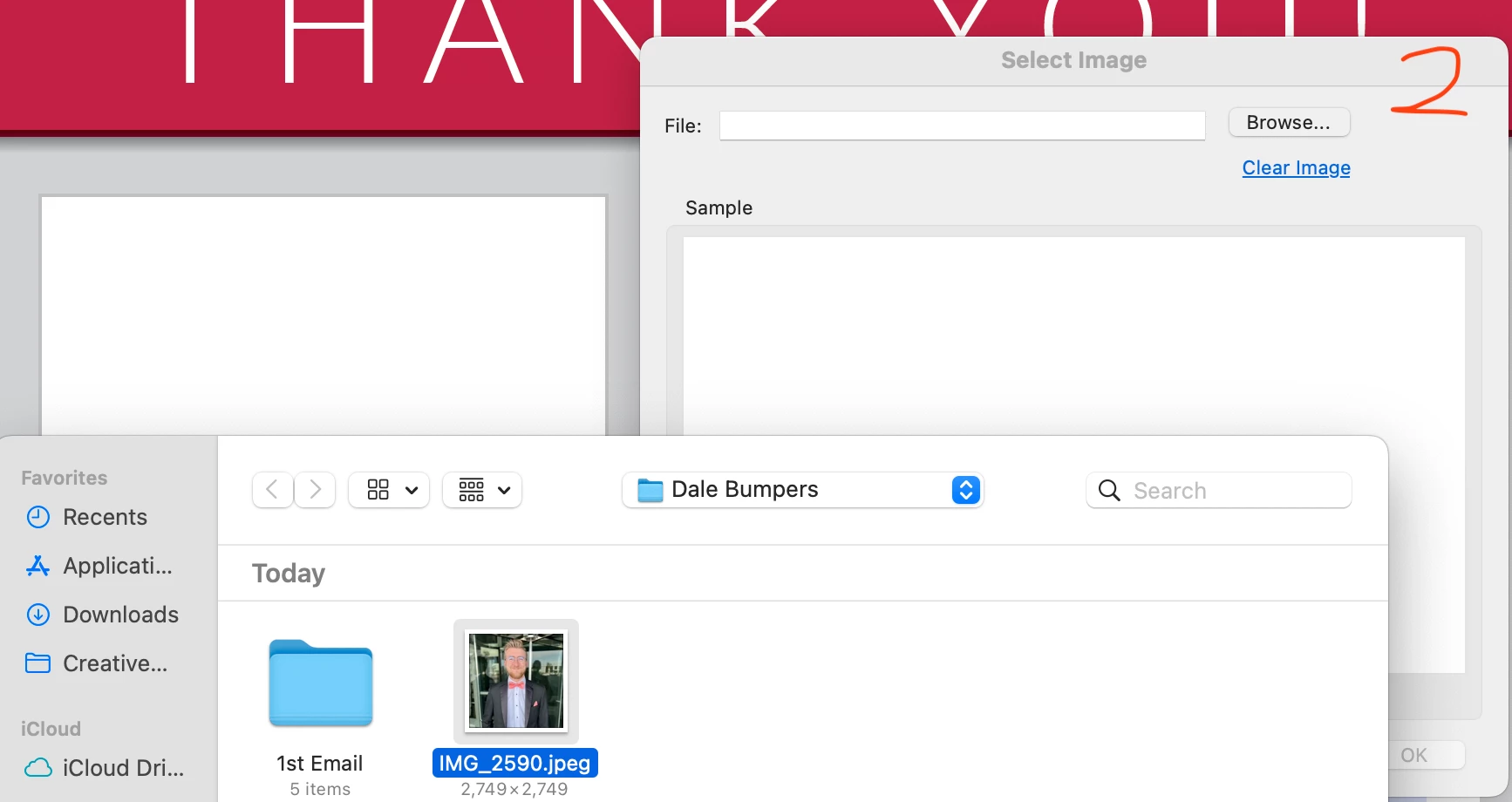
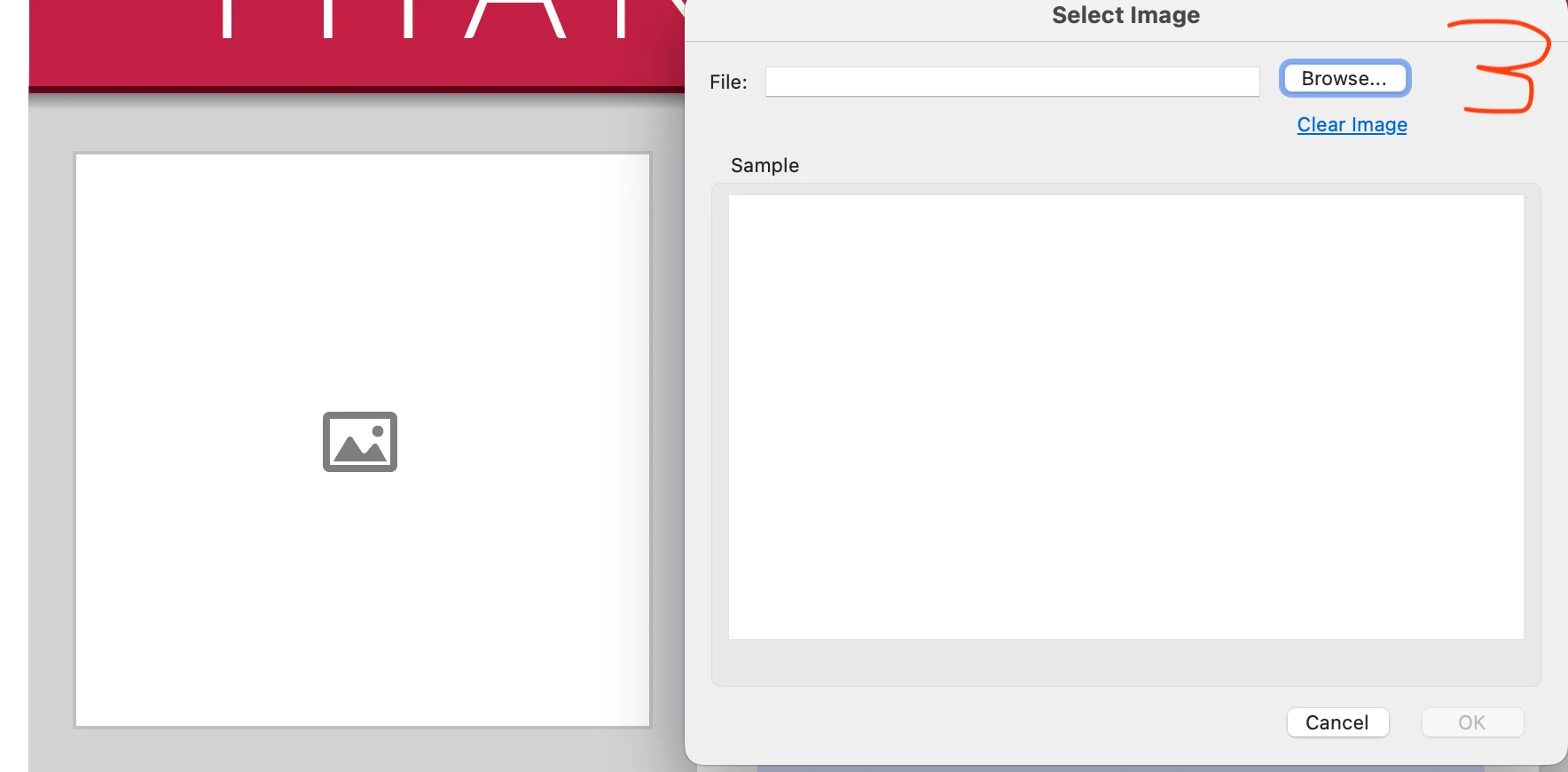
I am trying to upload an image through Acrobat, but nothing has worked. The image's original format is jpeg. I converted it to PNG, thinking it would work, but it hasn't. I have also tried the process on my Windows 10 computer, and I am getting the exact same issue. The pictures attached are in order, 1 to 3, of what my screen looks before clicking an image, choosing the image, and what happens after I click the image.
This topic has been closed for replies.

1 reply

Amal.
Legend
June 12, 2024

Hi there 
 
Hope you are doing well and sorry to hear that
 
Is this an issue with a particular image file or with all the images that you try to add to PDF? Please try with a different image file and check.


What is the version of the OS and the Acrobat DC you are using? To check the version go to Help > About Acrobat and make sure you have the recent version 24.02.20759 installed. Go to Help > Check for updates and reboot the computer once.
 
Also try to repair the installation from the help menu (Win Only) and see if that works.
 
Please try to reset the Acrobat preferences as described here (https://adobe.ly/3VeyGzy) and see if that helps.


~Amal