
Imposing 11x17+ booklet with bleed marks in Adobe Acrobat
Greetings!
I am trying to impose a pdf with 8.5x11 pages (+ 2.75mm bleed) into an 11x17 (+2.75 bleed around outer edge) booklet with trim marks.
The problem: Printer mark options are greyed out in adobe acrobat / file / print / booklet / advanced print setup :
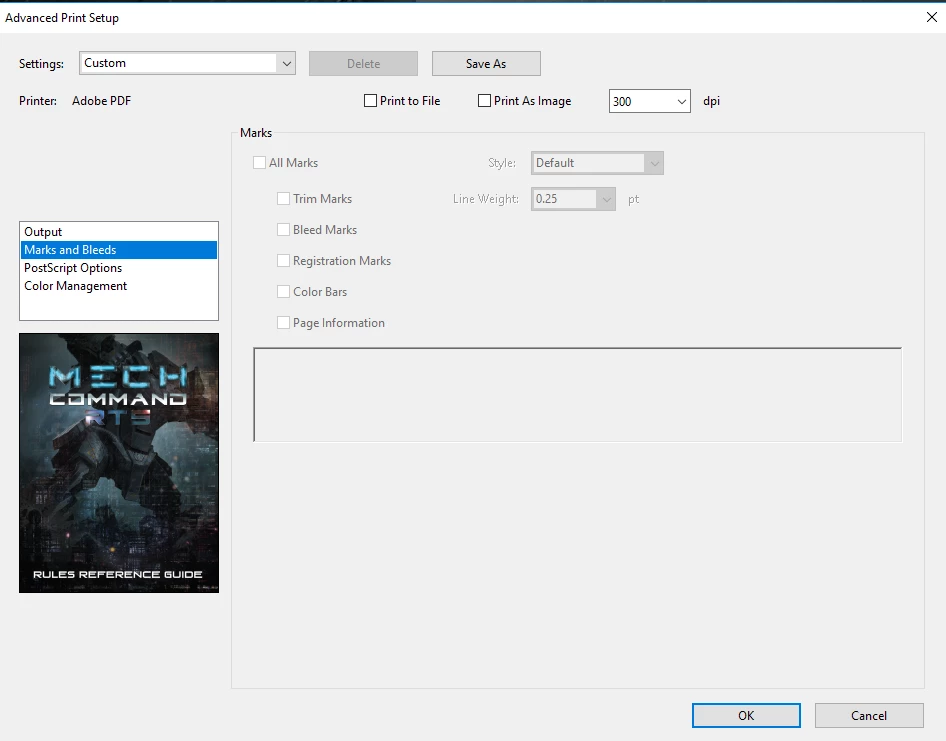
Secondly, I do not see where you set the trim marks offset or their amount. The original indesign document had a bleeds identified but I suspect that does not embed into the pdf file? So can i even export a booklet in Acrobat with the correct 2.75mm bleeds marked?
Paper Size Followup question:
I do not know what paper size to select as i need something larger than 11 x 17 to have room for the trim marks. The arch B size only exports the page vertically, I do not know if that will be an issue but the chinese printer seems very particular.
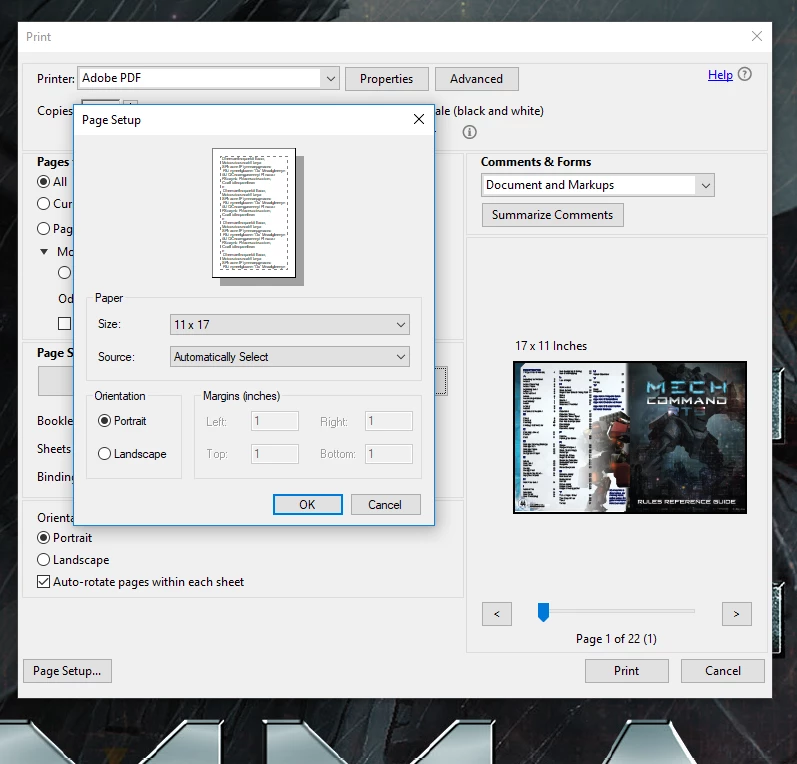
I know its odd for me to even be imposing the document for the printer. I suspect it may just be the sourcing liaison requesting this because he THINKS the printer needs it, but I am going to send them every format the request to be on the safe side.
Thank you for your help!
 AdChoices