
InDesign PDFs cannot be used for Acrobat forms with validation
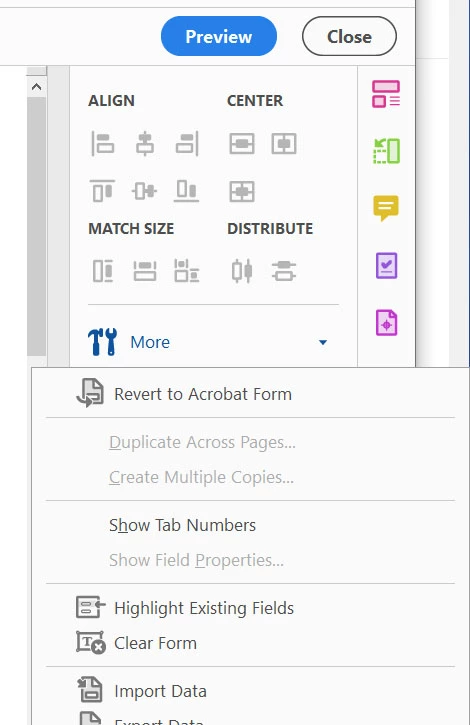
I am trying to create a form in Acrobat from a design I have created in InDesign. I have tried exporting multiple various types of PDF, including the most basic with no interactive elements, but when I bring into Acrobat and choose "Prepare form," none of the fields I create have "Validation" in the properties dialogue box. Simple Date field does not have validate as an option. I have tried multiple InDesign docs I have and none of them work.
The only solution I have is to open the InDesign generated PDF, open in Mac Preview, choose Print and export PDF from print dialogue. Then importing into Acrobat I can now add fields that have data validation.
Any ideas why this is so wonky?
Many thanks.
(MacOS 14.7.1, Acrobat 24.4.20272.0, InDesign 2025)


 AdChoices