

질문
Ingra font missing even though it's activated
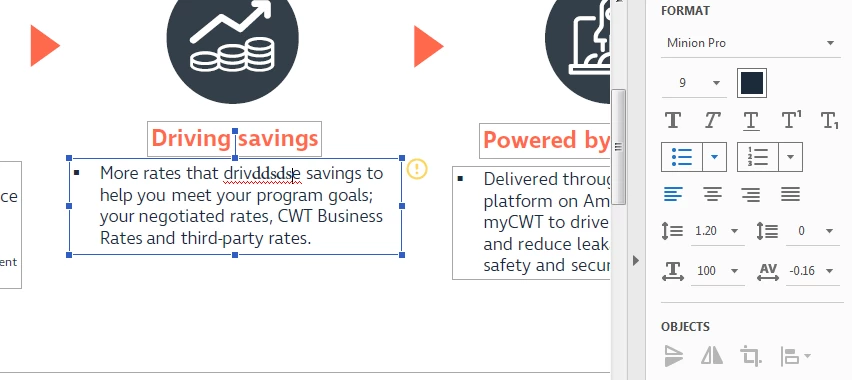
Hi, firstly i'm a complete novice so apologies if this is a silly question but would love some help. I'm trying to edit a document in Acrobat where the font used is Ingra so when I go to type it replaces it with Minion because it says Ingra is missing.
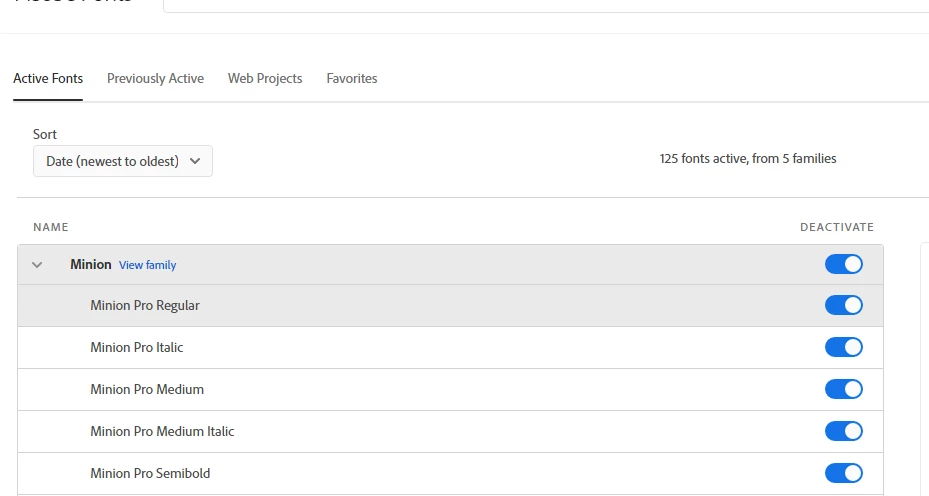
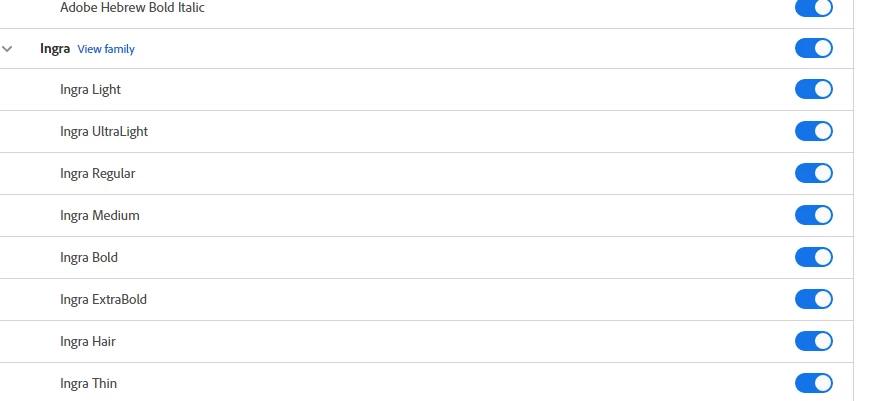
I've gone into 'My Adobe Fonts' at all the Ingra family fonts are activated and are showing as 'active fonts'. I have tried deactivating then activating plus reinstalling and shutting down Adobe as well as completely uninstalling and reinstalling on my computer but still not working.
I only have one account and signed in the same on Acrobat as i am on the Adobe account. Any suggestions would be super helpful.
I've added a few screenshots for clarity
Thank you
Tom N
 AdChoices