
Answered
Installationsprobleme Acrobat X Pro auf MacBook mit M1
Hallo,
unter der …
[Private information and Serial number removed]
… hatte ich 2012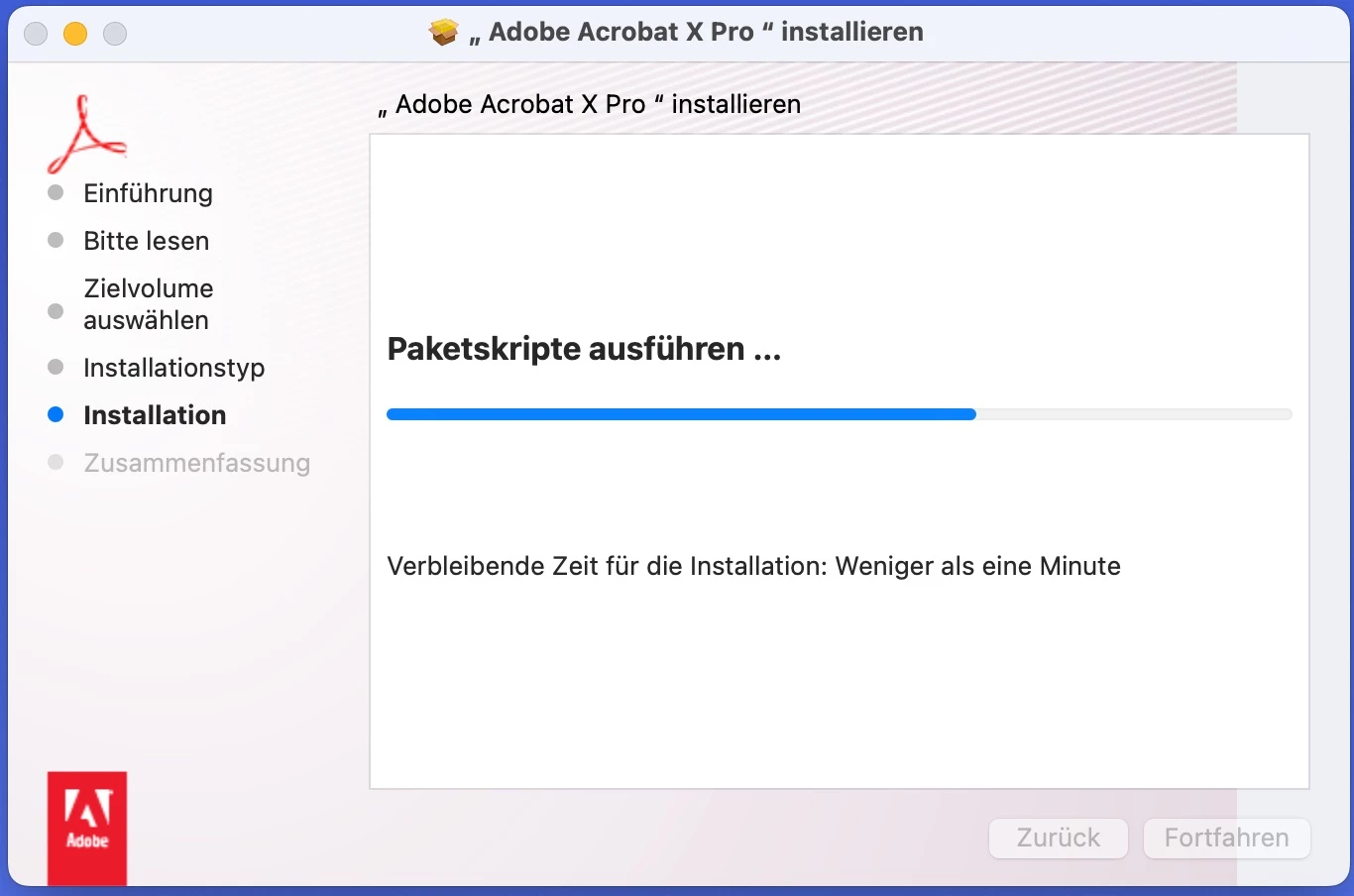
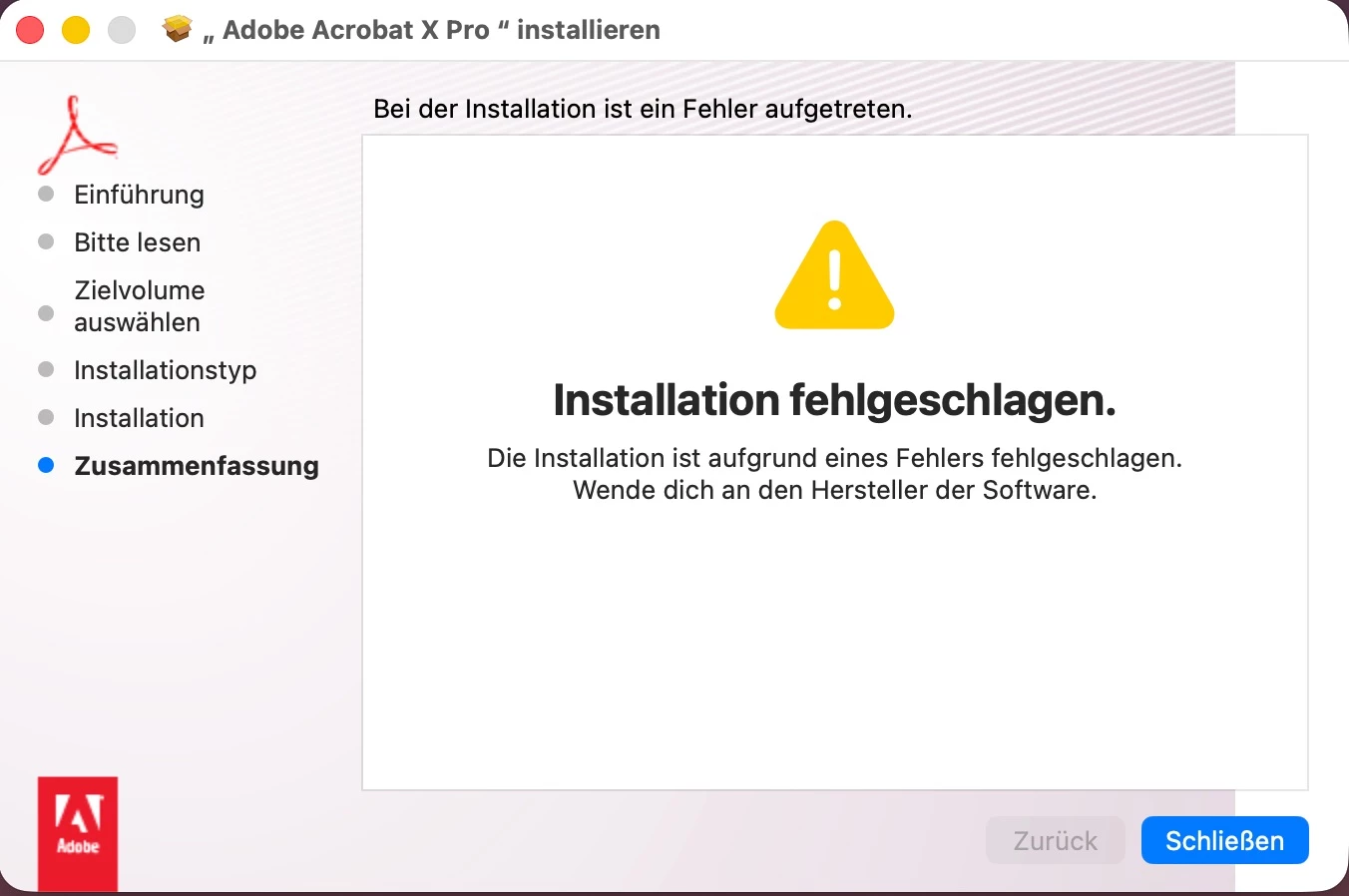 Adobe Acrobat X Pro gekauft, in den letzten Jahren aber nicht mehr genutzt. Inzwischen habe ich auf ein MacBook mit M1-Prozessor gewechselt und alle alten Aktivierungen deaktiviert. Auf dem M!-Macbook lässt sich die heruntergeladene Version nicht installieren, obwohl Rosetta 2 installiert ist. Die Installation „nudelt“ stundenlang bei „Weniger als eine Minute“ herum und meldet dann „Installation fehlgeschlagen“ (siehe Screenshots).
Ich würde Adobe Acrobat X Pro jetzt gerne wieder nutzen. Was kann ich tun?



 AdChoices