
Participant
February 5, 2019
Question

Is it possible to add an interactive image to a PDF form so when you select a button the image populates

  • February 5, 2019
  • 1 reply
  • 420 views

Is it possible to add an interactive image to a PDF form so when you select a button the image populates in a outlined box. Example - if you click 1 button (or select from a dropdown) "option 1" in the area below an image populates but if you click "option 2" a different image populates.

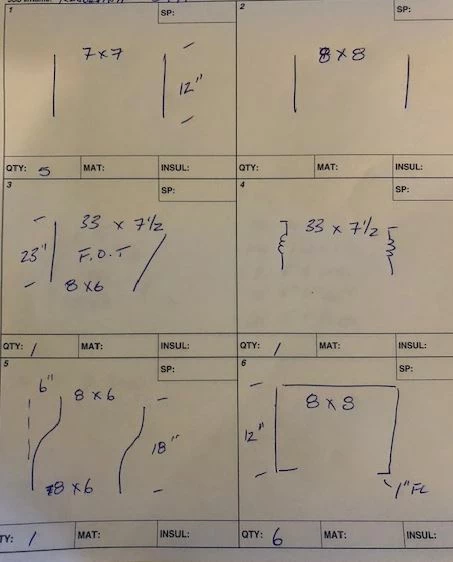
Basically I'm working on an order form for our ventilation guys to order their custom ductwork and they have a bunch of stencils with different shapes. We are moving to more electronic versions for them to do their ordering. What I would like to see is adding to our fillable order form so they can click on a button or select a dropdown to select a certain shape in a boxed area where I can add text fields for them to fill in their dimensions
This topic has been closed for replies.

1 reply

try67
Community Expert
Community Expert
February 5, 2019

Yes, it's possible. The way to do it is to add the images in advance as the icons of several overlapping button fields and then show/hide them when each one is clicked. So button 1 hides itself and shows button 2, button 2 hides itself and shows button 3, etc.

Participant
February 5, 2019

When I add the images in advanced, does it need to be added after the document is a PDF? or in Word/Excel before I create it to PDF?

Do you know where I would look for instructions on hiding the buttons? Sorry I'm fairly new to PDF Forms

try67
Community Expert
Community Expert
February 5, 2019

Yes, after you created the PDF file, using "image" fields.

See: https://acrobatusers.com/tutorials/show_hide_fields