
Issue with fonts from MS Excel
I am having a problem with fonts not appearing as they should, specifically using MS Excel. I have tried using
File->Print->Adobe PDF
File->Print->Microsoft Print to PDF
File->Save as Adobe PDF
Within the preferences of Distiller (or directly in Excel), I have it set to Embed all fonts, Embed Open Type Fonts, and Subset embedded fonts when...
The results are always the same (see pic 1) despite the PDF properties indicating that the font has been embedded which is the Excel default Aptos Narrow.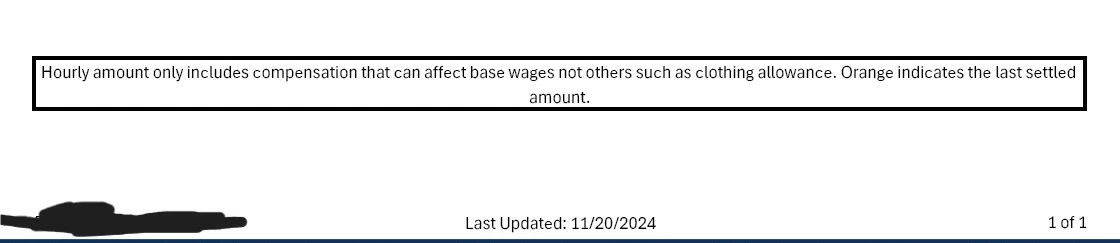
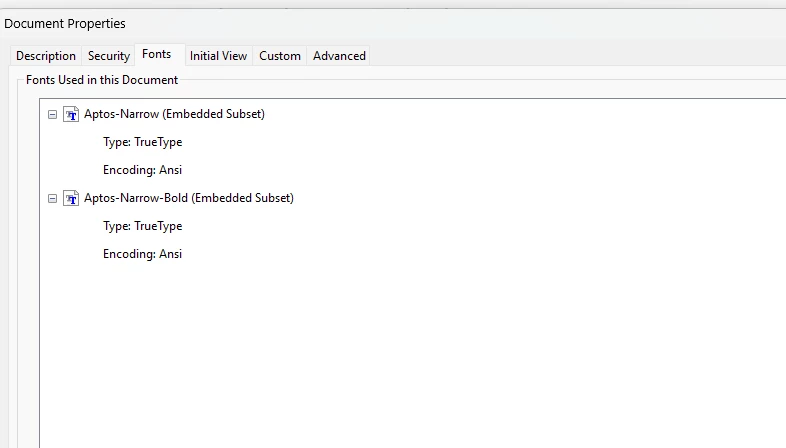
I have dropped the fonts from "C:\Users\{USER}\AppData\Local\Microsoft\FontCache\4\CloudFonts" to the following locations:
C:\Program Files (x86)\Common Files\Adobe\Fonts
C:\Program Files (x86)\Adobe\Acrobat 2020\Resource\Font
C:\Program Files\Adobe\Adobe Creative Cloud\ACC\resources\fonts
C:\Program Files\Common Files\Adobe\Fonts
"C:\Windows\Fonts" (though not all of the fonts are properly showing up in that folder, separate issue)
and I also added "C:\Users\{USER}\AppData\Local\Microsoft\FontCache\4\CloudFonts" as a font folder within Acrobat Distiller itself.
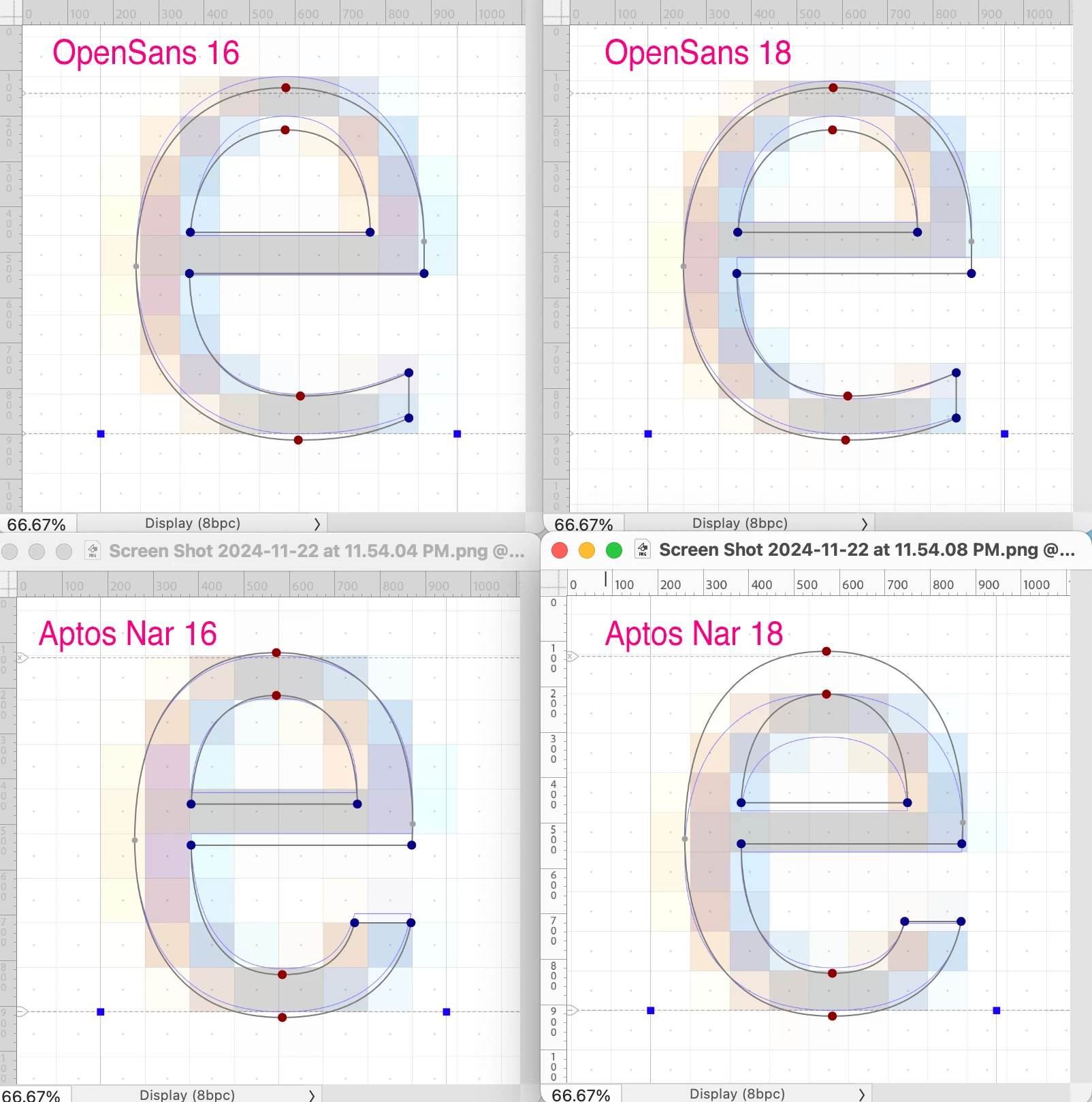
Why o why does this look like a ransom letter with letters cut from different newspapers and magazines?


 AdChoices