
Question
Issues upgrading from Windows 7 Home Premium to Windows 8.1 Pro and Acrobat X Pro isn't working!
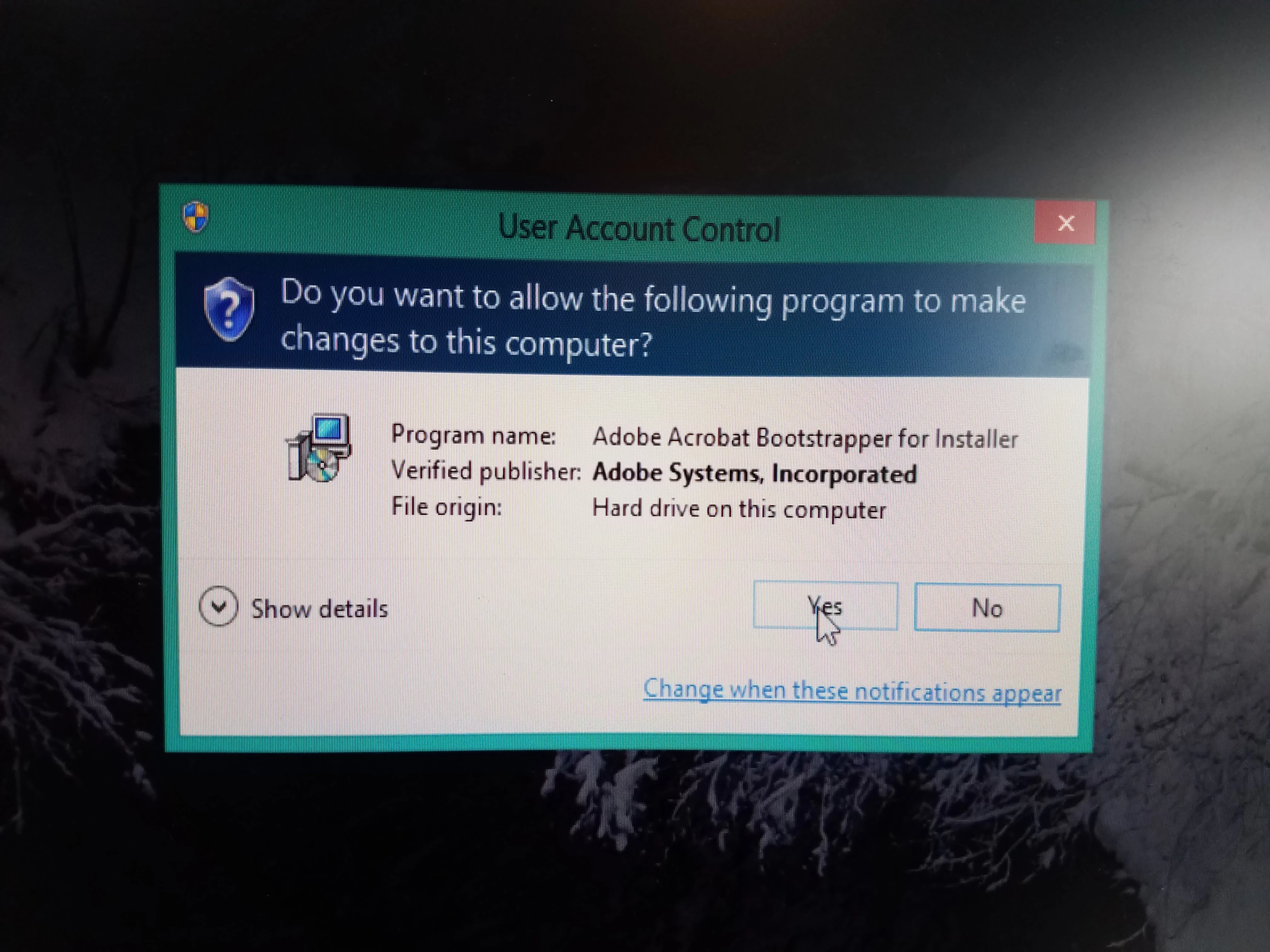
Just upgraded from Windows 7 Home Premium to Windows 8.1 Pro and Adobe Acrobat X Pro isn't working! By not working, I mean I couldn't even find the program until I did a search on the PC. When I found it, it was in a folder called Windows.old. When I open the Adobe folder, I then open the Acrobat 10.0 folder, then I open the Setup Files folder, double-click on the folder inside that one, and finally double-click on the Setup application. Once I do that, this window comes up so I click 'yes'.....then NOTHING happens.....???? I am at a loss. What do I do???
 AdChoices