
Saher Naji
Inspiring
November 8, 2022
Answered

JavaScript code to add merge (combine) another document after the last page

  • November 8, 2022
  • 2 replies
  • 2553 views

Hello there,

I have an Expense Report, (it's one page), I would love to add a JavaScript code to a button to attach (add) the receipts after the Expense Report

So once I click on a button I can browse the files I want and select one or all of them.


I used these codes, but unfortunately, did not work


var a = this.templates;
for (i = 0; i < a.length; i++)
    a[i].spawn(this.numPages, false, false);


var a = this.getTemplate("PageA");
a.spawn({nPage:this.numPages-1,bRename:false,bOverlay:false});
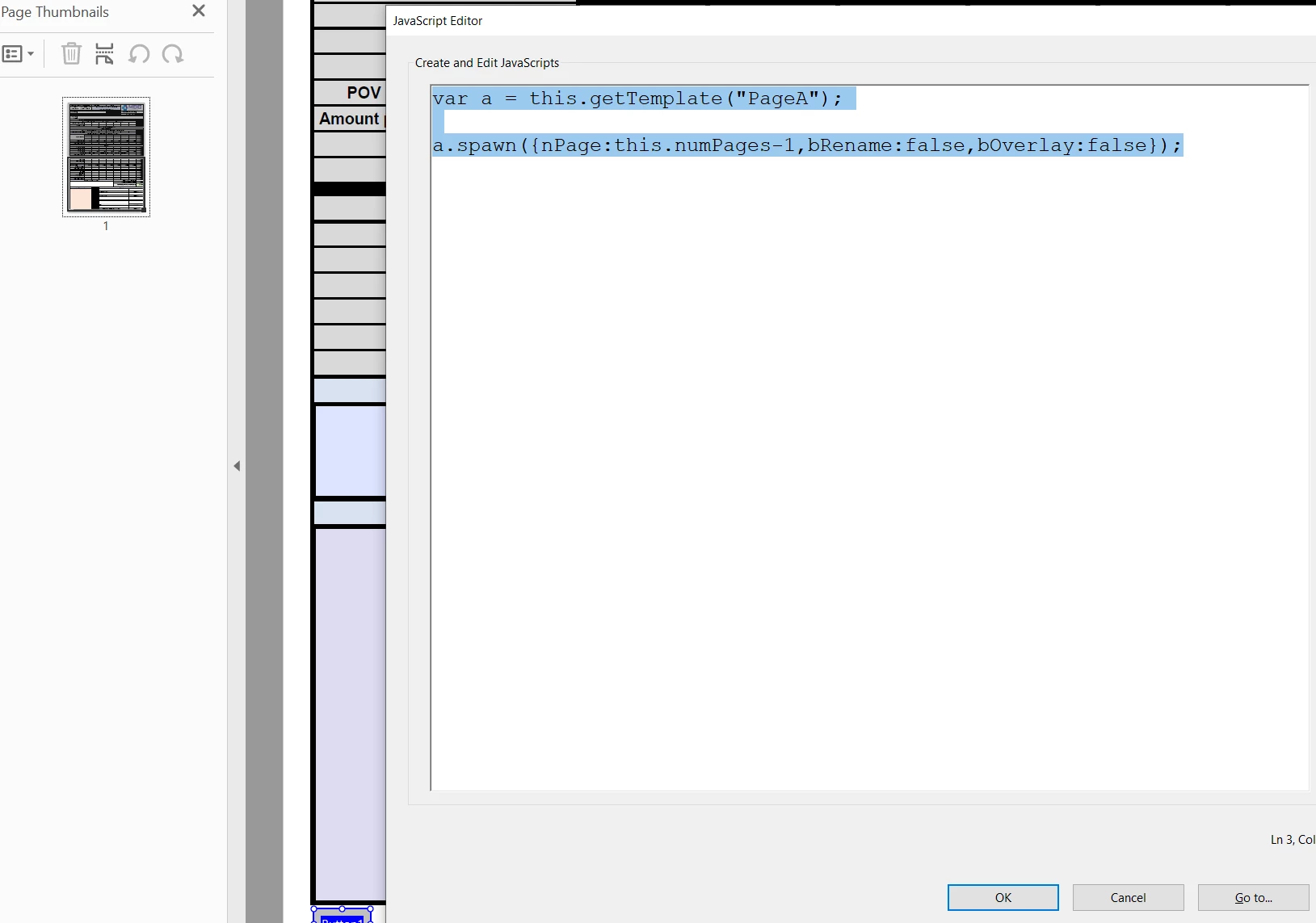


I tried to follow the links in this page, but they are not working

https://community.adobe.com/t5/acrobat-sdk-discussions/javascript-code-to-combine-pdf-files/td-p/9819122


Maybe I should to add a document level JavaScript codes? I hope it's an easy thing to do

Thanks in advance

This topic has been closed for replies.
Correct answer try67

"Inserting a page into a PDF is a major document modification, so it is not an operation that can be done in Adobe Reader, and it requires a Privileged Context. At its simplest, a Privileged Context means this operation cannot be done from a Document Level script, i.e., documents can’t insert pages into themselves. This has to be done from an Application Level script."

Is that mean the user of Adobe Reader can not insert pages, assuming I wrote the correct code?


Again, the only way to insert pages in Reader is through a Template. If you use any other methods, it will not work there. If you disable the button to insert pages via the Template object the end-users won't be able to insert any more pages.

2 replies

try67
Community Expert
Community Expert
November 8, 2022

Are the receipts PDF files or image files? If so, you can use a Template page with a single image field, spawn a copy of it and then prompt the user to select the receipt file as the icon of that field. They will need to do it one page at a time, though.

Saher Naji
Inspiring
November 8, 2022

I know it's a good idea,

But let's make it the last option,

I'm trying to find a solution here


https://acrobatusers.com/tutorials/inserting-pages-pdf-acrobat-javascript1/

try67
Community Expert
Community Expert
November 8, 2022

That is the only way to do it if the file is going to be used in Reader.

JR Boulay
Community Expert
Community Expert
November 8, 2022

Spawning a template is not the same thing than adding a page.

About Document Level Scripts you should start here: https://www.pdfscripting.com/public/Document-Level-Scripts.cfm

Acrobate du PDF, InDesigner et Photoshopographe
Saher Naji
Inspiring
November 8, 2022

Maybe I have to be a memeber in pdfscripting to review more details

Do you think there is an easy way to do this?

actually I can attach the receipts as attachments, is there a way to convert these attachments to pages ander the main pdf?