
Question
Javascript for Acrobat form field instructions
I'm trying to add instructional text to my form fields in Acrobat Pro DC. I found these two helpful resources that allowed me to set up the code:
- https://answers.acrobatusers.com/How-create-disappearing-instruction-text-fields-q303265.aspx
- https://www.youtube.com/watch?v=F1VwOMTlI3Q
Now I'm trying to figure out how to set the specific font and size for that instructional text. My current script is:
if(event.value=="")
{ event.value="Instructional text goes here..."; font.size = "10pt"; }
That results in the following:
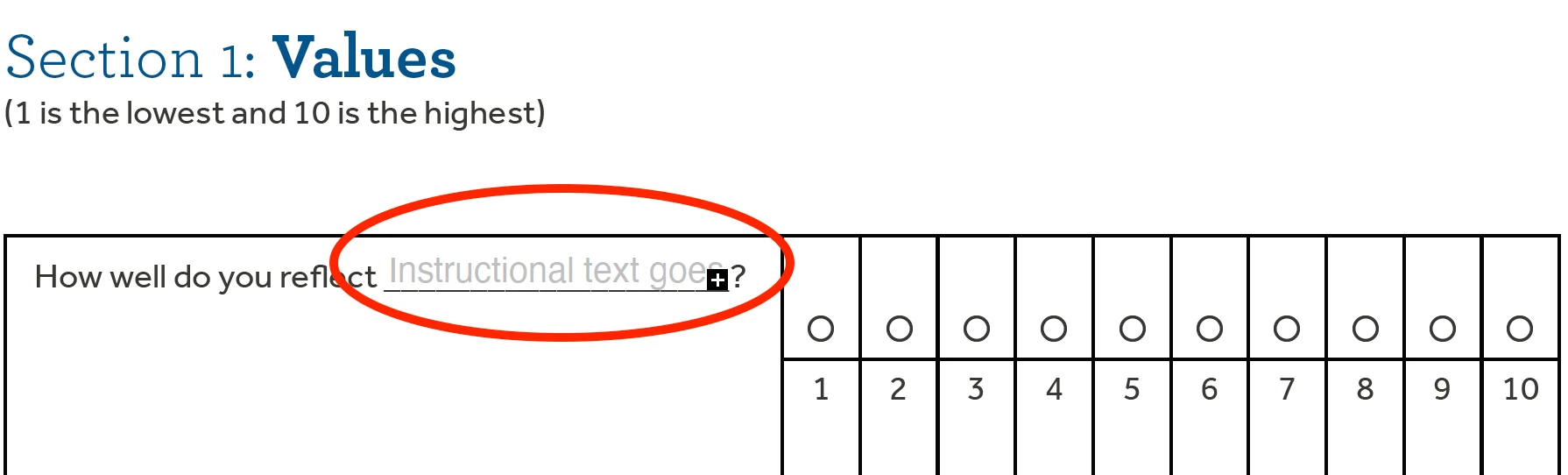
Now I just need to change the font and size so it fits better. What script/code can I add? Can anyone help?


 AdChoices