
Key Missing error
I am trying to figure out how to fix an error message that keeps popping up on multiple documents.
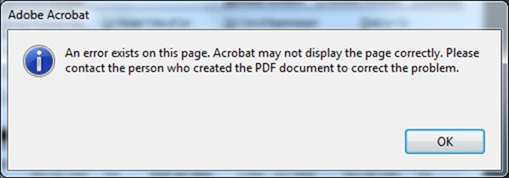
If I click okay, the page appears fine and I can continue to use the document without any issues. However, I would like to figure out what's causing the problem because I need to be able to run the documents through an OCR action set while I'm not at the computer. The pop-up prevents this because it requires someone to click okay before it will proceed.
I ran a Preflight check to report PDF Syntax issues and found this:
Key missing though required by other key
General File/Format error
The key /First must be present when key /Count is used
I have tried a variety of preflight fixes without luck. The issue seems to be tied to text boxes. I have already tried flattening and putting the text objects on a layer without luck. I can convert the files to TIFF and back to PDF, but I would rather avoid that as they are large and there are many of them.
Any ideas what I can do to either fix the problem or to tell Acrobat that I don't care about the problem and it can stop notifying me?
Thanks!
Jane
 AdChoices