Participant
September 10, 2024
Answered

Layered PDF shows outlines around white drawing

  • September 10, 2024
  • 2 replies
  • 2583 views

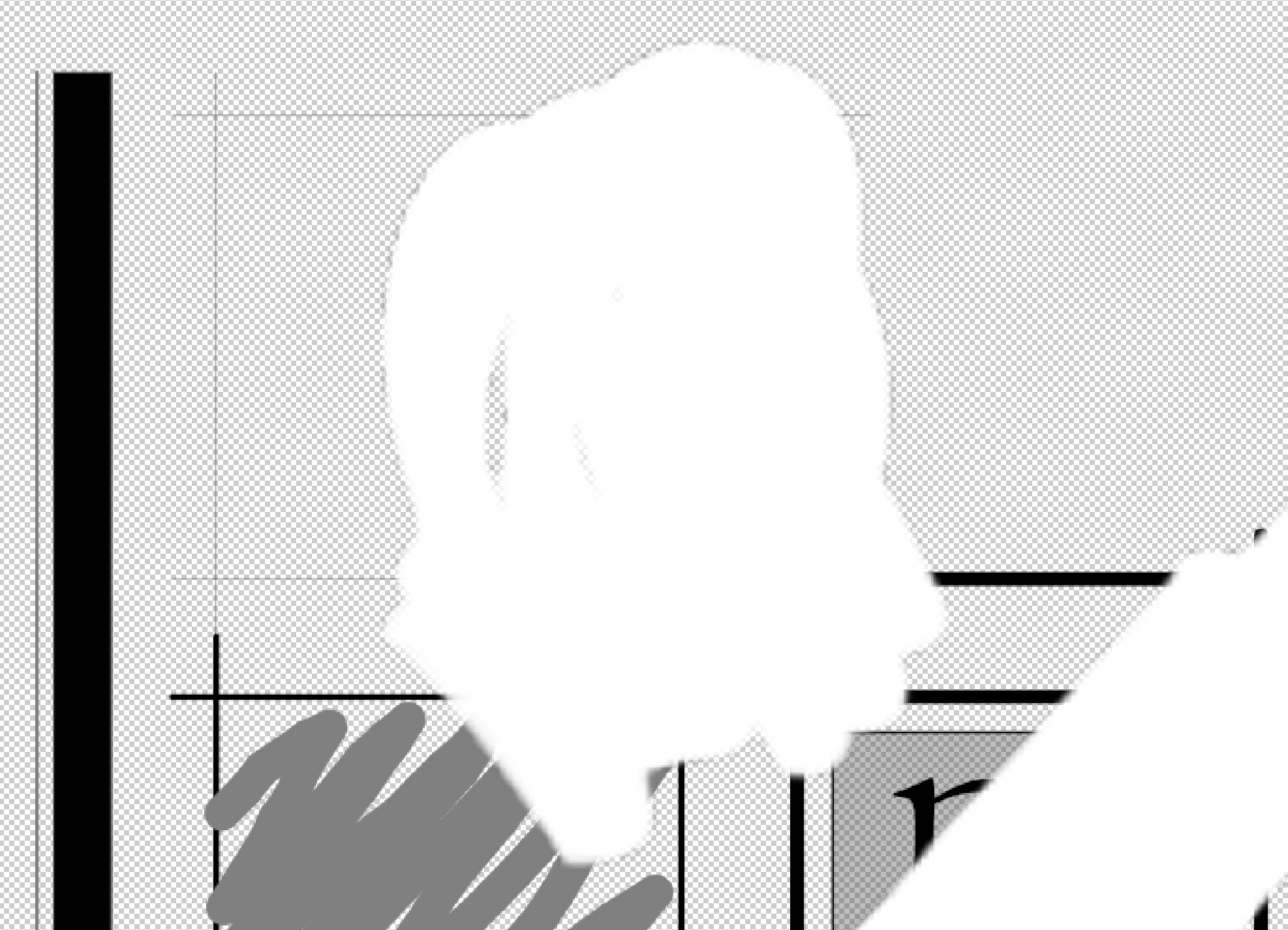
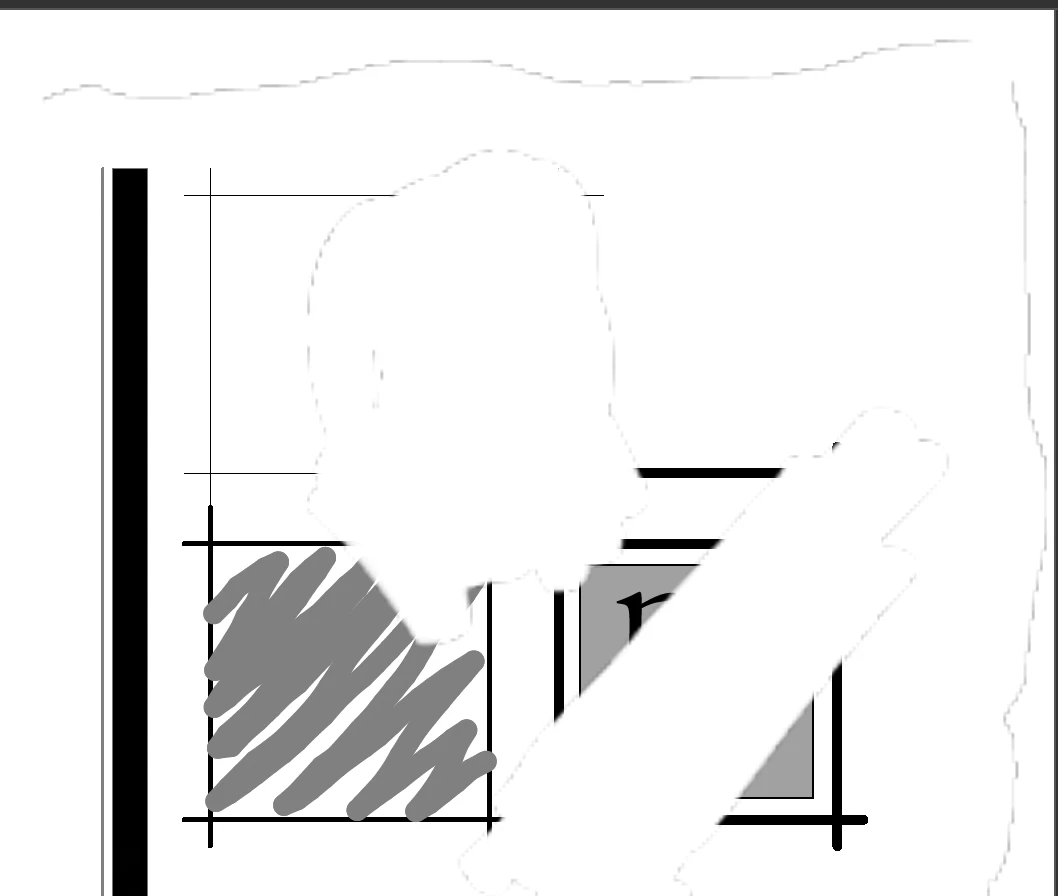
I use Morpholio Trace for doing sketches over drawings/images. I used a background PDF of a CAD drawing and used other layers above to show options for a plan we are working on. I use a transparent layer above the background as a "white-out" layer where I draw with white to hide images/areas below. THe PDFs that Trace produces are appearing in Adobe products with an outline around the contour of the white-drawn areas. The edges have an antialiased edge that appears as a drawn outline. BlueBeam and Preview do not show this in their viewing/printing of the PDFs. Only Adobe products. May be a Morpholio issue, but wondering if anyone else has seen this or if there's a way around it. Most of our clients would be expected to open PDFs with Acrobat Reader in some fashion, so I can't send drawings that look like they have copier shadows of white-out on them ... a problem only the old folks'll remember... d8'P 


This topic has been closed for replies.
Correct answer Brad @ Roaring Mouse

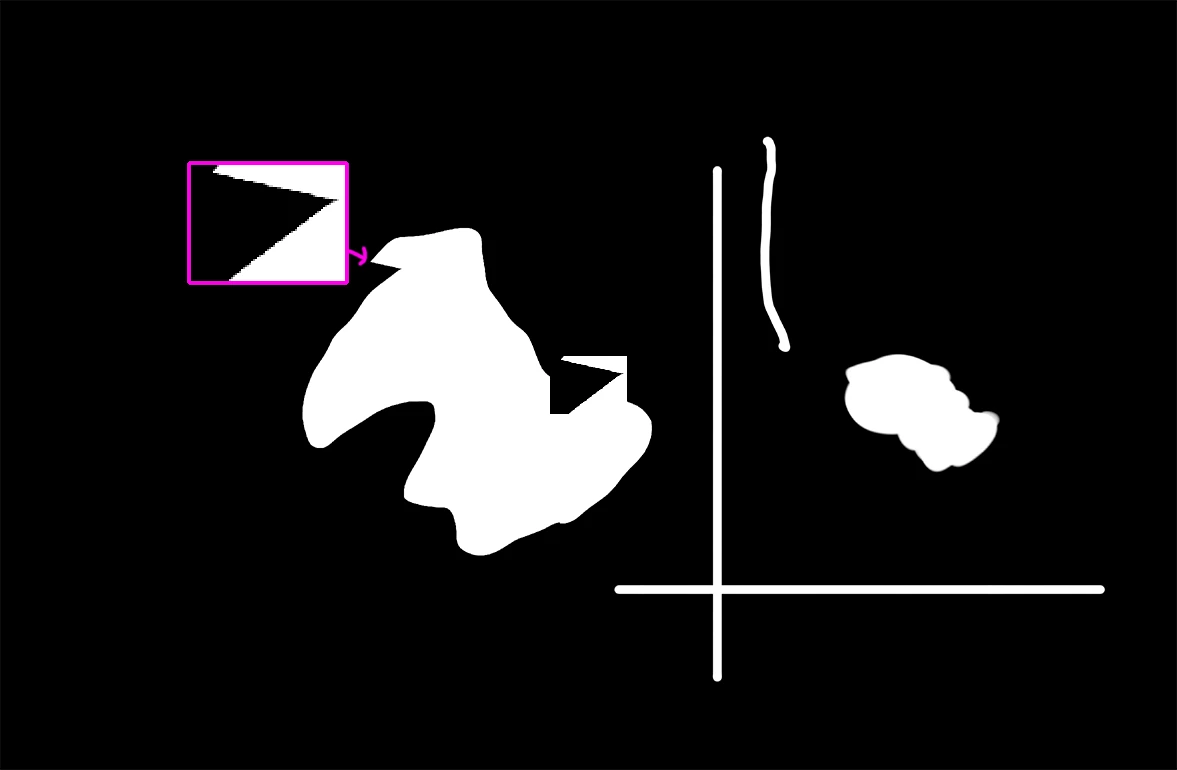
I poked into your PDF some more and it appears that your white objects transparent layer are created by using what's called a Soft Mask (SMask), essentially an Alpha Mask to mask off everything outside the white. This is causing the artifacts on the edges because the mask's transparent areas are actually transparent BLACK (i.e 0R,0G,0B,0A). Since there's a bit of anti-aliasing at the edges of your white, the mask is not entirely opaque on those pixels so it's allowing a hint of this Black to show through, causing the light grey pixels.

This is what the SMask looks like in your PDF...

When Acrobat has "Smooth images" checked on, it anti-aliases all the images to the lower-resof a display screen to make them look better (smoother edges), but in this case it's exaggerating the artifacts.

So, yeah, it would be silly to expect that all your clients have "Smooth images" unchecked, but when it comes down to it, this is what Morphlio is creating in their PDFs, so it might be their problem to solve.

In the meantime, I echo the advice you might have to flatten your PDFs before sending them out, or using a vector way of hiding things.

2 replies

Brad @ Roaring Mouse
Community Expert
Community Expert
September 11, 2024

Uncheck "Smooth images" in your Acrobat Prefrences > Page Display.

CritZeroAuthor
Participant
September 12, 2024

That worked! I don't think I can expect that clients would have that option turned off in general, so I think I'll need to see if Morpholio can do something in their PDF output to mitigate the issue there. 

Brad @ Roaring Mouse
Community Expert
Brad @ Roaring MouseCommunity ExpertCorrect answer
Community Expert
September 13, 2024

I poked into your PDF some more and it appears that your white objects transparent layer are created by using what's called a Soft Mask (SMask), essentially an Alpha Mask to mask off everything outside the white. This is causing the artifacts on the edges because the mask's transparent areas are actually transparent BLACK (i.e 0R,0G,0B,0A). Since there's a bit of anti-aliasing at the edges of your white, the mask is not entirely opaque on those pixels so it's allowing a hint of this Black to show through, causing the light grey pixels.

This is what the SMask looks like in your PDF...

When Acrobat has "Smooth images" checked on, it anti-aliases all the images to the lower-resof a display screen to make them look better (smoother edges), but in this case it's exaggerating the artifacts.

So, yeah, it would be silly to expect that all your clients have "Smooth images" unchecked, but when it comes down to it, this is what Morphlio is creating in their PDFs, so it might be their problem to solve.

In the meantime, I echo the advice you might have to flatten your PDFs before sending them out, or using a vector way of hiding things.

Luke Jennings3
Community Expert
Community Expert
September 10, 2024

Can you upload a sample pdf showing the issue?

CritZeroAuthor
Participant
September 10, 2024

This file has just 2 layers: a black PDF background with a whiteout layer above. Screenshot is from Photoshop so you can se the white scribble pattern. Still shows the shadow in Acrobat.

CritZeroAuthor
Participant
September 10, 2024

Blank...not black. Drawing is white-on-white.

(Sorry...)