
Layers and Transparency Issues Exporting to PDF for Amazon Create Space/Kindle Desktop Publishing
I have a self-published book that I've sold on Amazon Create Space/Kindle Desktop Publishing since 2013 and revised in 2017. I did the production in Adobe Framemaker and it features a lot of direct linked graphics that were drawn by an assistant in Adobe Illustrator. This year I changed about 20 words in the book, didn't touch the graphics and followed the same export process from my 2017 output from Framemaker through PDF, and Amazon rejected the interior PDF for the print edition. Amazon did accept a "High Quality" output PDF from FM for the print replica Kindle edition (after a pass through Amazon's Creator software) and Google books also accepted it, which you can see here.
Amazon has limited information on their technical requirements (you can see them here) but I tried literally 10 ways to export it and they rejected every one. I've tried exporting to distiller and processing that way, outputting multiple different ways from Framemaker, trying different PDF pressets, taking the PDF from FM and running compliance checks/reports in Acrobat indicating compliance with PDF/X-1a, etc etc. Amazon KDP's horrendous system simply says "rejected" with no useful explanation, so each time you get rejected have to call and speak to a different person in India and they escalate to the "technical team" who responds in 3-5 business days (or never). I'm about to give up but after stumping a FM consultant and posting over on the Illustrator forum I thought I'd try one last attempt here.
Amazon sent me a wireframe screen capture from their system and this explanation "the interior file contains complex graphics and multiple layers and the file features complex vector images."
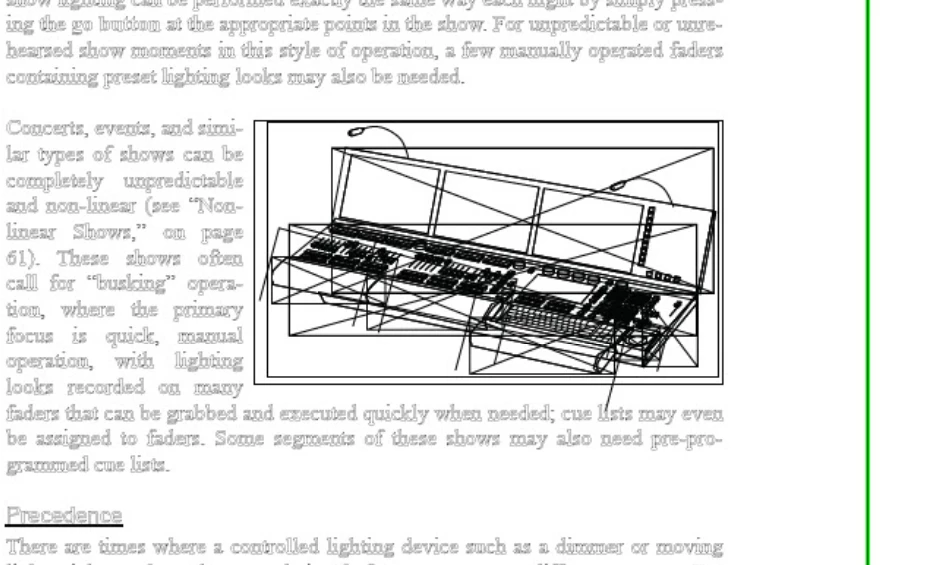
Here's what that page looks like in Acrobat:
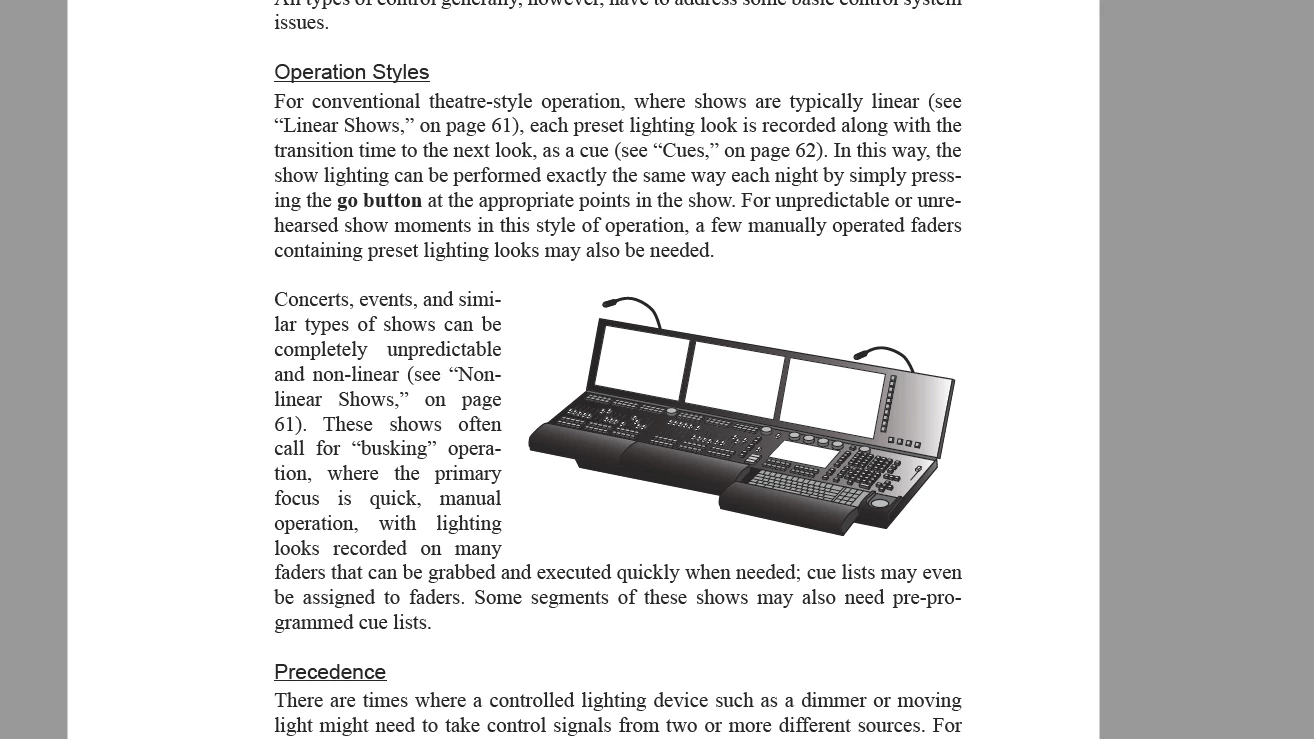
And here's what it looks like in Illustrator
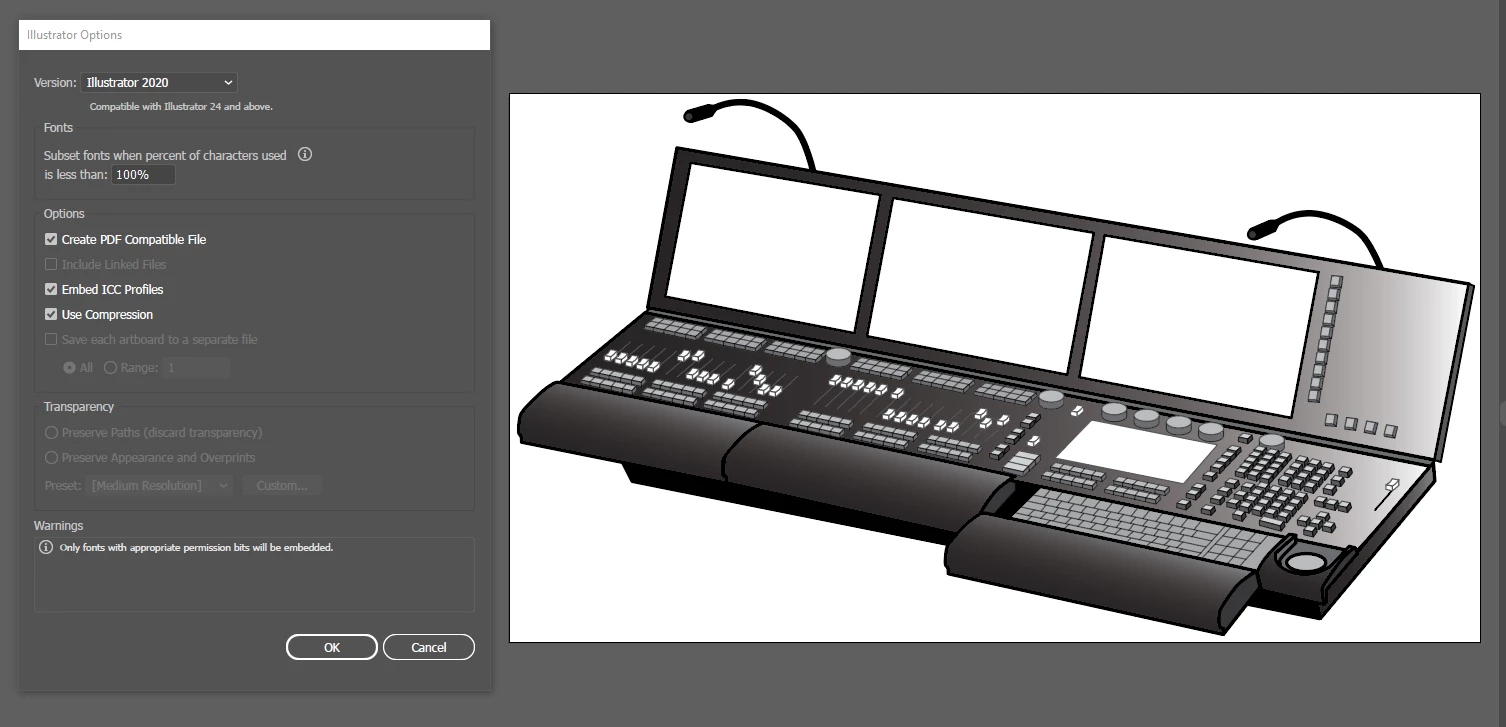
The only thing I know to do at this point is de-link each of the hundreds of AI files, export some graphic format, import them and re-set the 475 page book.
But when I invest that time I'm going to be moving from FM to InDesign.
Thanks in advance for any help!
John
 AdChoices