
Question
Layers not working when creating PDF from Visio (2016 and newer)
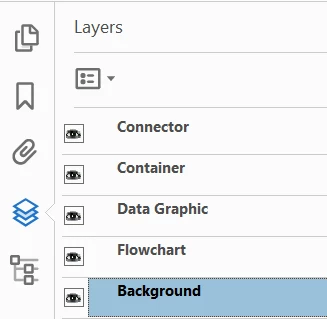
The issue is simple, despite choosing the right PDF maker settings, layers visibility cannot be tweaked on the PDF, except for the automatically created "background" one.
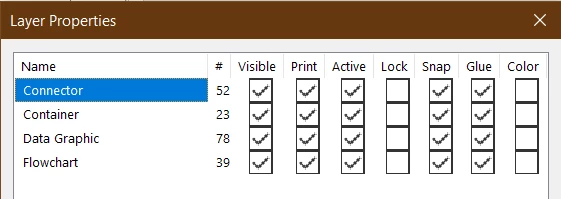
Here are my layers for reference.
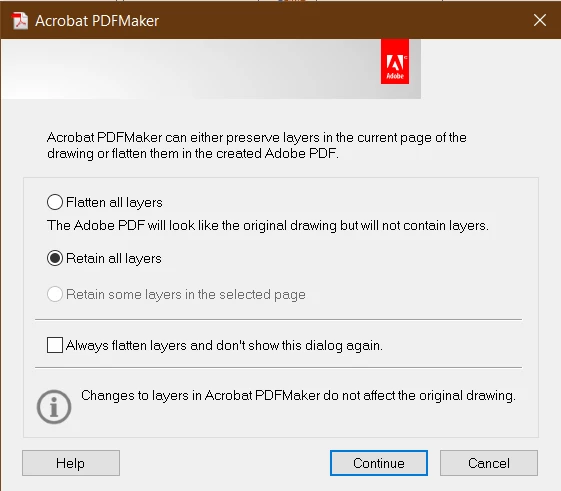
Here is how I set up the PDF maker when creating the PDF.
And here is how, in theory, they show up on the PDF file (except that using the visibility toggle does nothing, except for the abovementioned "Background" layer)
Needless to say, any input or workaround would be greately welcomed.
Environment.
- MS Visio 365 (Version 2011, which stands for 2020/11) 32 bit
- Adobe Acrobat Pro DC Version 2021.001.20135
 AdChoices